
If you are on a Bash Shell and want to know the IP address of your device, then you can make use of the ifconfig command.
Example:
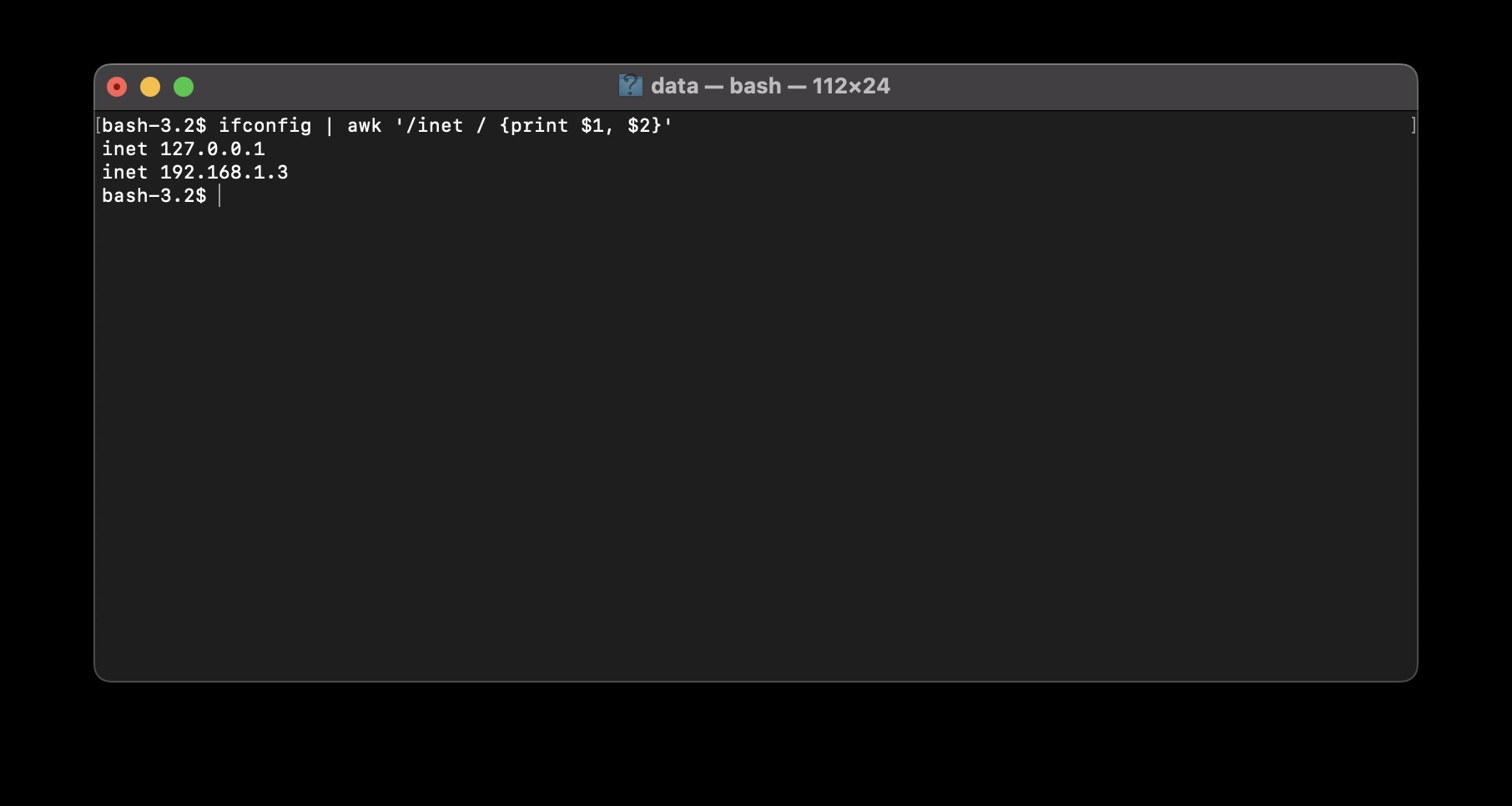
As ifconfig may have too much information, we can pipe it with awk command to filter out just the IPs.
# ifconfig | awk '/inet / {print $1, $2}'


inet 127.0.0.1
inet 192.168.1.3
Of the output, the first IP 127.0.0.1 is the loopback address also called as localhost.
The second IP here 192.168.1.3 is my local Private IP..
Provide Feedback For This Article
We take your feedback seriously and use it to improve our content. Thank you for helping us serve you better!
😊 Thanks for your time, your feedback has been registered!
Comments & Discussion
Facing issues? Have questions? Post them here! We're happy to help!