
If you have been using Notepad++ over the years, you must have seen that the way to render Notepad++ in dark mode was to use Themes, but do you know Notepad++ now natively supports dark mode? Yes, it does!
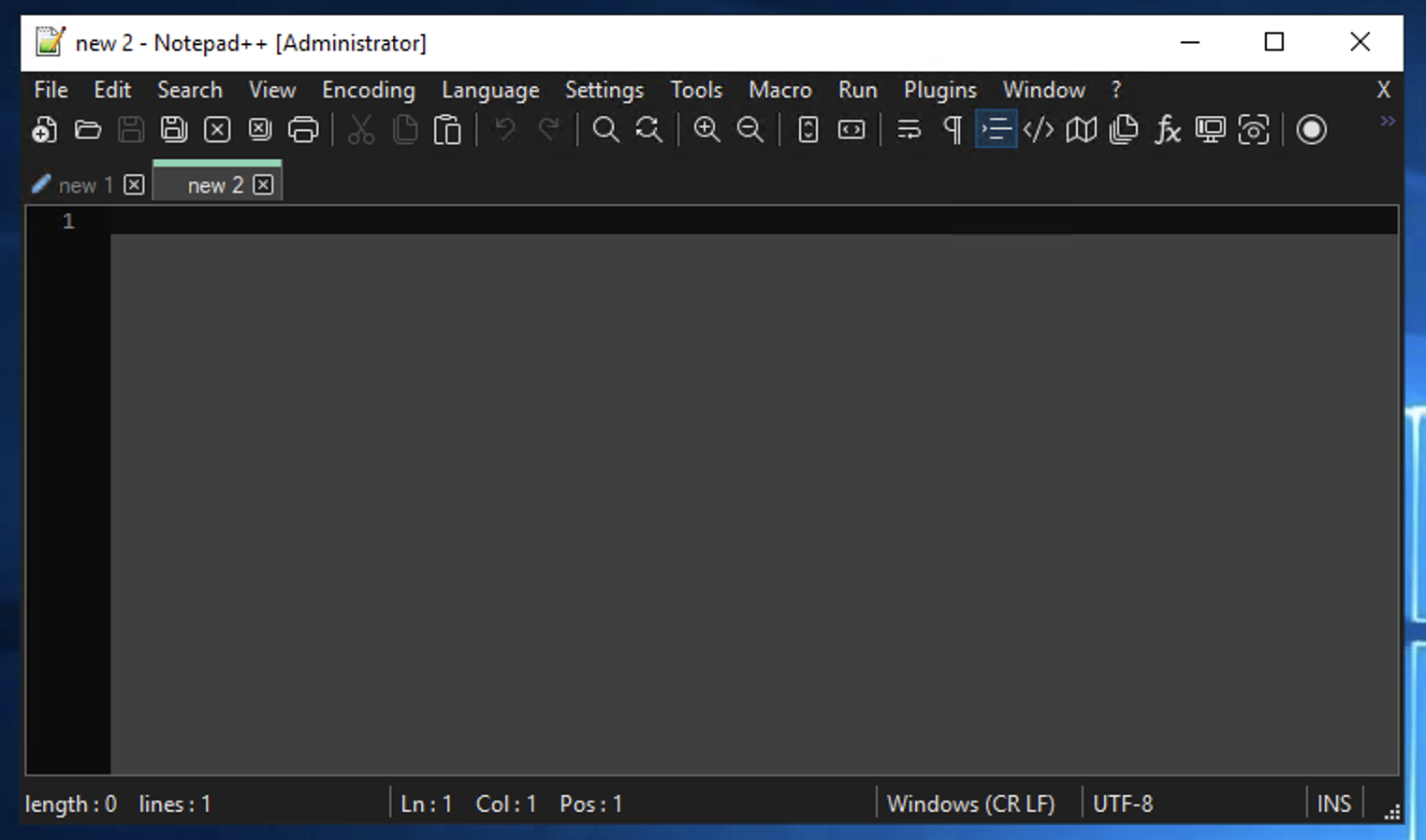
AS you can see the whole of the application goes into the dark mode with the Menu, Toolbar all changed with nice looking white icons and text.
How to enable Dark Mode in Notepad++ Natively
- Go to Menu: Settings,
- Select Prefernces..,
- Select Dark Mode from the left menu,
- Click on the checkbox: "Enable Dark Mode"
- Click Close.
You can choose from different tones as well as customize the colors of various parts of Notepad++,
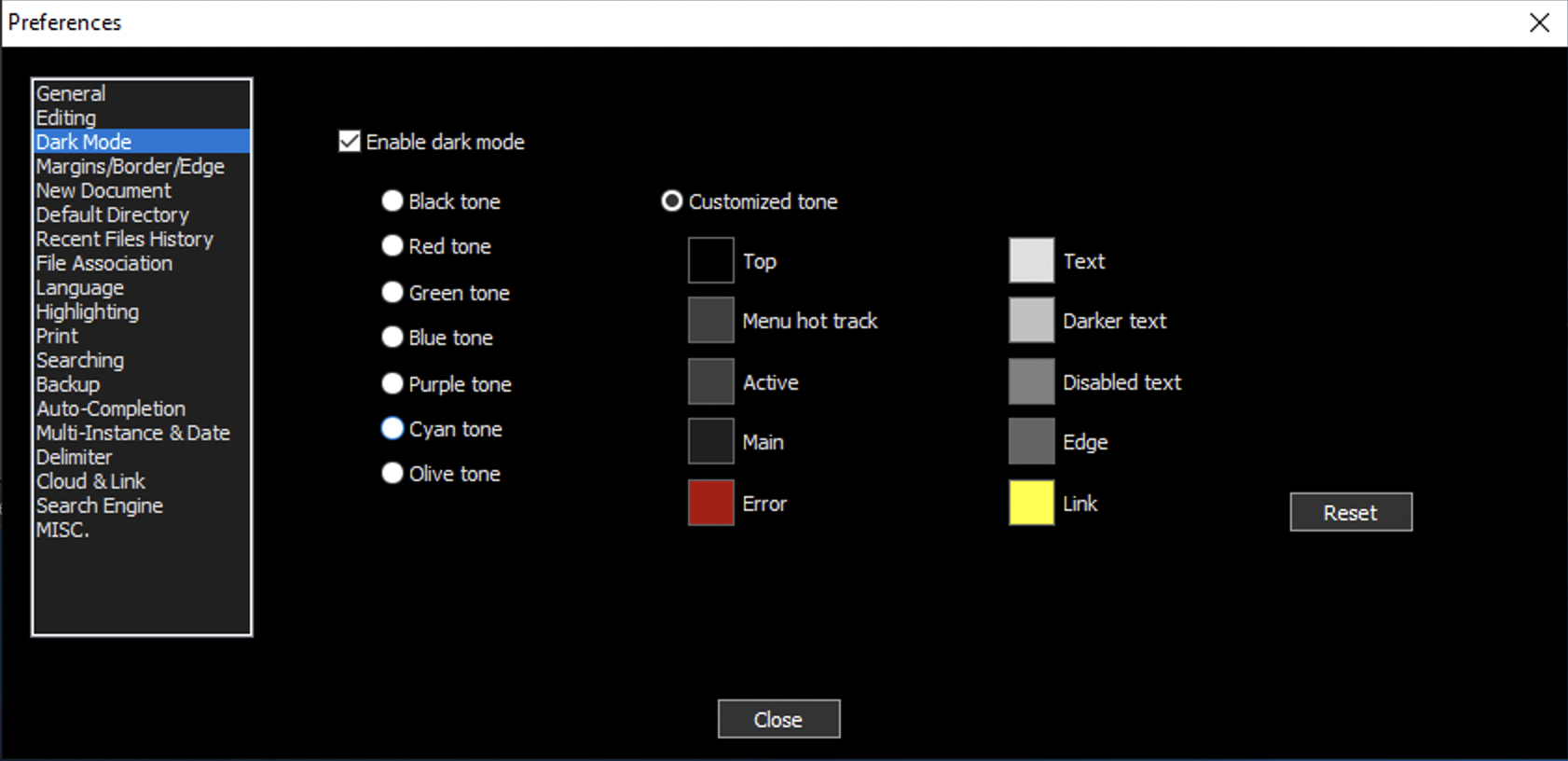
• Black tone
• Red tone
• Green tone
• Blue tone
• Purple tone
• Cyan tone
• Olive toneProvide Feedback For This Article
We take your feedback seriously and use it to improve our content. Thank you for helping us serve you better!
😊 Thanks for your time, your feedback has been registered!
Comments & Discussion
Facing issues? Have questions? Post them here! We're happy to help!