
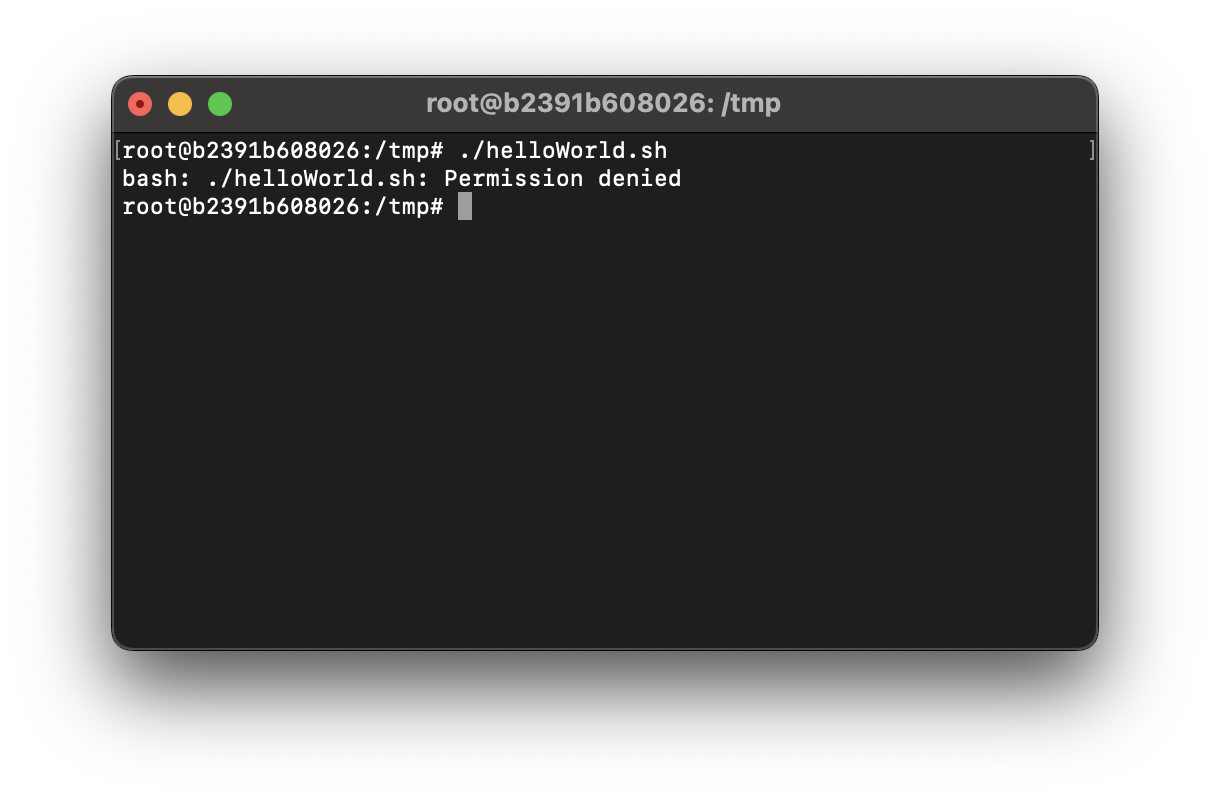
# ./helloWorld.sh
bash: ./helloWorld.sh: Permission denied
If you are trying to run a Bash (.sh) script on your Terminal and you get a "Permission denied" error then most likely is that the script file does not have the execute permissions. You can check that by the ls command
# ls -l helloWorld.sh
-rw-r--r-- 1 root root 30 Apr  5 10:43 helloWorld.sh
Let's read the permissions out,
r = represents read permission.
w = represents write permission.
x = represents executable permission.

- => This is not a directory

r => owner has read permission
w => owner has write permission
- => owner does not have execute permission

r => group has read permission
- => group does not have write permission
- => group does not have execute permission

r => group has read permission
- => group does not have write permission
- => group does not have execute permission
As you can see we do not have the execute permission!
Fix: Add execute permission using chmod command# chmod +x helloWorld.shProvide Feedback For This Article
We take your feedback seriously and use it to improve our content. Thank you for helping us serve you better!
😊 Thanks for your time, your feedback has been registered!
Comments & Discussion
Facing issues? Have questions? Post them here! We're happy to help!