
If you get mvn command not found when you run a maven command on macOS or any bash terminal then you have not set the PATH for maven home.
You need to locate where Apache Maven got installed on your device, on my macOS Big Sur it got installed under /opt/homebrew/Cellar/maven/3.6.3_1, as it is installed via homebrew all I need to do is add path of homebrew bin to PATH,
export PATH="$PATH:/opt/homebrew/bin/"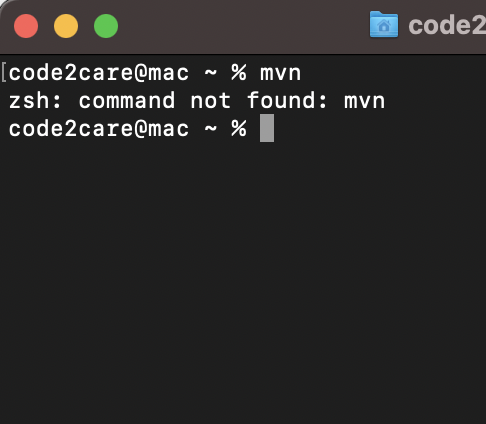
Note that it is better to set the path details in the ~/.zshrc file to make it permanent.
Provide Feedback For This Article
We take your feedback seriously and use it to improve our content. Thank you for helping us serve you better!
😊 Thanks for your time, your feedback has been registered!
Comments & Discussion
Facing issues? Have questions? Post them here! We're happy to help!