
Lots have changed in the MacBook world (Mac OS X now known as macOS) the User Interface of the Mac's these days resembles most of what it looks like on the iOS.
Widgets have been a part of MacBooks for over a decade now and what we have now they can be easily accessed from the MacBook Desktop,
How to add Widgets on MacBook
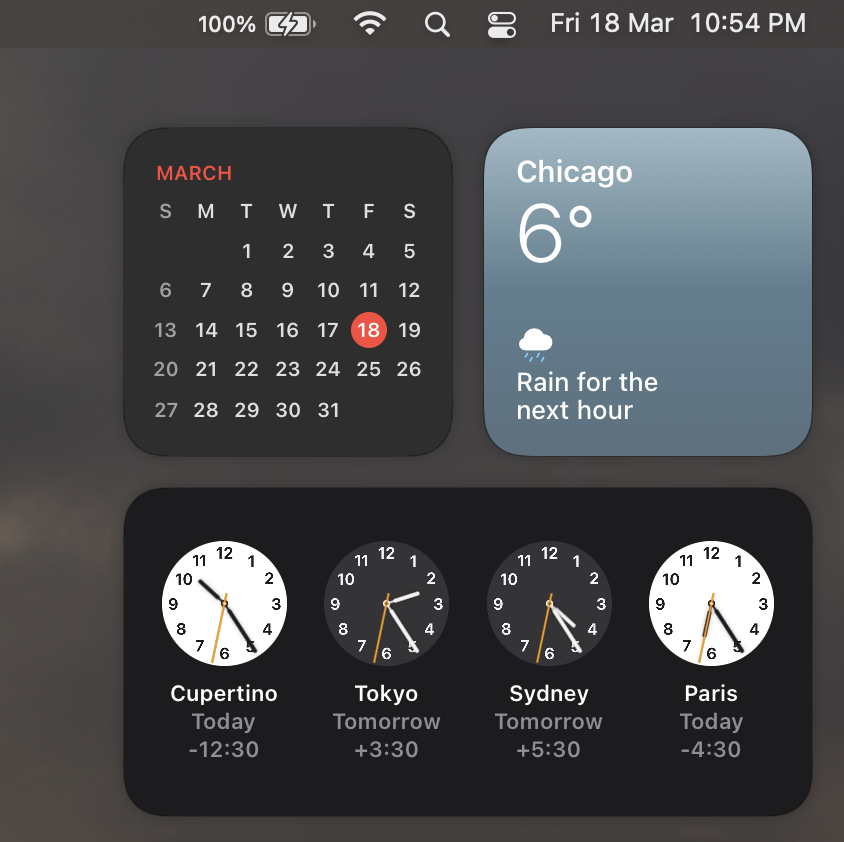
Just click on the date on the top right of your MacBook Menu bar to display the Widgets,
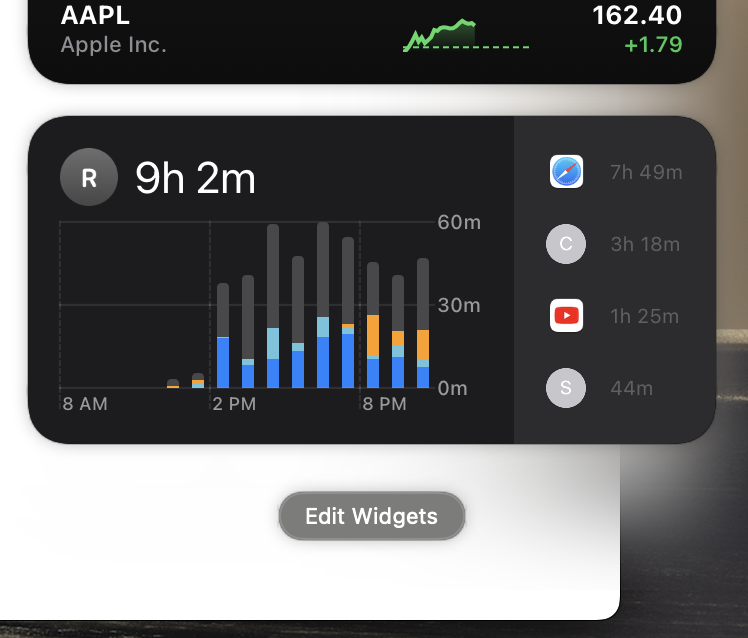
Now at the bottom of the screen you should be able to see Edit button, click on it,
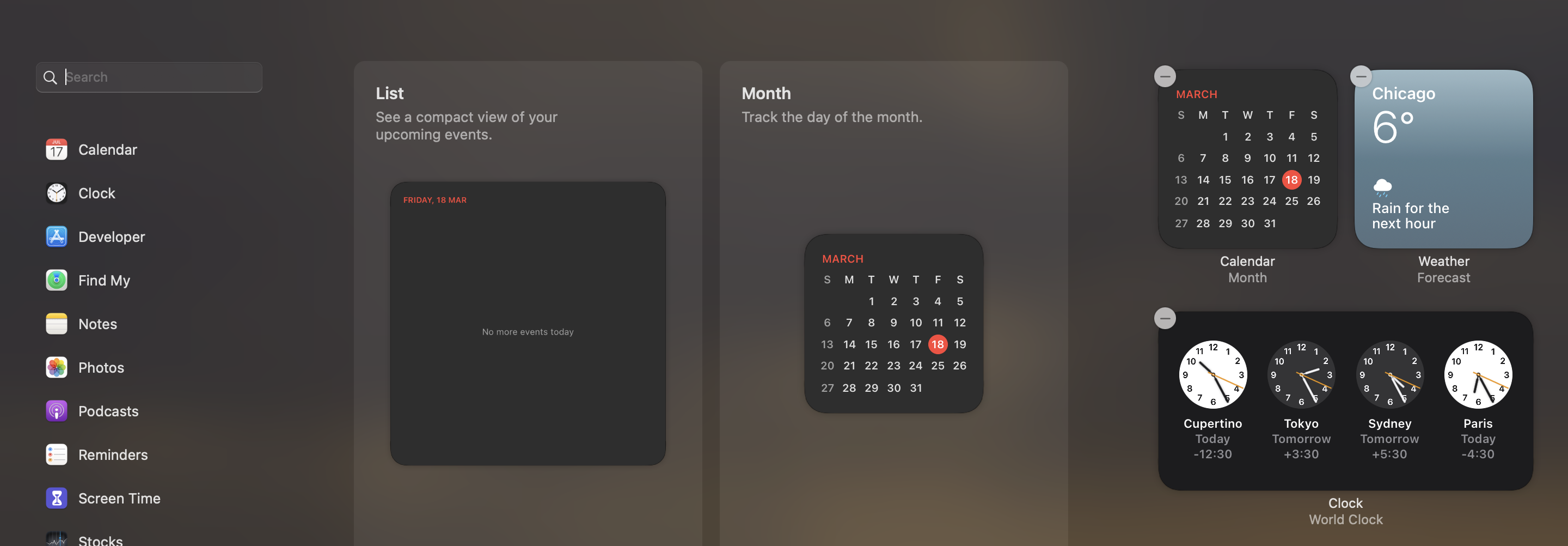
You can now search for Widgets and add them to the Notification Center, which can be easily access on multiple Desktops you have on your MacBook,
Provide Feedback For This Article
We take your feedback seriously and use it to improve our content. Thank you for helping us serve you better!
😊 Thanks for your time, your feedback has been registered!
Comments & Discussion
Facing issues? Have questions? Post them here! We're happy to help!