
There is something that's a bit different when it comes to creating a New Project in Visual Studio Code (better called VS Code) compared to other IDEs. In order to create a New Project,
- Create a new folder or directory first on your Windows/Linux/Mac device,
- Now in VS Code click on File -> New Window...,
- Cick on open a folder and select your newly created folder,
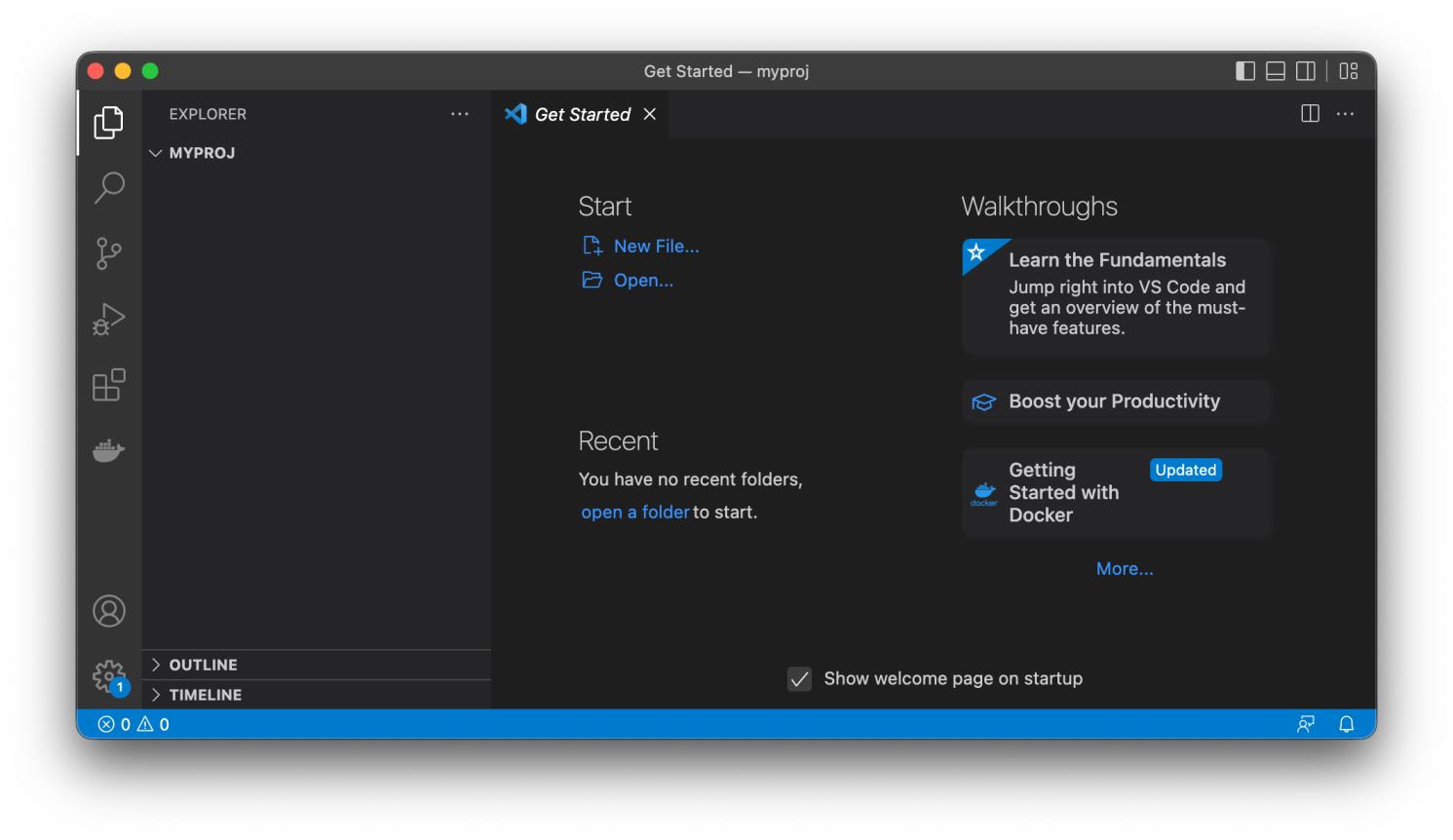
- That is it! You should now be in the new project to get started...

Provide Feedback For This Article
We take your feedback seriously and use it to improve our content. Thank you for helping us serve you better!
😊 Thanks for your time, your feedback has been registered!
Comments & Discussion
Facing issues? Have questions? Post them here! We're happy to help!