
If you want to run a bash command in the background you can append a & (ampersand) sign at the end of the command.
Syntax:
<command> &Example:
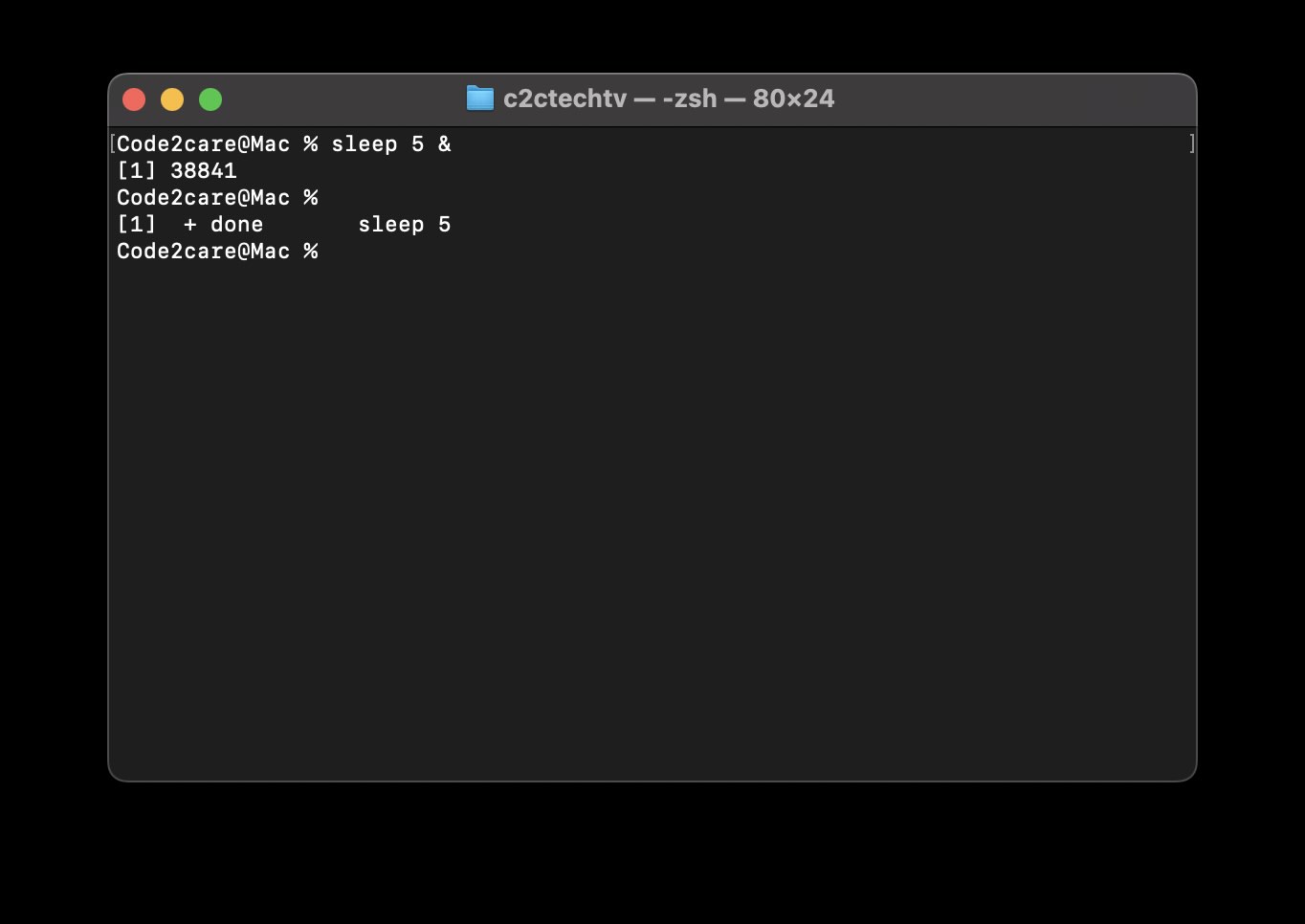
% sleep 50 &
[1] 38841
 %
[1]  + done       sleep 5
As you can see, I ran the sleep command for 50 seconds with a & sign, this causes the command to run in the background of the Terminal and the prompt is returned where you can run other commands.
As soon as the background task is completed, you get the details that the command is completed.
[1] + done sleep 5[1] 38841 indicates that the background job has been started and its job number is [1] and a process ID (PID) 38841.
Provide Feedback For This Article
We take your feedback seriously and use it to improve our content. Thank you for helping us serve you better!
😊 Thanks for your time, your feedback has been registered!
Comments & Discussion
Facing issues? Have questions? Post them here! We're happy to help!