
If you want to know what version of brew (homebrew) is installed on your device (macOS or any Linux/Unix OS) you can do so by using the brew --version command on the Terminal application.
- Open Terminal,
- Type the command: brew --version
- The Homebrew version will be displayed along with the git revision and the last commit date details.
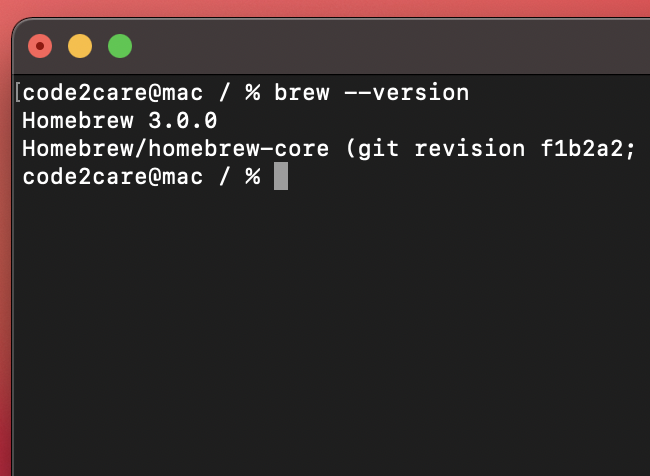
code2care@mac / % brew --version
Homebrew 3.0.0
Homebrew/homebrew-core (git revision f1b2a2; last commit 2021-02-10)
Note: if you get output as brew command not found then make sure brew is installed set to PATH directory:
Articles you may find useful:
- How to install homebrew (brew) on M1 Mac
- How to fix command not found brew (bash, zsh) on macOS Terminal
Provide Feedback For This Article
We take your feedback seriously and use it to improve our content. Thank you for helping us serve you better!
😊 Thanks for your time, your feedback has been registered!
Comments & Discussion
Facing issues? Have questions? Post them here! We're happy to help!