If you want to do a DNS lookup using Mac Terminal, you can make use of the nslookup command.
Let's take a look at an example.
% nslookup code2care.org
Server:		192.168.0.1
Address:	192.168.0.1#53

Non-authoritative answer:
Name:	code2care.org
Address: 172.67.164.66
Name:	code2care.org
Address: 104.21.91.10
As you may see, code2care.org resolves to IP addresses (two DNS addresses) 172.67.164.66 and 104.21.91.10
 % nslookup google.com
Server:		192.168.0.1
Address:	192.168.0.1#53

Non-authoritative answer:
Name:	google.com
Address: 172.217.174.78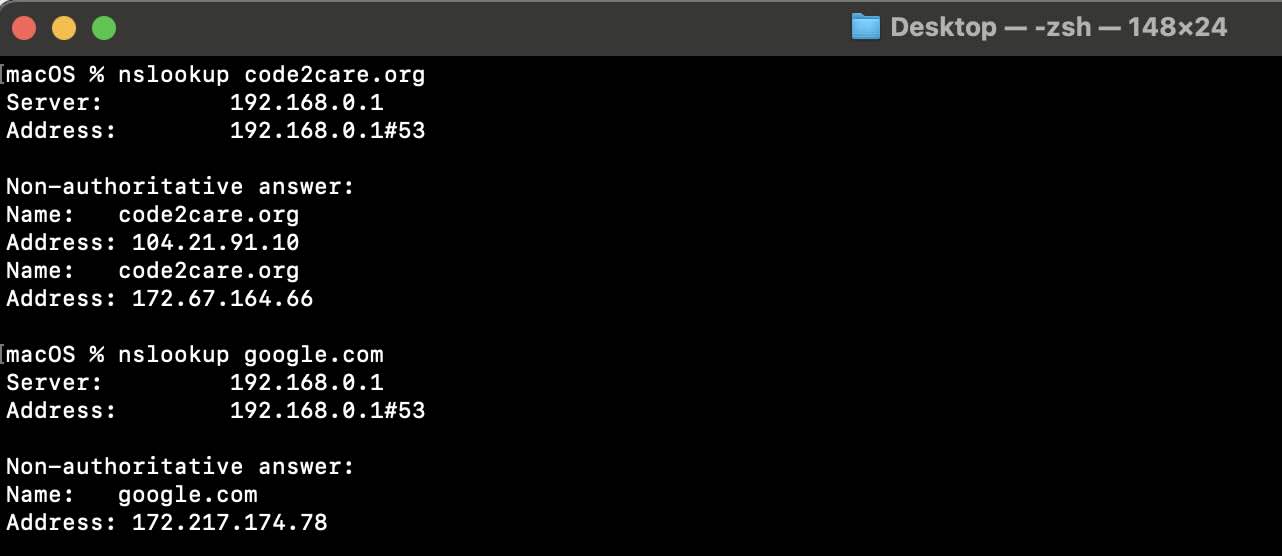

This is not an AI-generated article but is demonstrated by a human on an M1 Mac running macOS Sonoma 14.0.
Please support independent contributors like Code2care by donating a coffee.
Buy me a coffee!
Comments & Discussion
Facing issues? Have questions? Post them here! We're happy to help!