
If you have a use-case where you want to find out if a string exists in a file or not using a bash shell, then you can make use of the grep command.
Syntax:
grep "the-string-to-find" /file/path/Example:
% bash-3.2$ grep 'Code2care' /Users/c2ctechtv/Desktop/data.txt

Code2care - Lines of code for a change!
% bash-3.2$ grep 'Code2care' /Users/c2ctechtv/Desktop/data.txt
Code2care - Lines of code for a change!If there is no match for the search, the command returns back to the bash shell.
Please note that the grep string searched using grep is case-sensitive by default. If you want to make it case insensitive make use of the -i flag along with it.
% bash-3.2$ grep 'welcome' /Users/c2ctechtv/Desktop/data.txt

WELCOME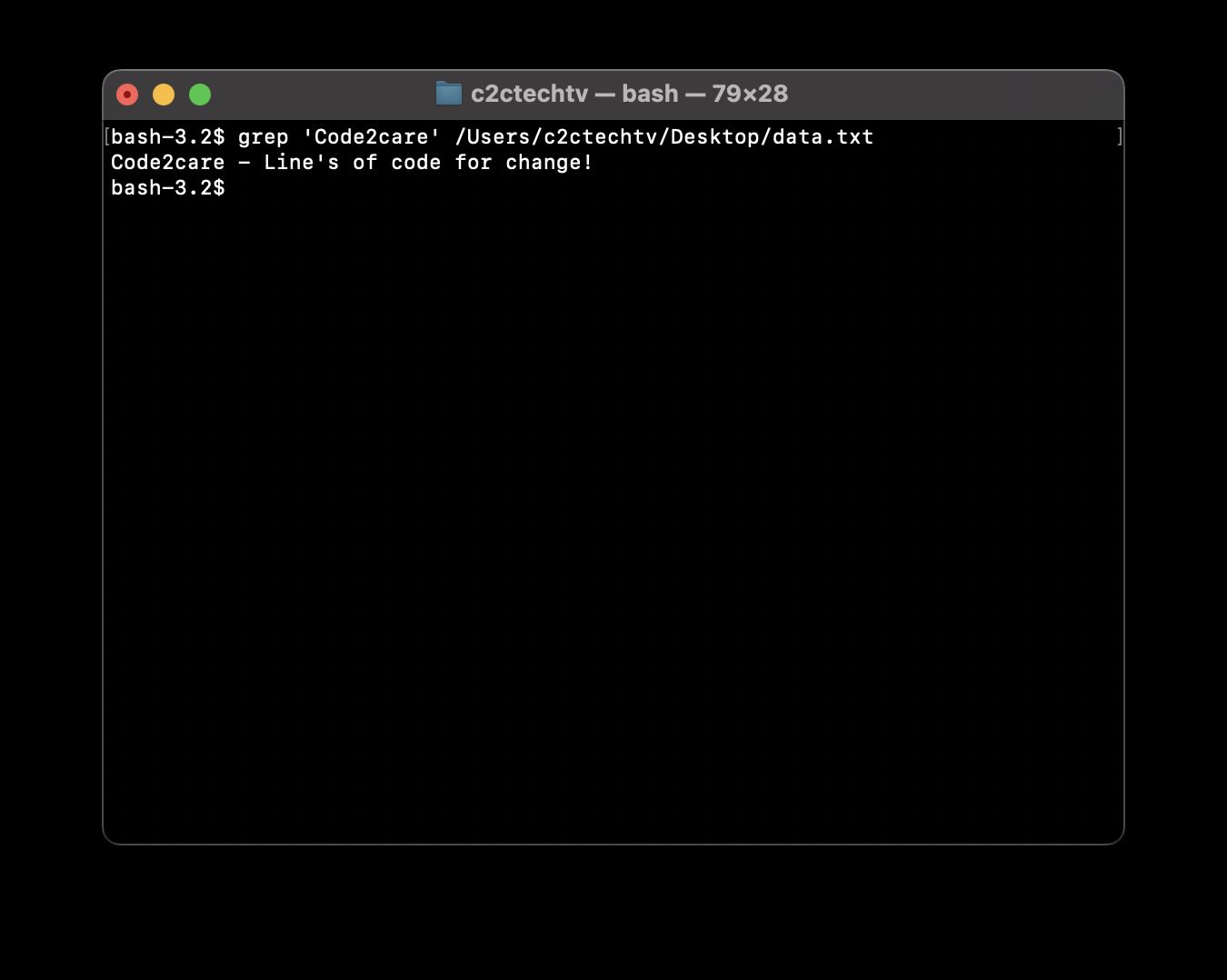
Provide Feedback For This Article
We take your feedback seriously and use it to improve our content. Thank you for helping us serve you better!
😊 Thanks for your time, your feedback has been registered!
Comments & Discussion
Facing issues? Have questions? Post them here! We're happy to help!