
In order to update brew (homebrew) on your Mac, simply run the command brew update on the macOS Terminal.
Syntax:brew update [options]Fetch the newest version of Homebrew and all formulae from GitHub using git.
--merge
--auto-update
-q, --quiet
-v, --verbose
-d, --debug% brew update
Updated 1 tap (homebrew/core).If there is nothing to update, you will get Already up-to-date.
% brew update
Already up-to-date.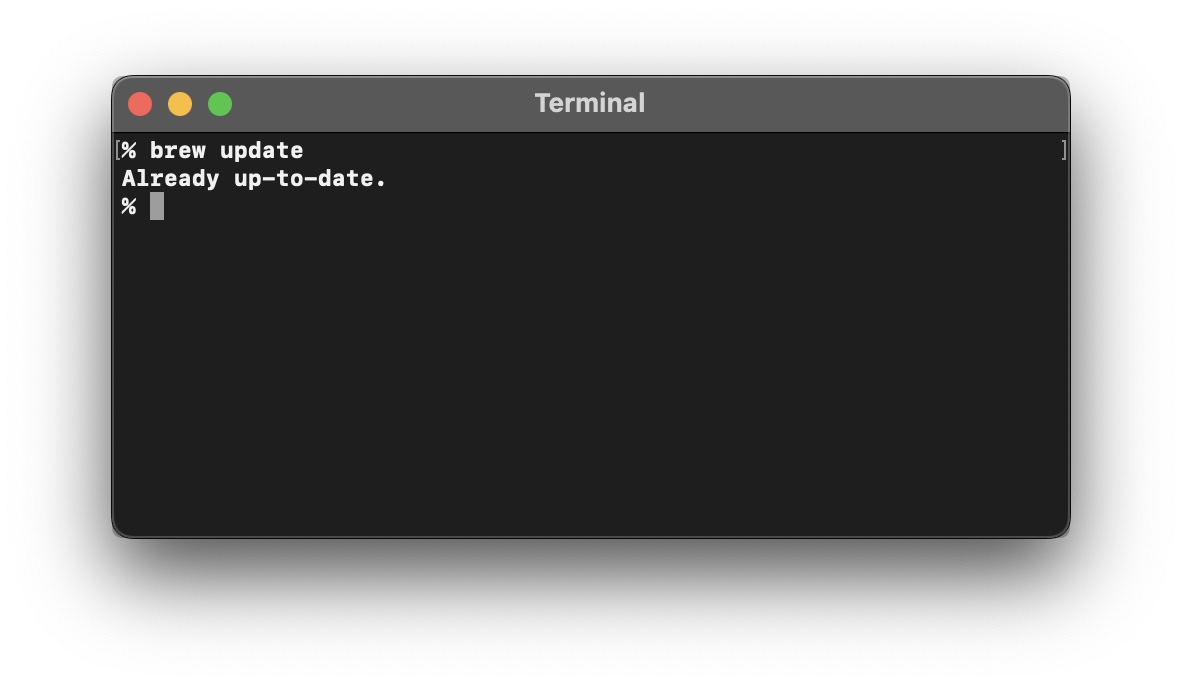
Try brew help update to know more!
Provide Feedback For This Article
We take your feedback seriously and use it to improve our content. Thank you for helping us serve you better!
😊 Thanks for your time, your feedback has been registered!
Comments & Discussion
Facing issues? Have questions? Post them here! We're happy to help!