
There are few ways in which we can install VirtualBox Application on the Mac, let us take a look at a few,
1. Installing VirtualBox using the .DMG file
- Go to the official download page of VirtualBox: https://www.virtualbox.org/wiki/Downloads
- Click on the OS X hosts link under platform packages to download the .dmg setup
- Once downloaded, click on it to install
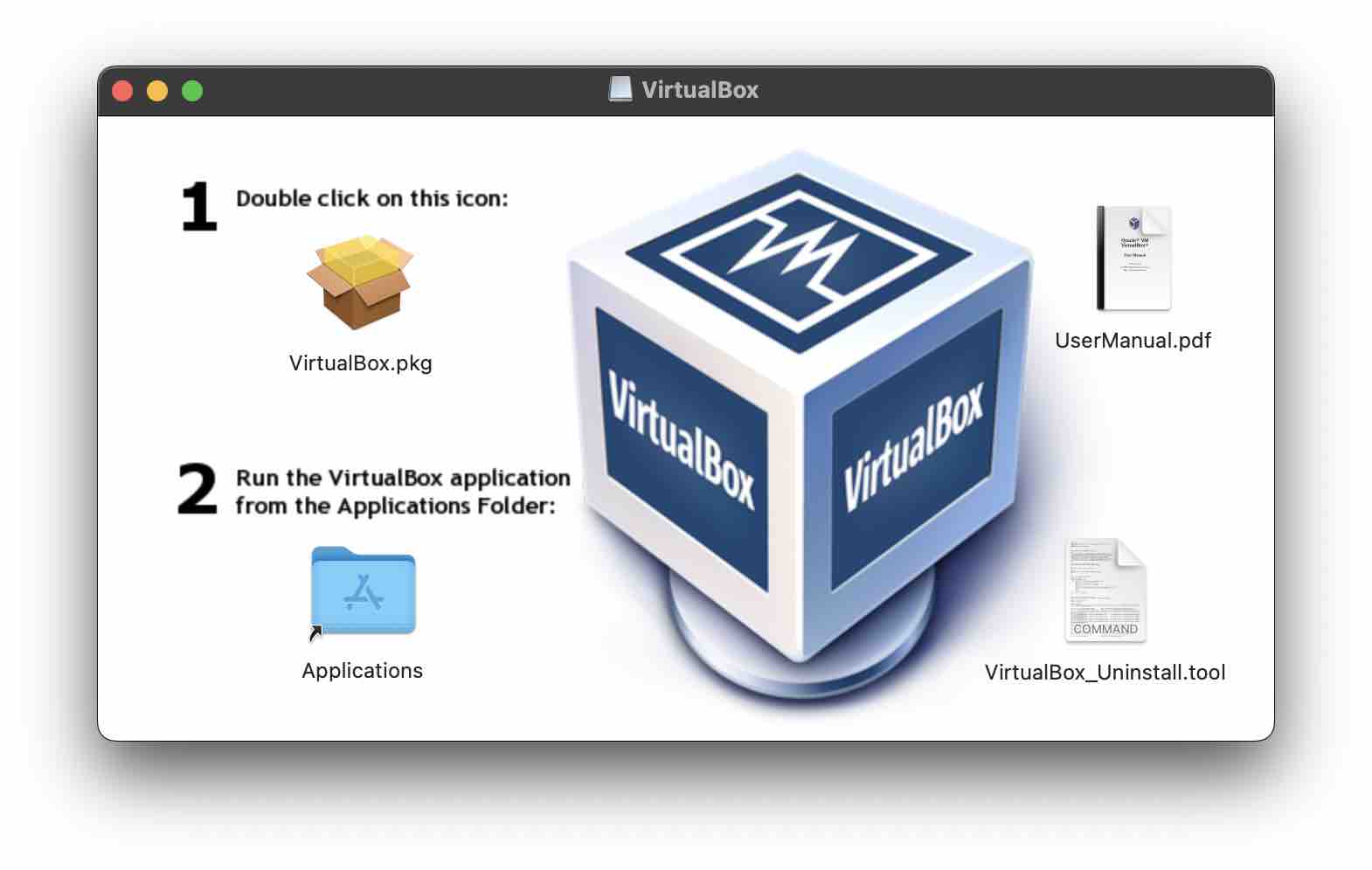
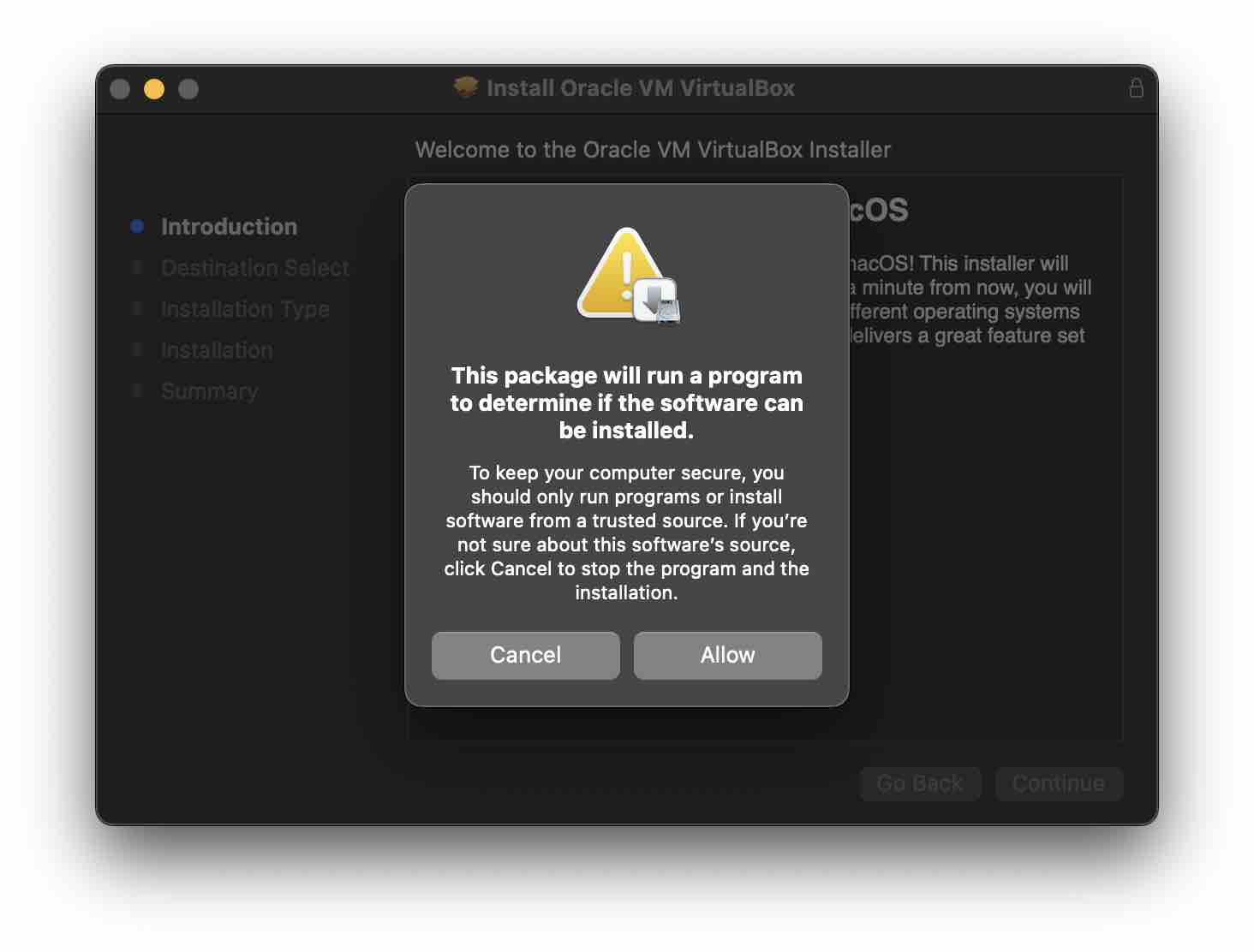
- Double click on virtualBox.pkg icon, and follow the instructions
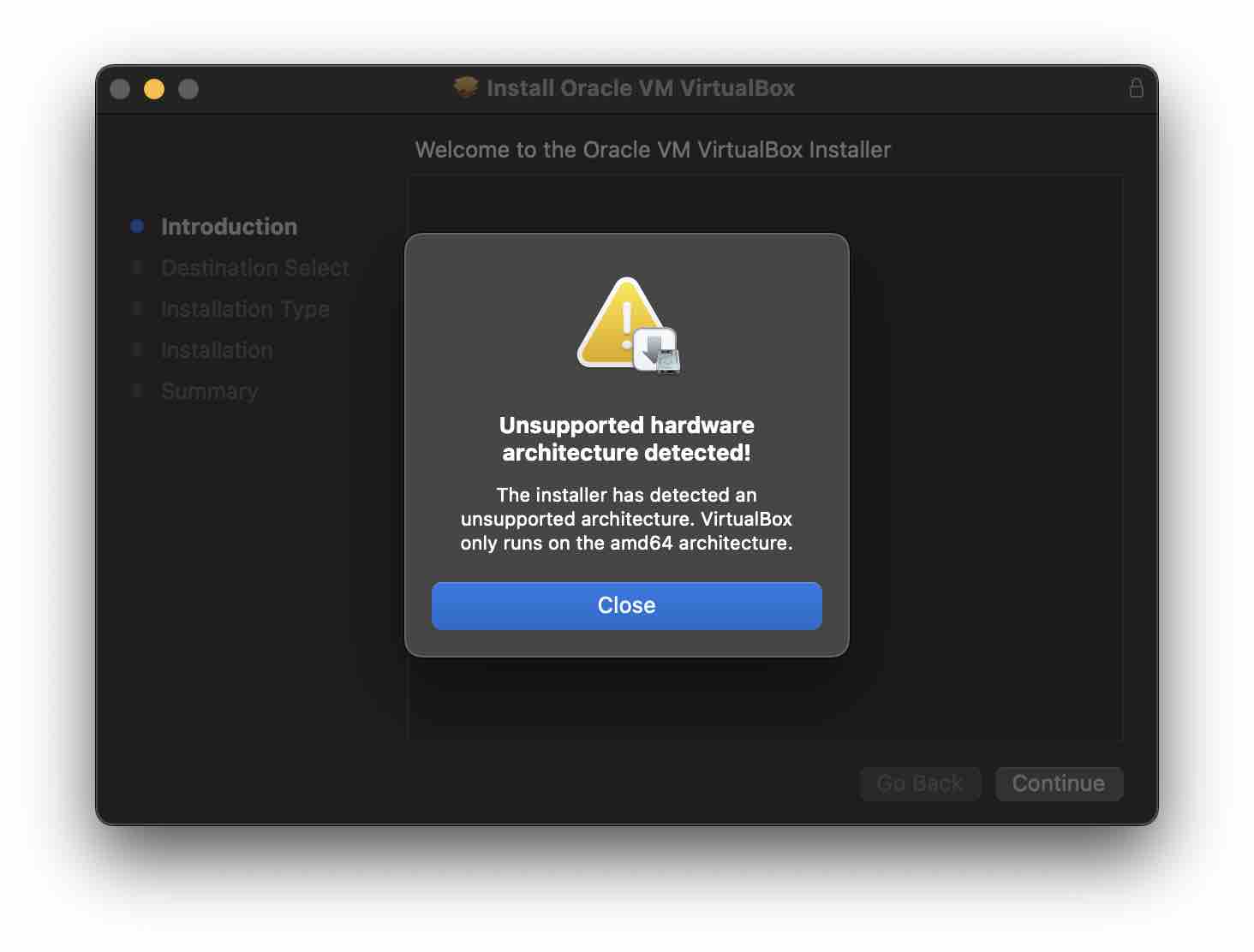
Note: If you are on M1/M2 based ARM Chip, you will get an error "Unsupported hardware architecture detected" as for now VirtualBox only supports 64-bit x86 processors.,
2. Installing VirtualBox using HomeBrew Package Manager
This is a much easier way to install VirtualBox using the Terminal.
Installation Command:% brew install --cask VirtualBoxAgain you may get an error and installation will fail if you are on the M1/M2 Mac
==> Downloading https://download.virtualbox.org/virtualbox/6.1.38/VirtualBox-6.1.38-153438-OSX

Error: Cask virtualbox depends on hardware architecture being one of [{:type=>:intel, :bits=>64}], but you are running {:type=>:arm, :bits=>64}.Provide Feedback For This Article
We take your feedback seriously and use it to improve our content. Thank you for helping us serve you better!
😊 Thanks for your time, your feedback has been registered!
Comments & Discussion
Facing issues? Have questions? Post them here! We're happy to help!