
If you have just downloaded and started using the Notepad++ text editor and you are wondering where is the option to compare two files or the plugin that can help you do this, well, mostly it will not be available to you by default, you would have to get it installed from the Plugins Admin...,
Installing Compare plugin Notepad++
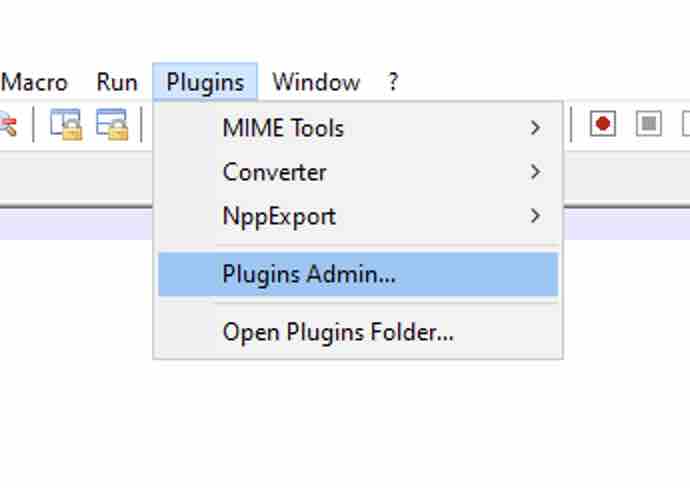
- On the Menu click on Plugin,
- Now click on Plugin Admin...,
- Now search for Compare,
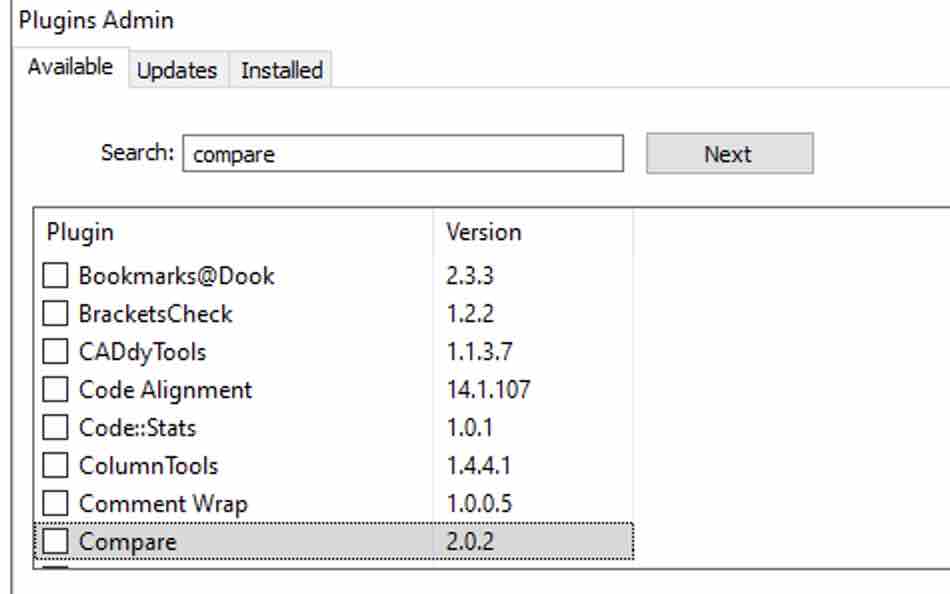
- Now click on the install button,
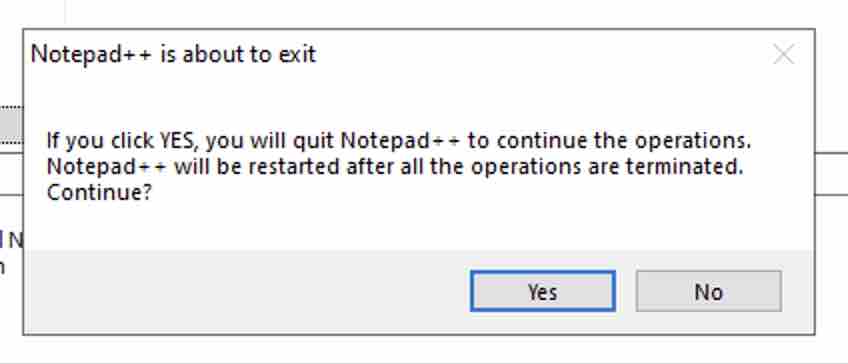
- You will get an alert "Notepad++ is about to exit" select yes,
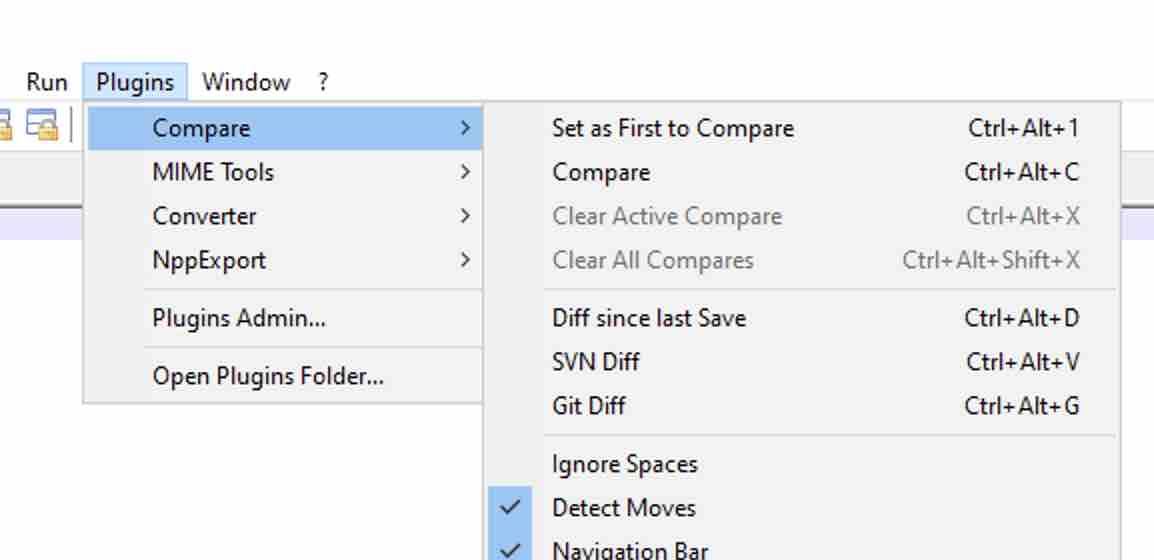
Once Notepad++ restarts, you should be able to see the Compare plugin available under Plugin -> Compare
Provide Feedback For This Article
We take your feedback seriously and use it to improve our content. Thank you for helping us serve you better!
😊 Thanks for your time, your feedback has been registered!
Comments & Discussion
Facing issues? Have questions? Post them here! We're happy to help!