
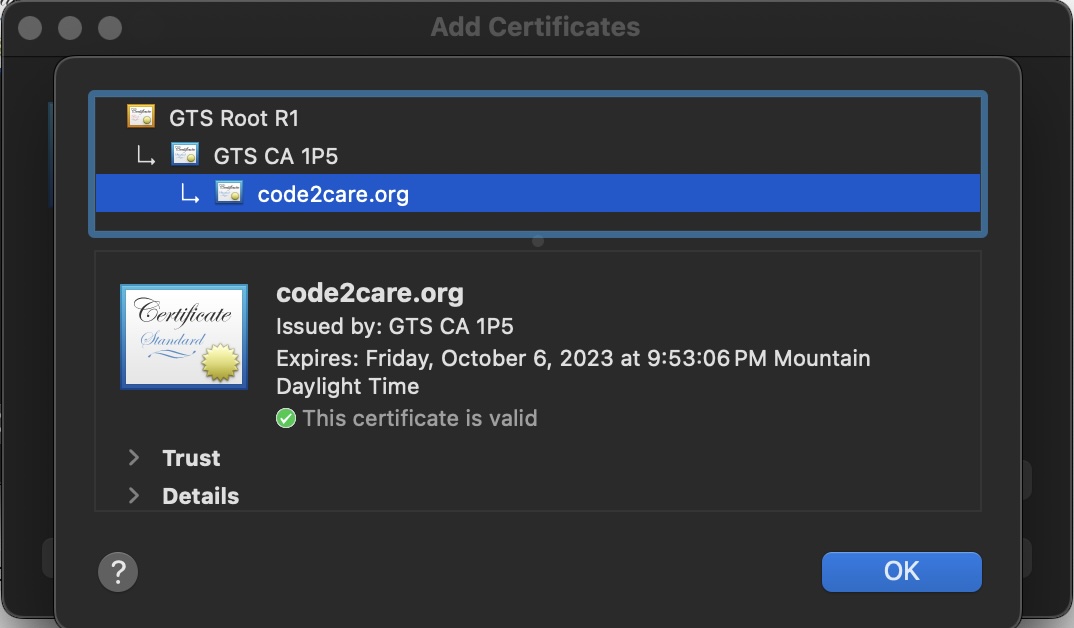
To download an SSL certificate from a website/URL to your local computer using the openssl as follows,
See Details:
openssl s_client -connect code2care.org:443 -showcertsSave only the Certificate:
openssl s_client -connect code2care.org:443 -showcerts 2>/dev/null | sed -ne '/-BEGIN CERTIFICATE-/,/-END CERTIFICATE-/p' > cert.pem
Provide Feedback For This Article
We take your feedback seriously and use it to improve our content. Thank you for helping us serve you better!
😊 Thanks for your time, your feedback has been registered!
Comments & Discussion
Facing issues? Have questions? Post them here! We're happy to help!