
In order to find out the list of all local branches of your project make use of the git branch command,
Example:% git branch
feature/JIRA-1
feature/JIRA-B
* master
main
release
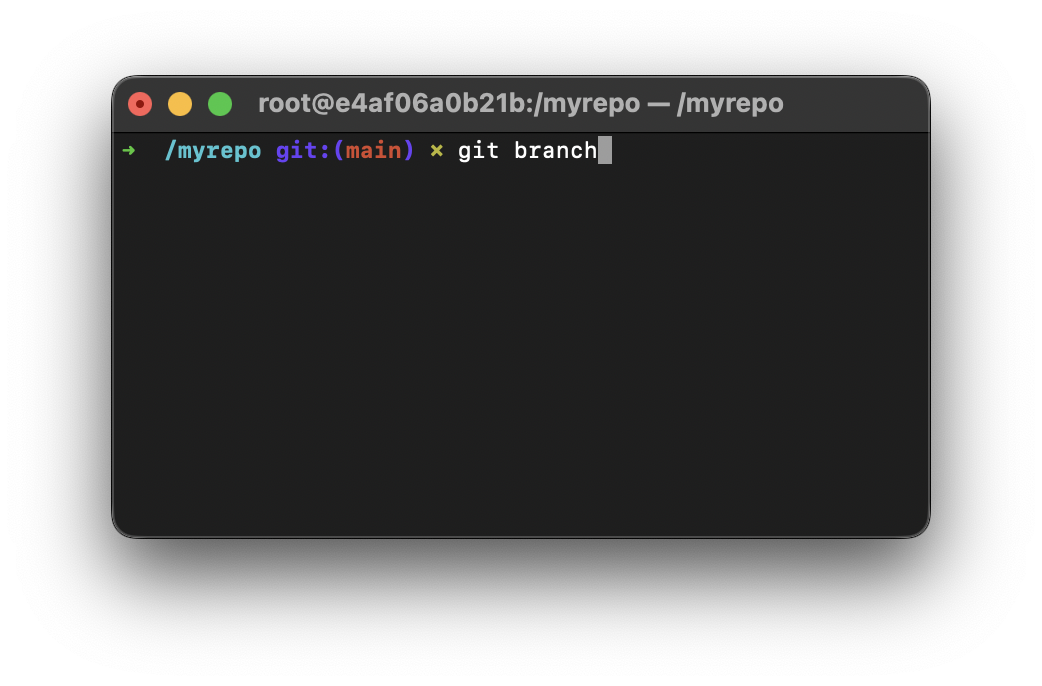
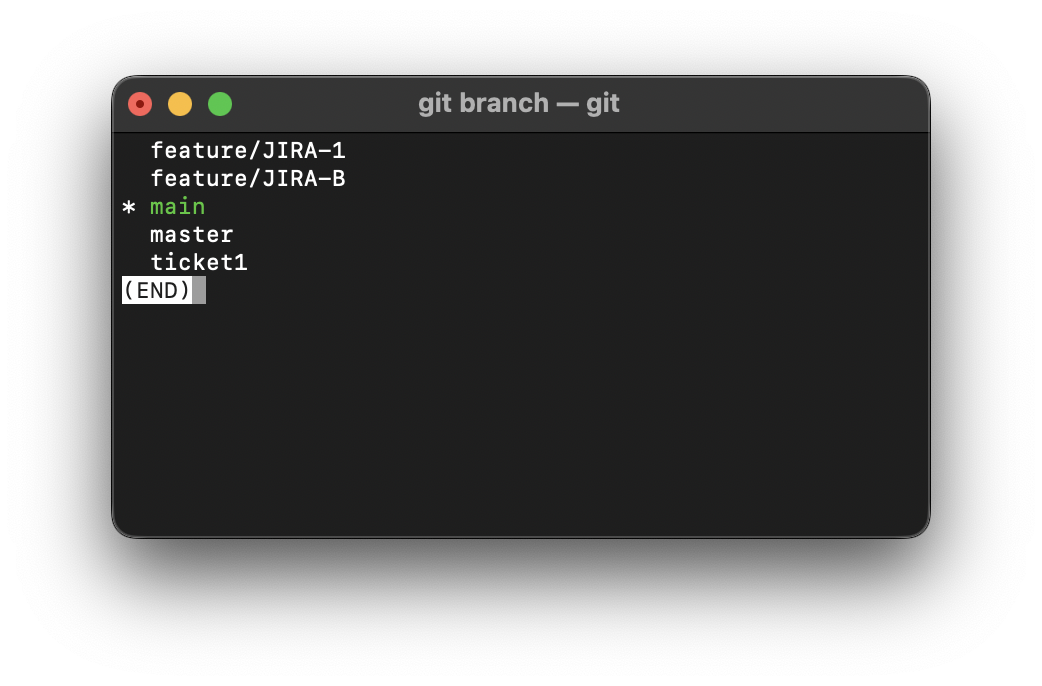
As in the above example, you do not need to pass any options, all the branches that are available locally will be displayed in alphabetical order with an asterisk (*) in front of the current branch that you are on.
✌️Press the q button to come back to the shell from the list branch results.
Provide Feedback For This Article
We take your feedback seriously and use it to improve our content. Thank you for helping us serve you better!
😊 Thanks for your time, your feedback has been registered!
Comments & Discussion
Facing issues? Have questions? Post them here! We're happy to help!