
If you have staged a file in one of your git branch and you want to remove or unstage it, you can make use of the git rm command,
Example:
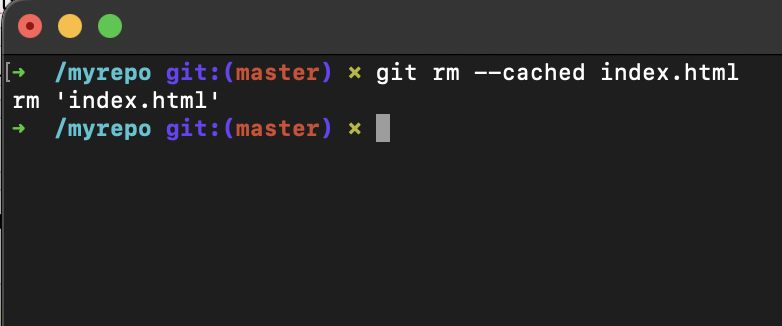
If I have an index.html file in the stage area and I want to unstage it,
➜  /myrepo git:(master) ✗ git rm --cached index.html

rm 'index.html'
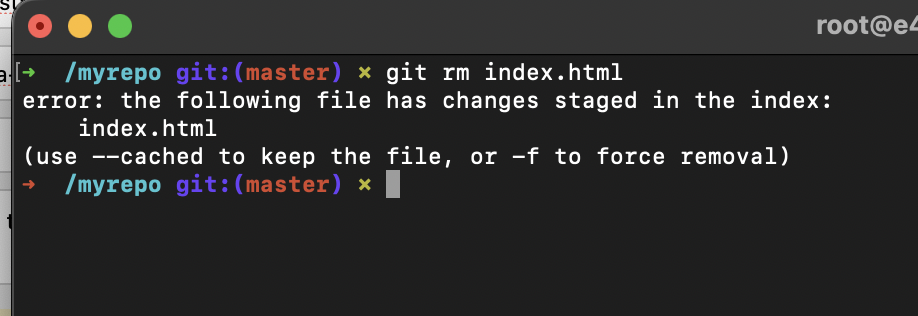
Note, if you do not use --cached you will get an error,
➜  /myrepo git:(master) ✗ git rm index.html
error: the following file has changes staged in the index:
    index.html
(use --cached to keep the file, or -f to force removal)
❗️Use with caution: If you want to delete/remove the files from the stage area completely (will not be available in unstaged area either) make use of -f option along with rm command.
Provide Feedback For This Article
We take your feedback seriously and use it to improve our content. Thank you for helping us serve you better!
😊 Thanks for your time, your feedback has been registered!
Comments & Discussion
Facing issues? Have questions? Post them here! We're happy to help!