
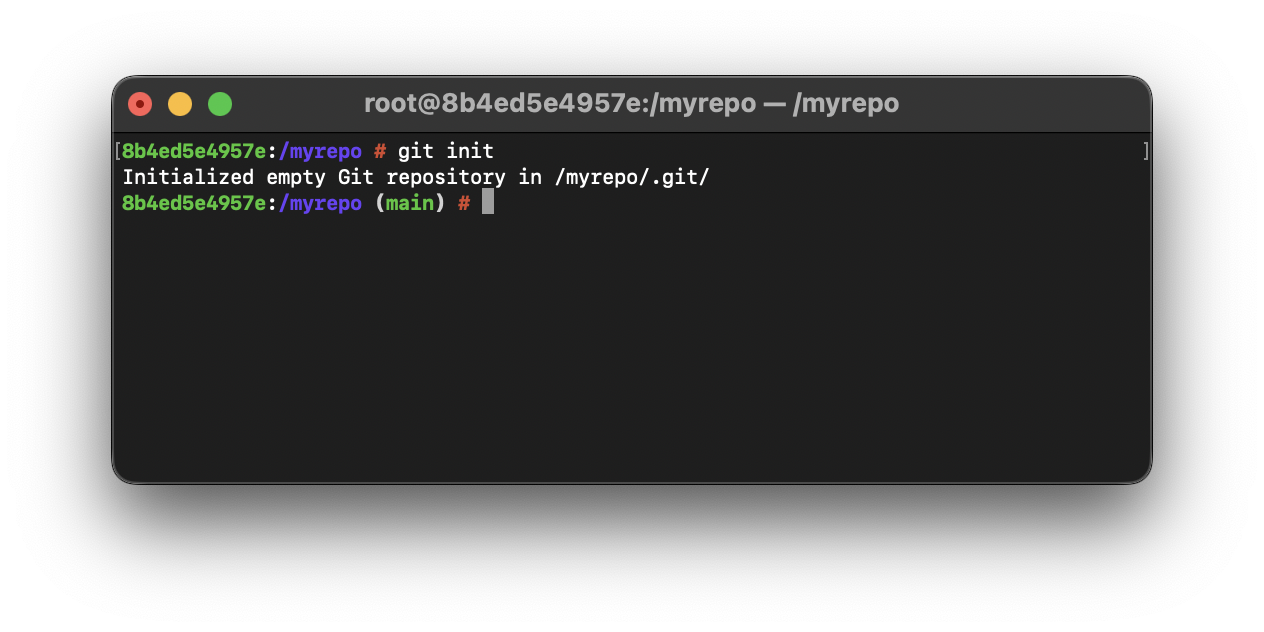
master is the default branch that is created when you create a git repo using the git init command, note this is the case if you are using the git version below 2.28. If you are using version 2.28 or above you will see the default branch name as main
You can make use of the git config command to set the global value for init.defaultBranch as main as below,
% git config --global init.defaultBranch main% mkdir myrepo
% cd myrepo
% git init
Initialized empty Git repository in /myrepo/.git/
(main) % The term "master" name should be changed to avoid any unnecessary references to slavery and should use neutral words like main or primary
Provide Feedback For This Article
We take your feedback seriously and use it to improve our content. Thank you for helping us serve you better!
😊 Thanks for your time, your feedback has been registered!
Comments & Discussion
Facing issues? Have questions? Post them here! We're happy to help!