We can make use of the sqlite3 module in Python to make use of the lightweight disk-based database SQLite that doesn’t require a separate server process.
One may use this database for devices that do not have support or enough storage for installing databases like Oracle, MySQL, or PostgreSQL, prototyping an application, or saving internal data.
This tutorial assumes that you already have experience working SQL with one of the RDBMS such as MySQL, Oracle, Microsoft SQL, or PostgreSQL.
Let's get started with how to create an SQLite database using sqlite3 module in Python.
Step 1: Creating an SQLite Database
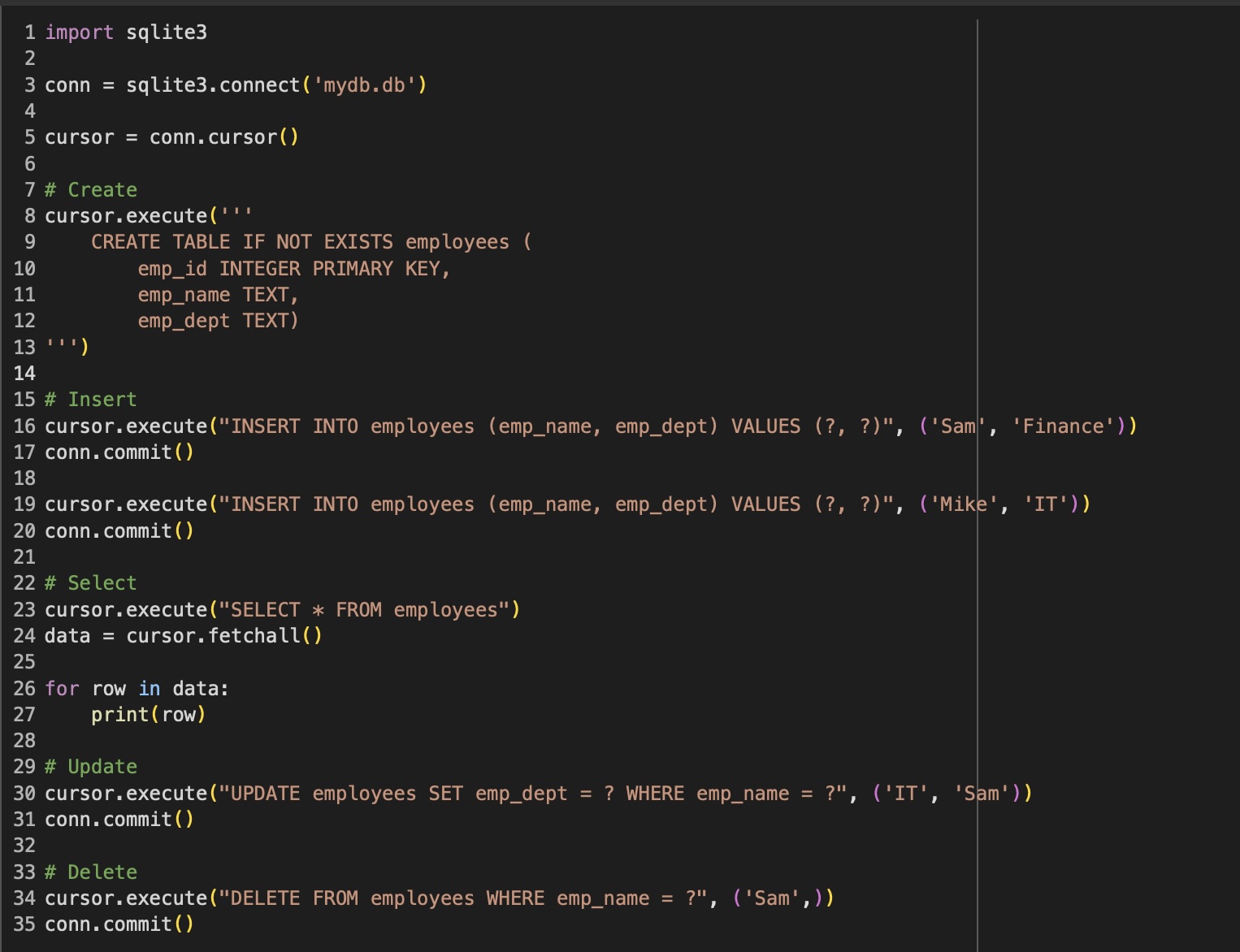
import sqlite3

conn = sqlite3.connect('mydb.db')
We first import the sqlite3 module and then create the database connection using the connect() method from the sqlite3 module. If the database does not exist it will be created, else we connect it to the existing database.
Step 2: Create a cursor object to interact with our database
cursor = conn.cursor()
Next we need to create a cursor object that we will need to interact with our database and perform the CRUD - Create - Read - Update - Delete operations.
Step 3: Create a table
cursor.execute('''
    CREATE TABLE IF NOT EXISTS employees (
        emp_id INTEGER PRIMARY KEY,
        emp_name TEXT,
        emp_dept TEXT)
''')
Now we are good to create a SQLite Database table, the above example will create an employees table.
Below is the list of datatypes in SQLite.
SQLite Data Type
Description
Example
NULL
Represents a missing value.
NULL
INTEGER
Whole numbers, signed/unsigned.
101
REAL
Floating-point numbers.
22.44
TEXT
Text strings.
'Sammy'
BLOB
Binary data.
[some binary data]
NUMERIC
Any numeric value.
1, 5, -11
Note: There is no DATE and BOOLEAN datatypes available in SQLite, you can make use of TEXT and INTEGER data types to represent such values.

Comments & Discussion
Facing issues? Have questions? Post them here! We're happy to help!