
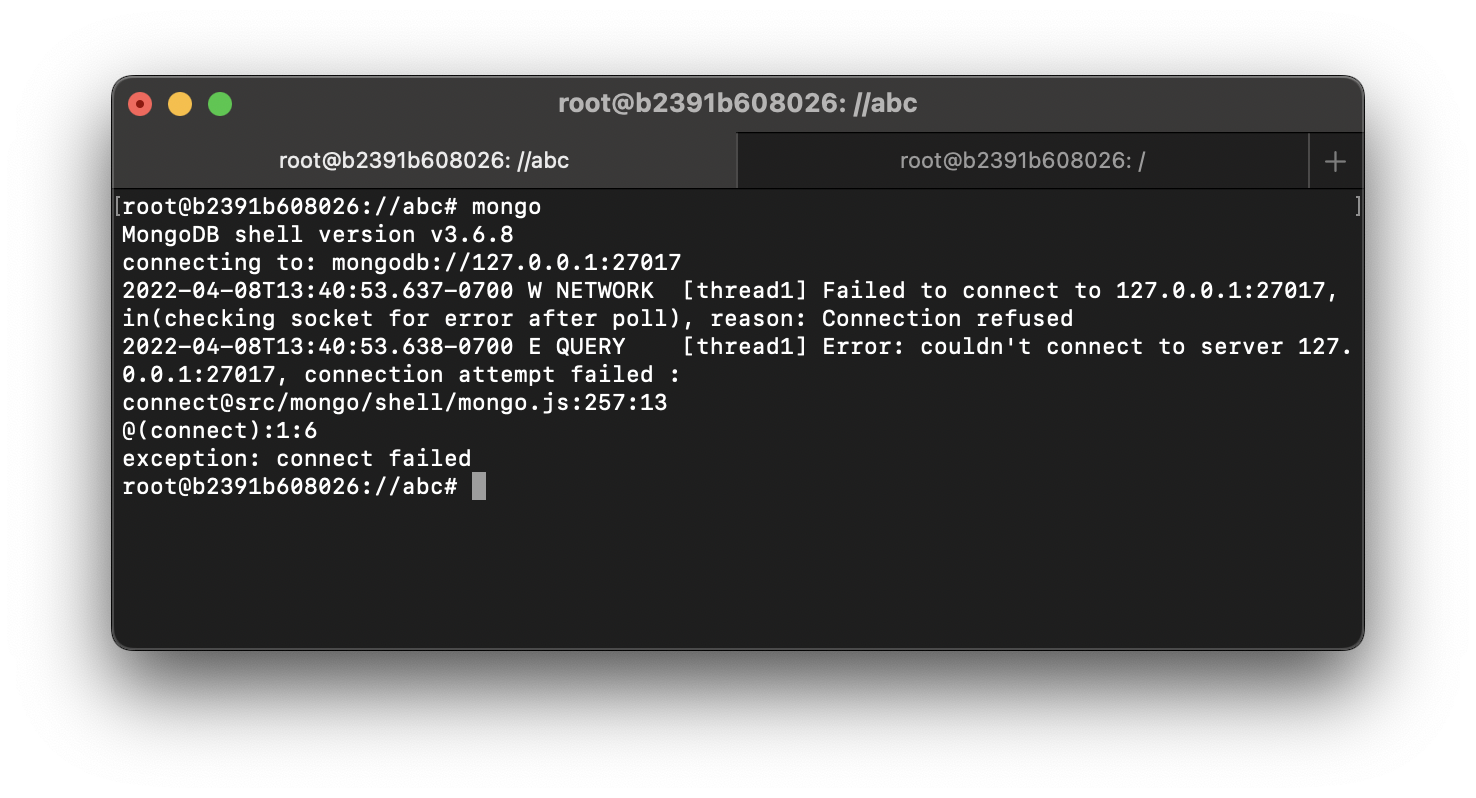
# mongo
MongoDB shell version v3.6.8
connecting to: mongodb://127.0.0.1:27017
2022-04-08T13:16:33.543-0700 W NETWORK  [thread1] Failed to connect to 127.0.0.1:27017, in(checking socket for error after poll), reason: Connection refused
2022-04-08T13:16:33.544-0700 E QUERY    [thread1] Error: couldn't connect to server 127.0.0.1:27017, connection attempt failed :
connect@src/mongo/shell/mongo.js:257:13
@(connect):1:6
exception: connect failedThe most common reason for Connection refused error when running the mongo command is that your mongod server is not running.
Solution:Run the mongod command to start the mongoDB server and then try the mongo command,
# mongod
2022-04-08T13:15:56.482-0700 I CONTROL  [initandlisten] MongoDB starting : pid=5171 port=27017 dbpath=/data/db 64-bit host=b2391b608026
2022-04-08T13:15:56.482-0700 I CONTROL  [initandlisten] db version v3.6.8
2022-04-08T13:15:56.482-0700 I CONTROL  [initandlisten] git version: 8e540c0b6db93ce994cc548f000900bdc740f80a
2022-04-08T13:15:56.482-0700 I CONTROL  [initandlisten] OpenSSL version: OpenSSL 1.1.1f  31 Mar 2020
..
..
2022-04-08T13:36:31.974-0700 I FTDC     [initandlisten] Initializing full-time diagnostic data capture with directory '/data/db/diagnostic.data'
2022-04-08T13:36:31.975-0700 I NETWORK  [initandlisten] waiting for connections on port 27017
# mongo
MongoDB shell version v3.6.8
connecting to: mongodb://127.0.0.1:27017
Implicit session: session { "id" : UUID("0e4156ce-070c-49a5-8bb9-fd43aae91bb1") }
MongoDB server version: 3.6.8Provide Feedback For This Article
We take your feedback seriously and use it to improve our content. Thank you for helping us serve you better!
😊 Thanks for your time, your feedback has been registered!
Comments & Discussion
Facing issues? Have questions? Post them here! We're happy to help!