
Markdown is a really useful tool in Jupyter Notebook for adding details about your notebook. As many data scientists make use of this tool, tables are often needed to document Python code in a cell. Fortunately, adding a table is easy using Markdown.
To create a table in a Jupyter Notebook Markdown cell, you can use the following syntax.
Syntax:| Column-1 | Column-2 | Column-3 |
| --- | --- | --- |
| Data 1 | Data 2 | Data 3 |
| Data 4 | Data 5 | Data 6 |As you can see you can make a table skeleton with the help of pipe and dash symbols.
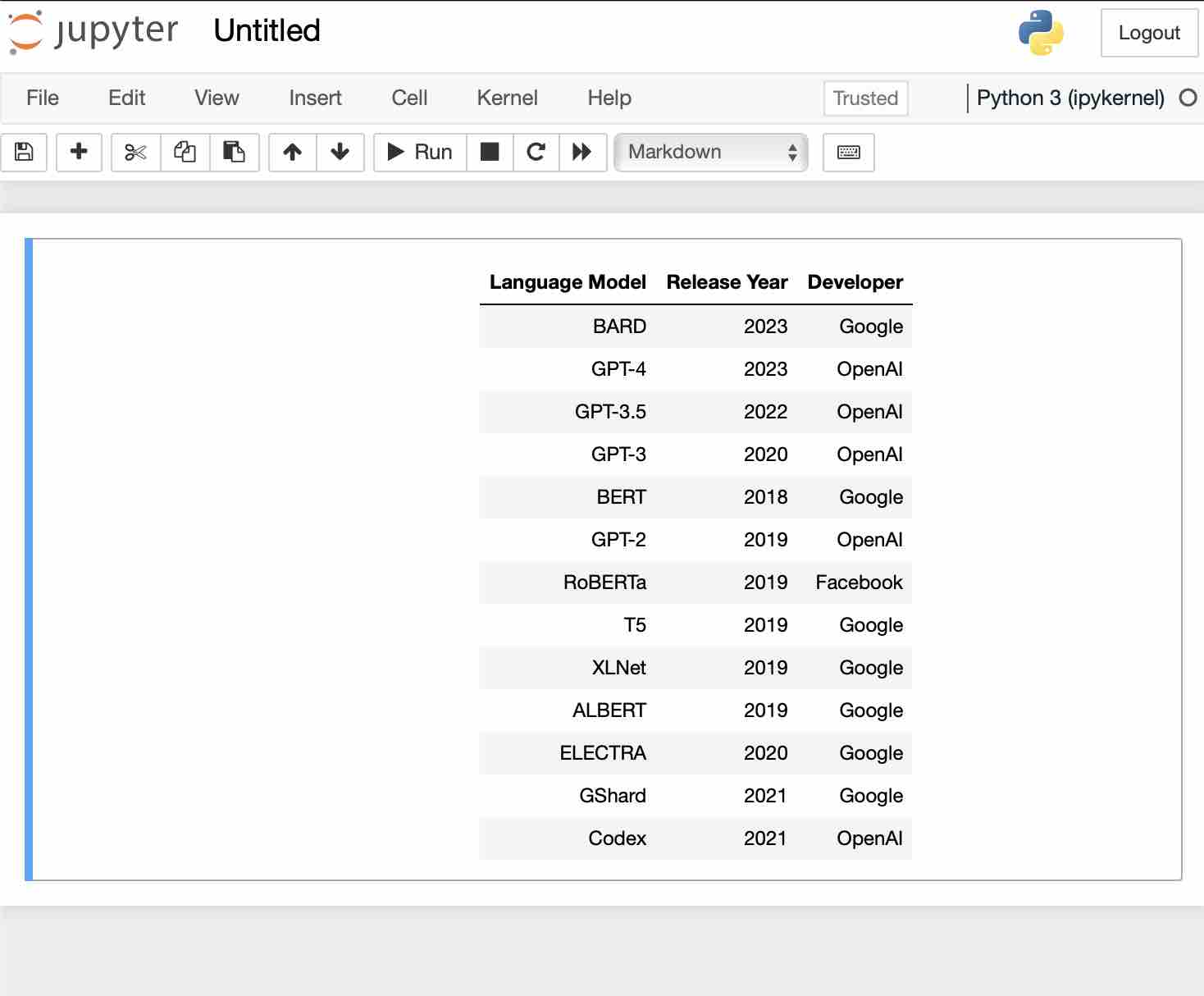
Example:| Language Model | Release Year | Developer |
|----------------|--------------|-----------|
| BARD | 2023 | Google |
| GPT-4 | 2023 | OpenAI |
| GPT-3.5 | 2022 | OpenAI |
| GPT-3 | 2020 | OpenAI |
| BERT | 2018 | Google |
| GPT-2 | 2019 | OpenAI |
| RoBERTa | 2019 | Facebook |
| T5 | 2019 | Google |
| XLNet | 2019 | Google |
| ALBERT | 2019 | Google |
| ELECTRA | 2020 | Google |
| GShard | 2021 | Google |
| Codex | 2021 | OpenAI |
Below is how it looks in the Notebook.
Provide Feedback For This Article
We take your feedback seriously and use it to improve our content. Thank you for helping us serve you better!
😊 Thanks for your time, your feedback has been registered!
Comments & Discussion
Facing issues? Have questions? Post them here! We're happy to help!