
If you have a Mac with M1/M2 Apple Silicon Chip and you want to download and install Microsoft Visual Studio Code to develop apps and games for iOS, Android, and the web using .NET Framework, you can follow the below simple steps,
- Go to the website: https://visualstudio.microsoft.com/vs/mac/
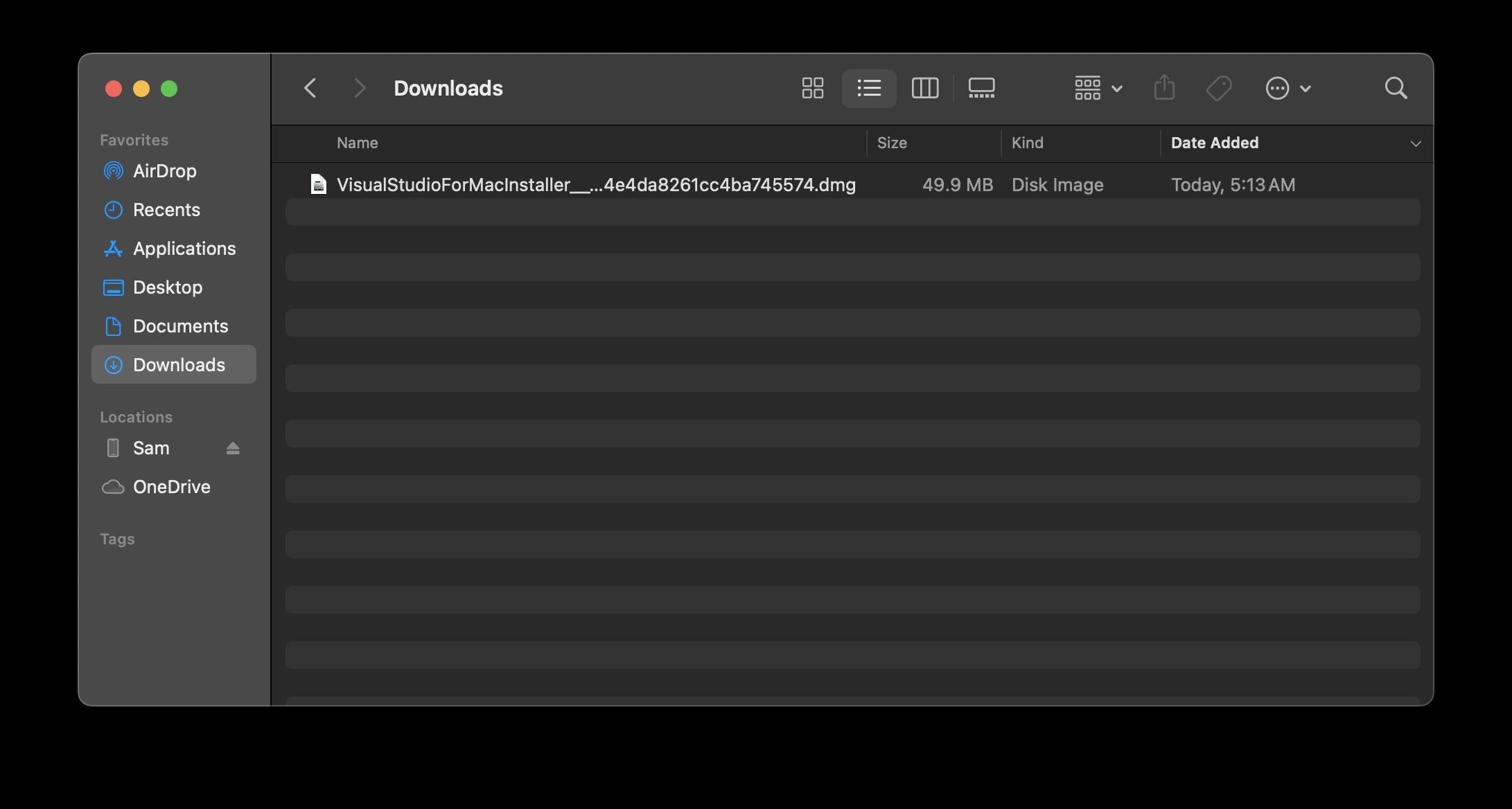
- Now click on Download. This should download VisualStudioForMacInstaller DMG File.
- Double click and open the installer and click on "Install Visual Studio for Mac"

-
You may see an alert "Visual Studio for Mac" app is downloaded from the Internet. Are you sure you want to open it?, click open.

- You may get this error if your internet connection is unstable, just do retry and it should work.

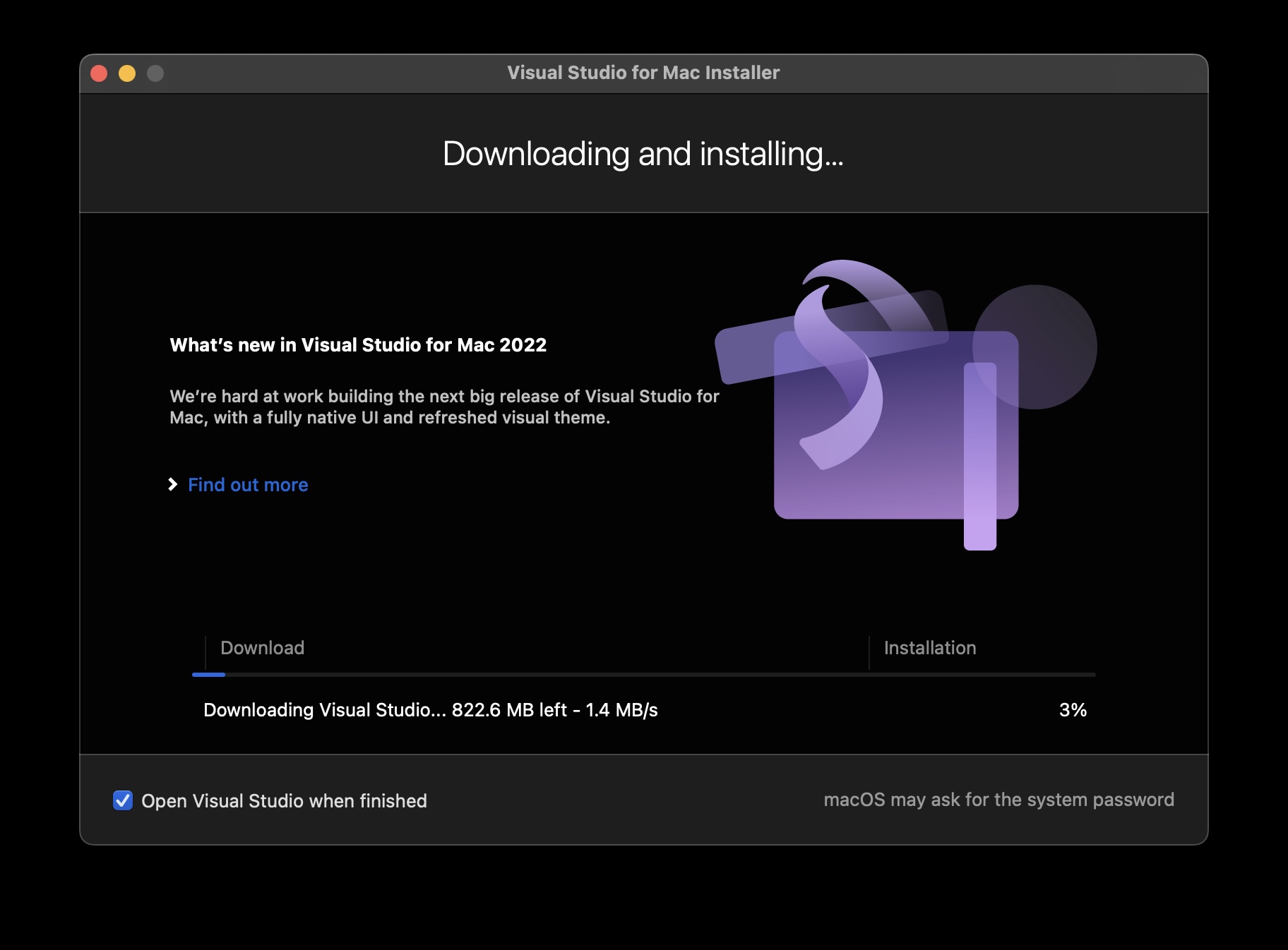
- Once the installation is complete, you will see the hello screen to login

You can do a lot with Visual Studio for Mac.
- ASP.NET Core and .NET Core
- Publish to Azure
- Azure Functions
- Azure Connected Services
- Docker Container Tools
- WPF and Windows Forms
- UWP
- Console apps using C#
- Desktop apps using C++
- Mac Apps using Xamarin and C#
- Mobile development with .NET using Xamarin and C#
- Game development using Unity and C#
- Mobile and game development using C++
- JavaScript/TypeScript
- Python
- SQL Server data tools
- Node.js
- Unit testing
- Version control with Git
Provide Feedback For This Article
We take your feedback seriously and use it to improve our content. Thank you for helping us serve you better!
😊 Thanks for your time, your feedback has been registered!
Comments & Discussion
Facing issues? Have questions? Post them here! We're happy to help!