
Sometimes the Prompt for OpenAI ChatGPT or GPT 4 is not responding for a long time, in such cases, there could be a server outage. If you are wondering if there is one and looking for OpenAI services health page, well here is how you can go to it.
- Click on the 3 dots at the bottom left of your GPT chat screen, next to your user icon.
- Click on the option "Help & FAQ".
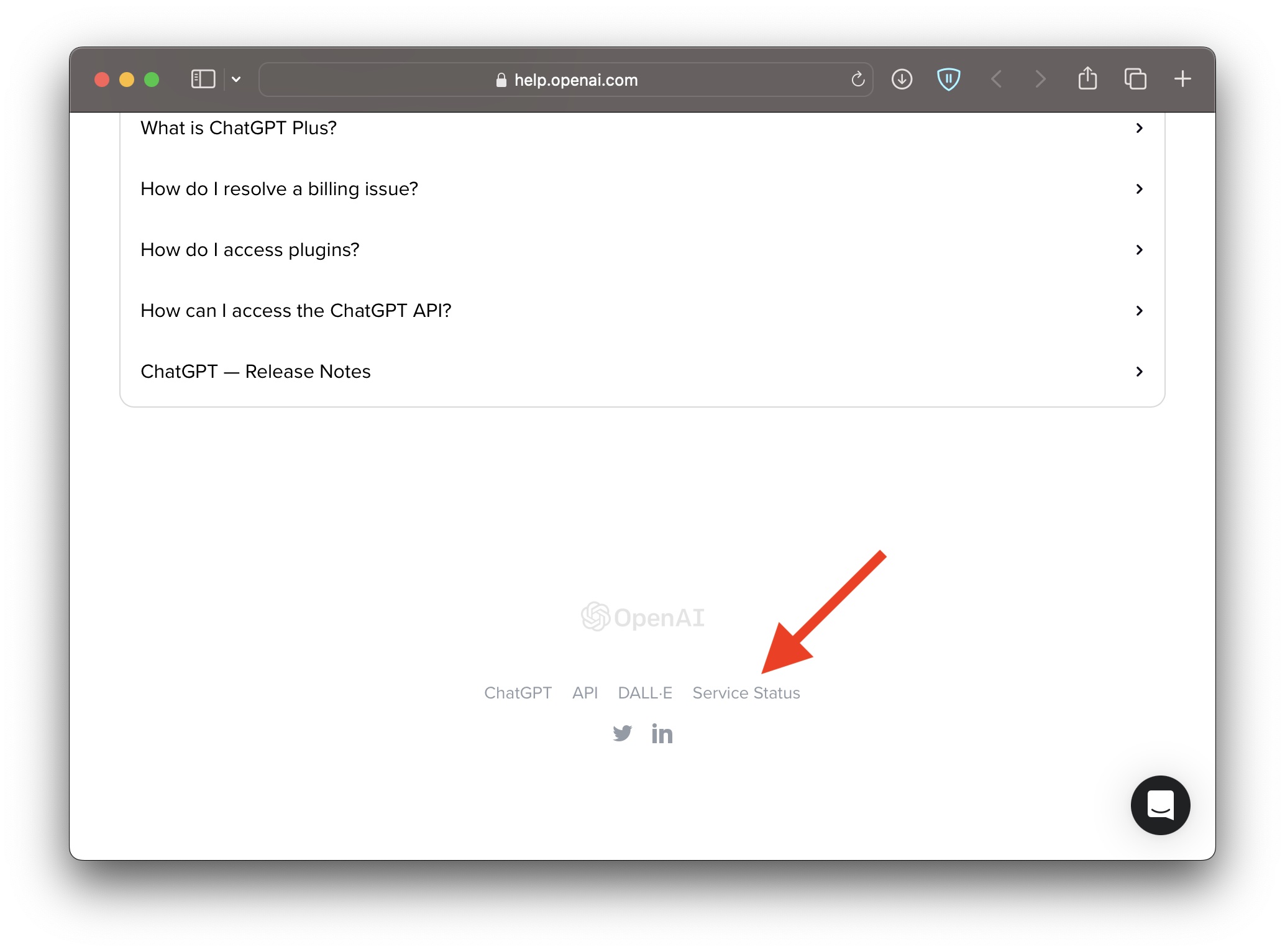
- This will open up a new tab in your browser, scroll down to the bottom and select - Service Staus
- This will open up the Status page for all services by OpenAI and if all is good you will see "All Systems Operational"
- If the services such as ChatGPT or its API are degraded you will see details here, just like you see there was a ChatGPT outage on 23 April 2023.

But today there is an issue reported: Elevated error rates on some OpenAl models

Provide Feedback For This Article
We take your feedback seriously and use it to improve our content. Thank you for helping us serve you better!
😊 Thanks for your time, your feedback has been registered!
Comments & Discussion
Facing issues? Have questions? Post them here! We're happy to help!