
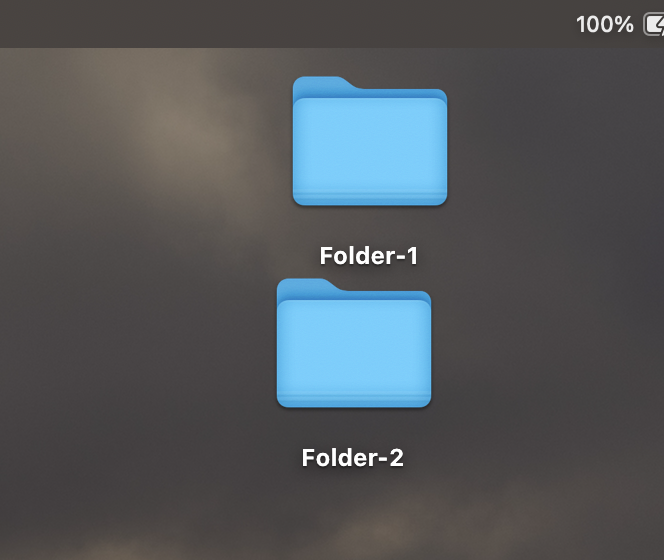
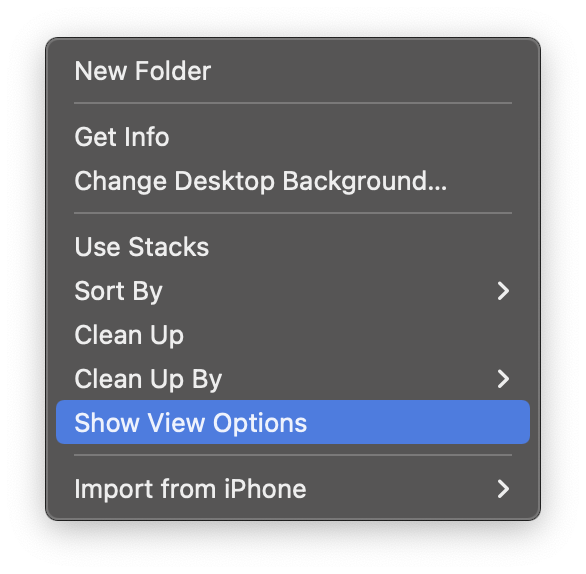
To adjust the size of the files and folders icons on your MacBook Desktop you need to right-click on the Desktop and select the option Show View Options
Once you click on Show View Options, you will see a window wherein you can use the bar next to "Icon Size"
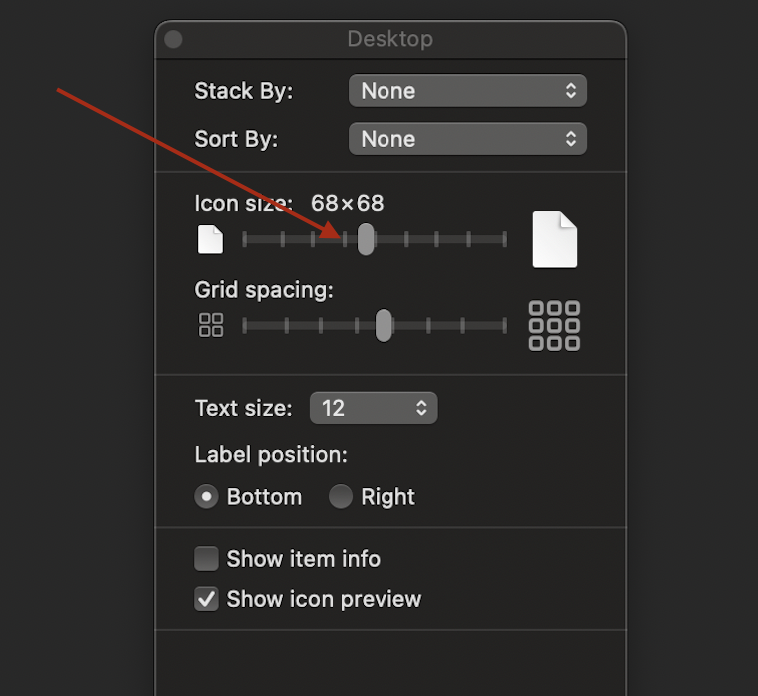
As you adjust the bar you can either increase or decrease the size of the icons, you can change the icon size to a minimum of 16x16 to a max of 128x128 (64x64 being the ideal size)
Provide Feedback For This Article
We take your feedback seriously and use it to improve our content. Thank you for helping us serve you better!
😊 Thanks for your time, your feedback has been registered!
Comments & Discussion
Facing issues? Have questions? Post them here! We're happy to help!