
If you are on the Mac Terminal and you want to open the current directory that you are in using Finder, all you need to do is type in command open followed by a dot.
Example:% pwd
/Users/code2care/Public/Drop Box
% open .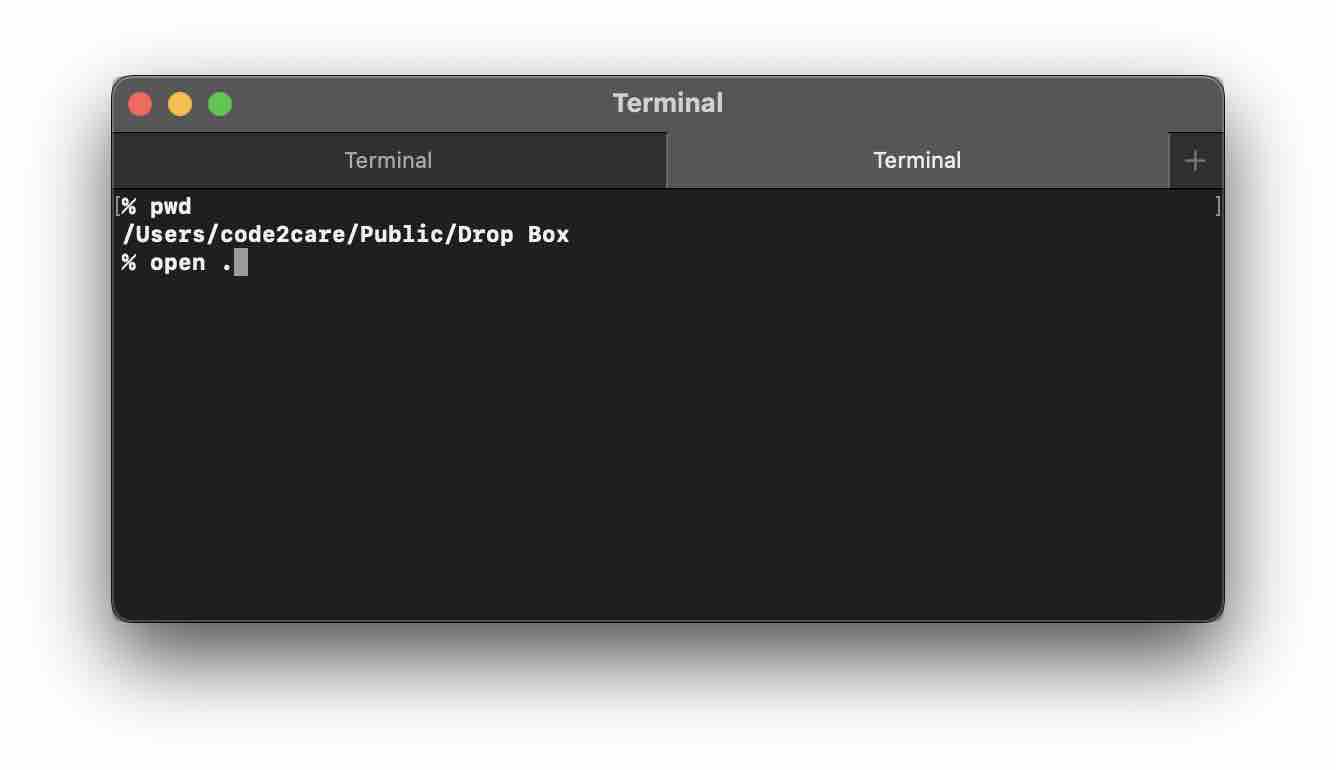
As you can see I did a pwd to display my current location and when I executed open ., that same location got opened up in Finder.

open command work so all shells zsh, bash, sh
Provide Feedback For This Article
We take your feedback seriously and use it to improve our content. Thank you for helping us serve you better!
😊 Thanks for your time, your feedback has been registered!
Comments & Discussion
Facing issues? Have questions? Post them here! We're happy to help!