
% python3 data_script.py

Traceback (most recent call last):
  File "/Library/Frameworks/Python.framework/Versions/3.11/lib/python3.11/site-packages/pandas/compat/_optional.py", line 142, in import_optional_dependency
    module = importlib.import_module(name)
             ^^^^^^^^^^^^^^^^^^^^^^^^^^^^^
  File "/Library/Frameworks/Python.framework/Versions/3.11/lib/python3.11/importlib/__init__.py", line 126, in import_module
    return _bootstrap._gcd_import(name[level:], package, level)
           ^^^^^^^^^^^^^^^^^^^^^^^^^^^^^^^^^^^^^^^^^^^^^^^^^^^^
  File "<frozen importlib._bootstrap>", line 1204, in _gcd_import
  File "<frozen importlib._bootstrap>", line 1176, in _find_and_load
  File "<frozen importlib._bootstrap>", line 1140, in _find_and_load_unlocked

ModuleNotFoundError: No module named 'openpyxl'

During the handling of the above exception, another exception occurred:

Traceback (most recent call last):
  File "/Users/c2ctech/Desktop/example.py", line 5, in <module>
    dataframe = pd.read_excel(excel_file)
If you are trying to execute a Python code that makes use of the pandas' module and has a method that deals with Excel files with extensions like .xlsx or .xls, you will get an error "ModuleNotFoundError: No module named 'openpyxl'" then you have missed to install openpyxl module that's needed to work with Excel files.
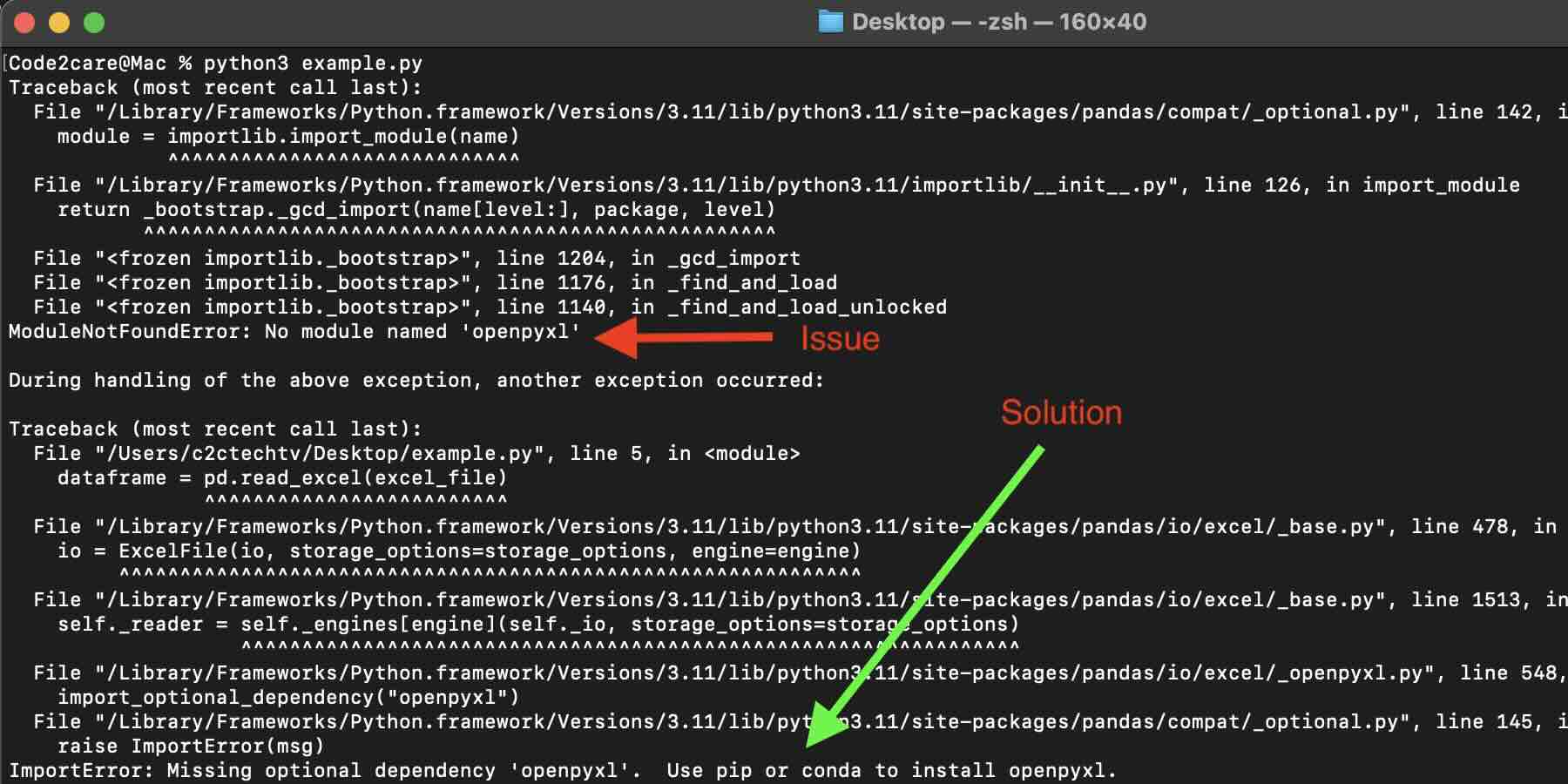
Fix: ModuleNotFoundError: No module named 'openpyxl'
Option 1: If you are using pip/pip3
Option 12 If you are using conda/miniconda
Provide Feedback For This Article
We take your feedback seriously and use it to improve our content. Thank you for helping us serve you better!
😊 Thanks for your time, your feedback has been registered!
Comments & Discussion
Facing issues? Have questions? Post them here! We're happy to help!