
At times you may want to clear all the output of all the cells of a Jupyter Notebook, especially if you are a teacher or a professor who want to show the Notebook to the class.
The best way to clear output of all cells on your Notebook is by going to Menu: Edit -> Clear Output of All Cells.
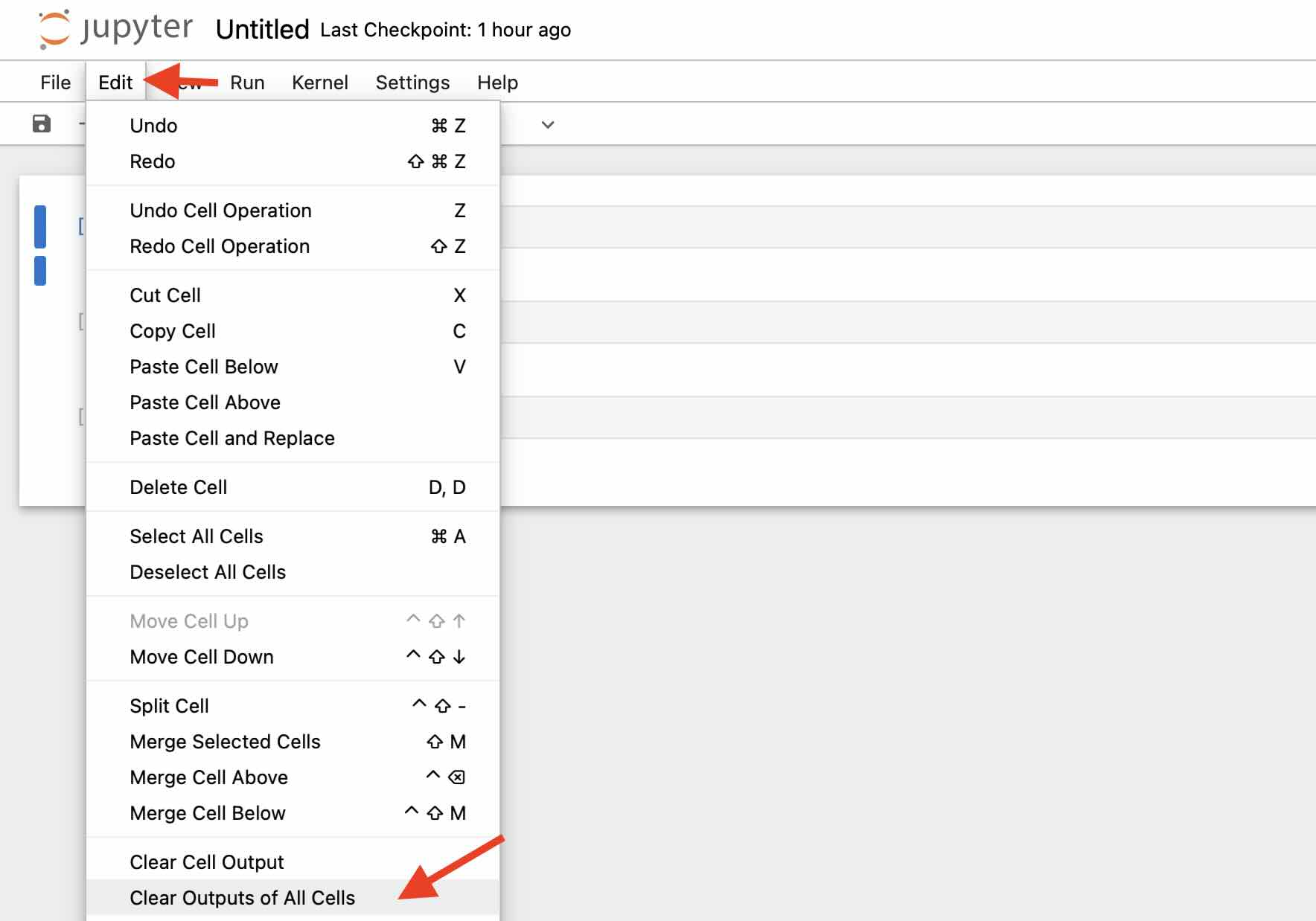
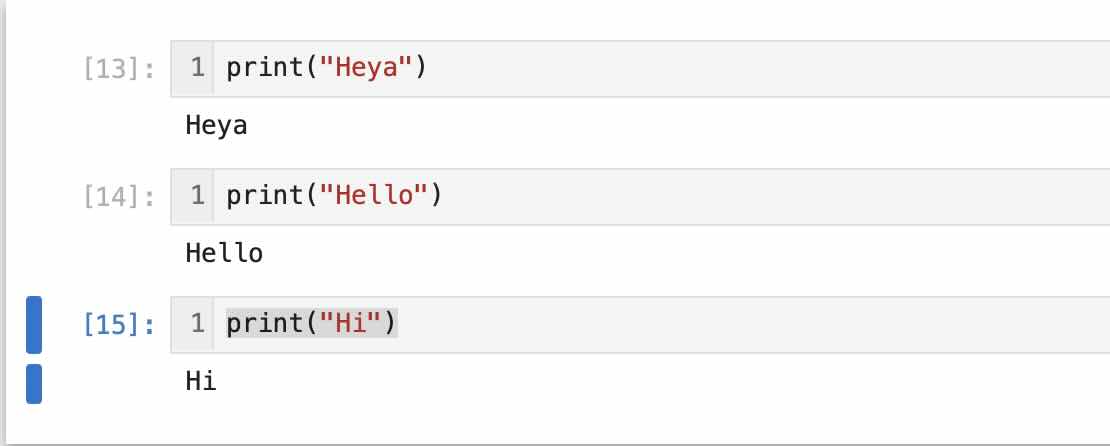
Before Clearing Output of All Cells
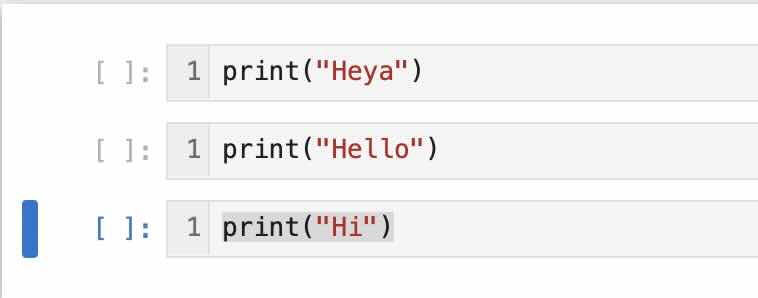
After Clearing Output of All Cells
Provide Feedback For This Article
We take your feedback seriously and use it to improve our content. Thank you for helping us serve you better!
😊 Thanks for your time, your feedback has been registered!
Comments & Discussion
Facing issues? Have questions? Post them here! We're happy to help!