
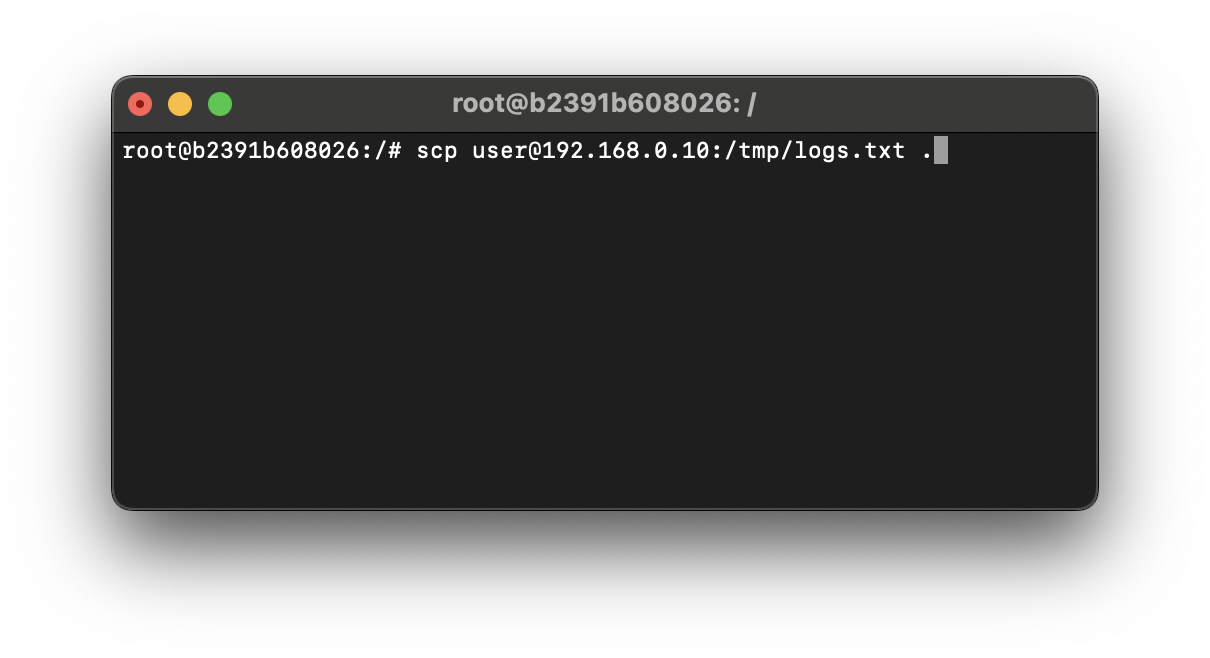
To copy a file or list of files from a remote location to your local system at the current directory you are in, you can make use of the SCP (Secure Copy) command in the below way,
Example: SCP file from a remote server to a current local folder:scp remote-server-user-name@remote-server-address:remote-directory/remote-file .As you can see the first part of the scp command is the server user followed by the address and remote directory path, followed by a . (dot) to copy/transfer the file in the current folder/path/location you are at on your local system.
Provide Feedback For This Article
We take your feedback seriously and use it to improve our content. Thank you for helping us serve you better!
😊 Thanks for your time, your feedback has been registered!
Comments & Discussion
Facing issues? Have questions? Post them here! We're happy to help!