
If you are working on the Mac Terminal and want to see the contents of a file on an external app like TextEdit (default text editor for macOS) then you can make use of the open command.
Open File in TextEdit
% open -a TextEdit ~/Desktop/sample.txt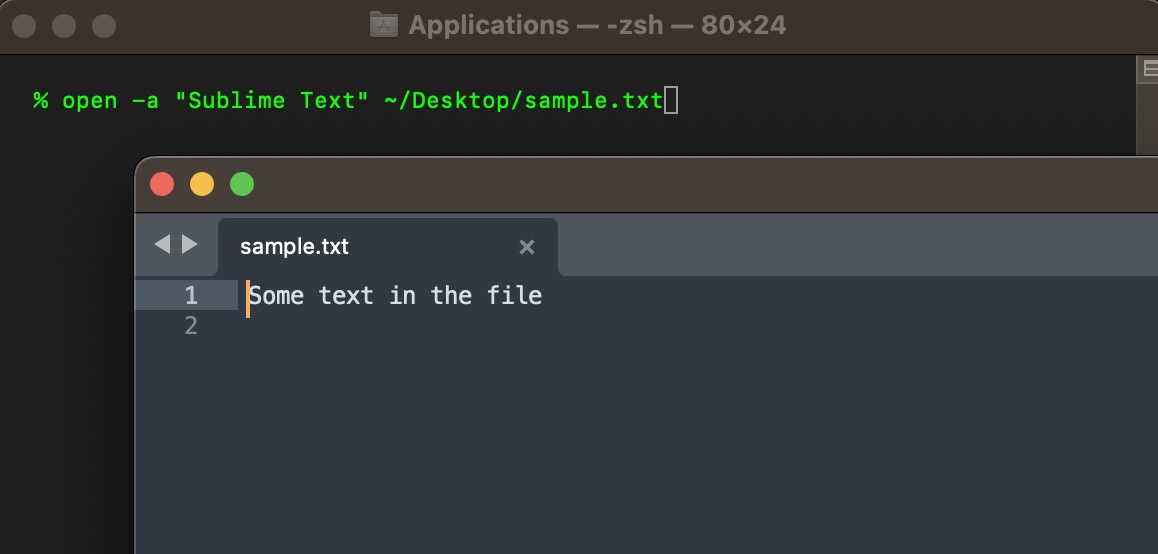
In a similar way if you have other Text Editors installed on your Mac you can open files with them as well,
Open File in Sublime Text
% open -a TextEdit ~/Desktop/sample.txt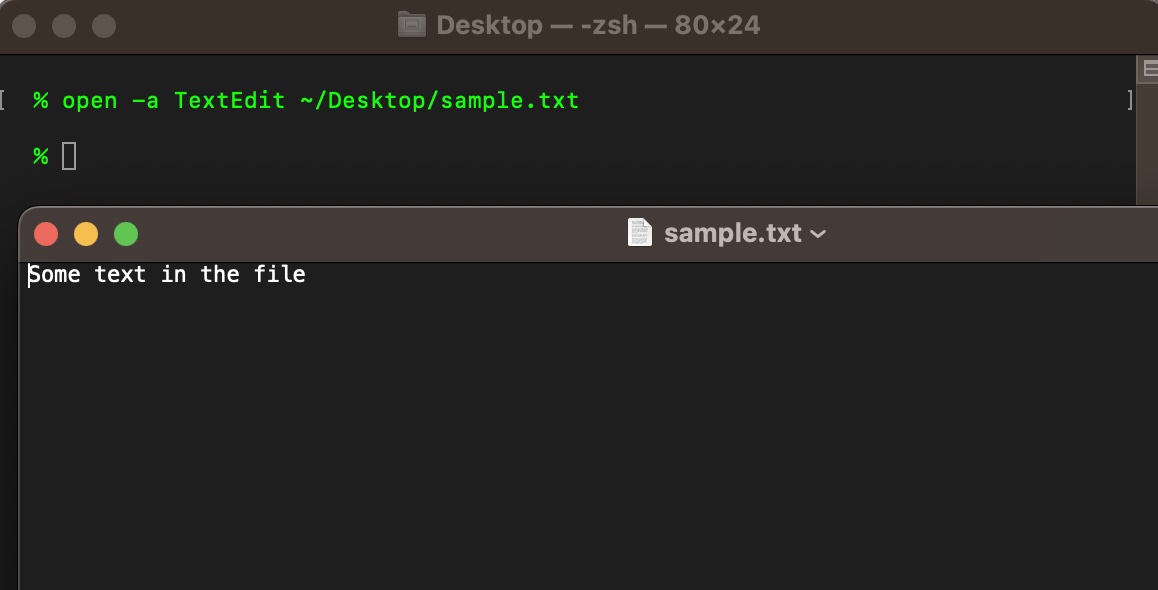
Open File in Default Text Editor
% open ~/Desktop/sample.txtYou do not need to pass in any options with open command to open the file in the default text editor.
Note: You can open any type of file using the open command, let's try to open an mp4 video file.
% open ~/Documents/holiday.mp4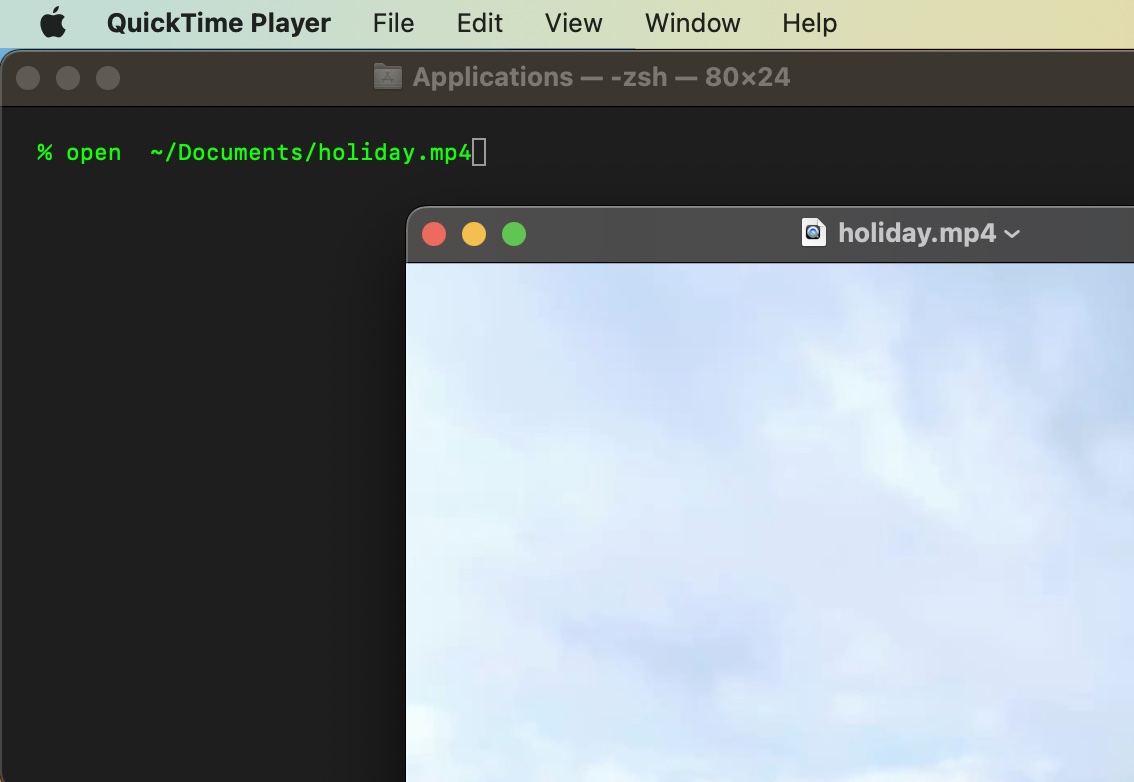
Provide Feedback For This Article
We take your feedback seriously and use it to improve our content. Thank you for helping us serve you better!
😊 Thanks for your time, your feedback has been registered!
Comments & Discussion
Facing issues? Have questions? Post them here! We're happy to help!