
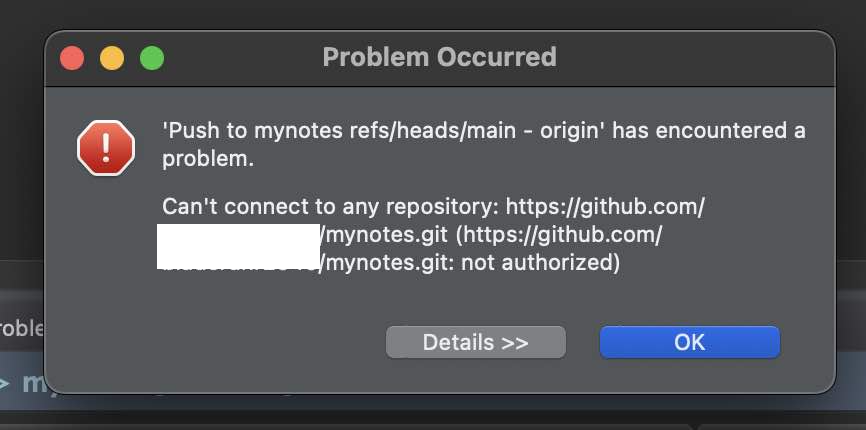
Problem Occurred

'Push to myrepo refs/heads/main - origin' has encountered a problem.
Can't connect to any repository: https://github.com/user-name/myrepo.git
(https://github.com/username/myrepo.git: not authorized)
There could be multiple reasons for this issue,
- You might be using the repo with a GitHub username and password: Authentication Support for password has been removed since August 13, 2021
- The Access Token might have expired.
Fix: Authorized Error
- Login to your GitHub Account.
- Go to Settings from your user icon,
- From the sidebar select Developer Settings
- Personal Access Tokens -> Personal access tokens (Classic)
- Generate a new Token, select repo option (others if applicable)
- Copy the Token
- Go to Eclipse Preferences -> General -> Security -> Secure Store -> Clear Password Cache
- Now try to do a Git Pull, you would get a prompt to enter your username and password. Enter the git username and the token just generated and click log in.

Provide Feedback For This Article
We take your feedback seriously and use it to improve our content. Thank you for helping us serve you better!
😊 Thanks for your time, your feedback has been registered!
Comments & Discussion
Facing issues? Have questions? Post them here! We're happy to help!