
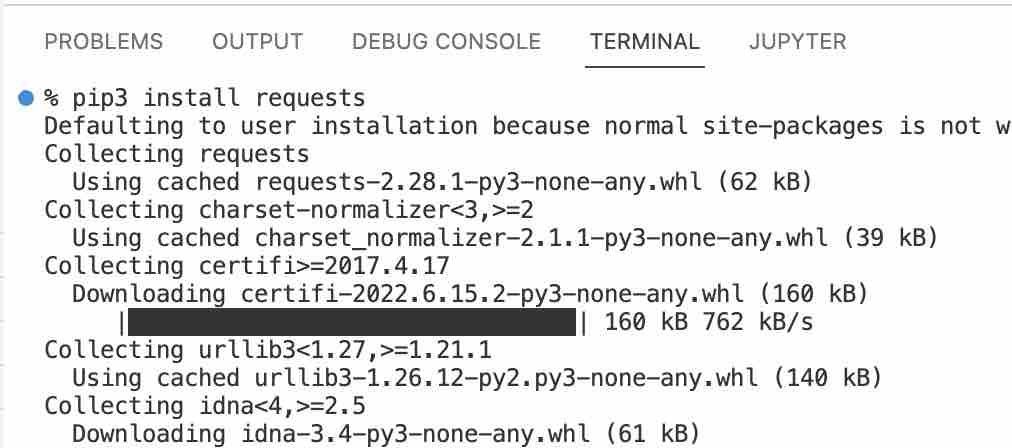
If you have a Python project that you are working on in VS Code and want to import a module using pip, follow the below steps,
- Open Terminal,
- Create Virtual Environment (.venv),
Mac/Linux: python3 -m venv .venvWindows: py -3 -m venv .venv - Press yes when you see the notice: "We noticed a new virtual environment has been created. Do you want to select it for the workspace folder?"
- Now you can install Python modules using pip (pip3) command.
Provide Feedback For This Article
We take your feedback seriously and use it to improve our content. Thank you for helping us serve you better!
😊 Thanks for your time, your feedback has been registered!
Comments & Discussion
Facing issues? Have questions? Post them here! We're happy to help!