
IPython in Python is an interactive shell that provides features that are outside the standard Python interpreter.
If you try to make use of such features in your Python code without having the IPython module installed you will get an error "NameError: name IPython is not defined"
Example:
>>> IPython.display.display("Test");

Traceback (most recent call last):
  File "<stdin>", line 1, in <module>

NameError: name 'IPython' is not defined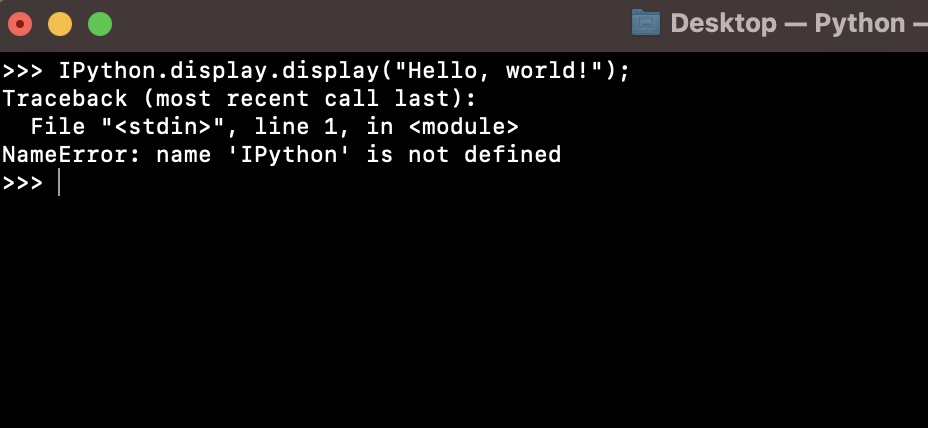
Fix:
First make sure if IPyhton or IPython3 is installed on your device.
pip show IPyhtonIf it is not then you can get it installed using pip install command.
pip install IPythonor,
pip install IPython3Provide Feedback For This Article
We take your feedback seriously and use it to improve our content. Thank you for helping us serve you better!
😊 Thanks for your time, your feedback has been registered!
Comments & Discussion
Facing issues? Have questions? Post them here! We're happy to help!