
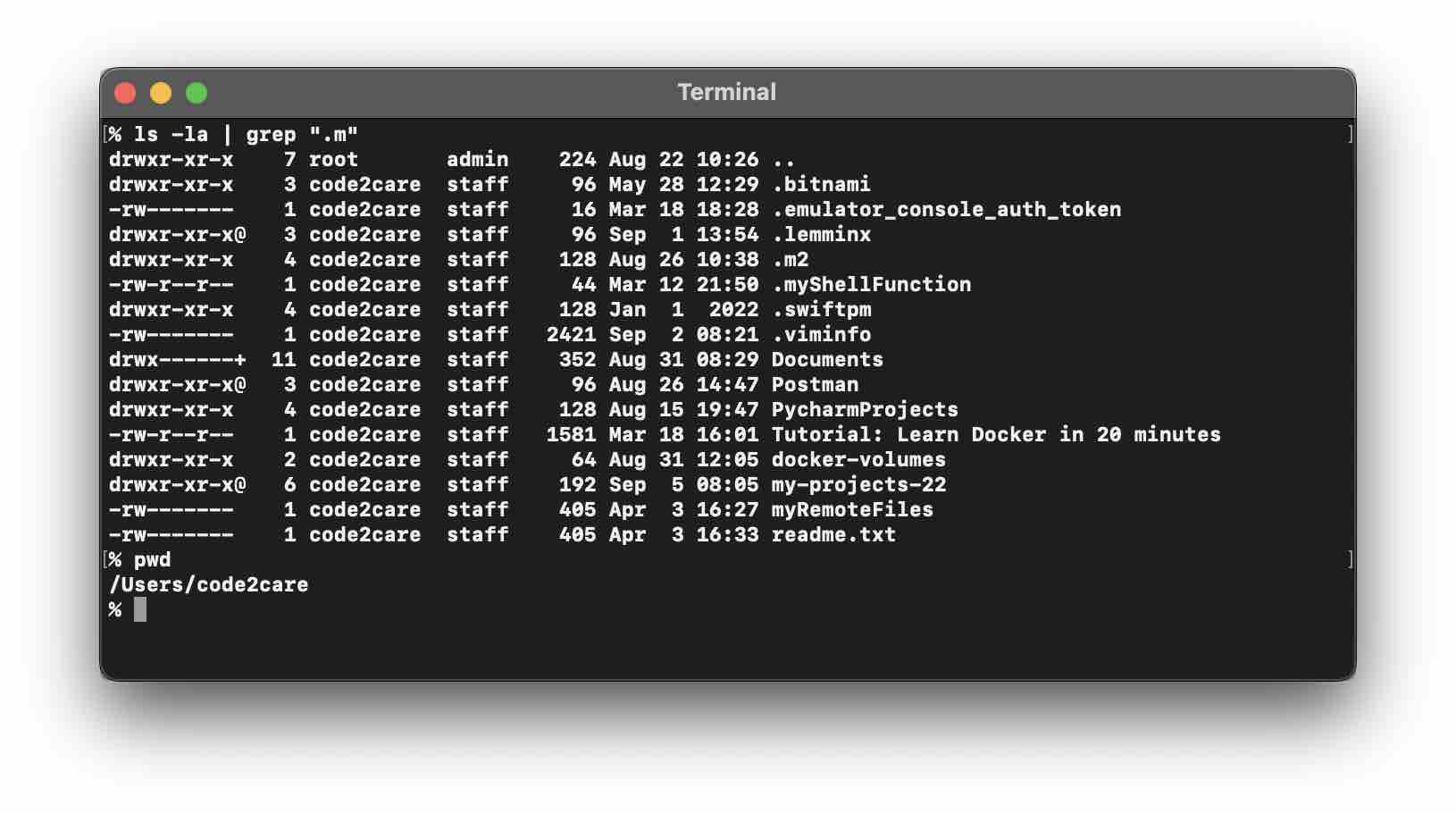
If you are looking for the location of where the .m2 local repository is located on your Mac device, simply open the terminal and type the command cd ~/ followed by ls -la and you should see it.
Step-by-Step to locate .m2 file on Mac
- Open Terminal,
- Type: cd ~/ to take you to your home dir
- Now Type: ls -la to see all hidden directories.
% ls -la drwxr-xr-x 4 code2care staff 128 Aug 26 10:38 . drwxr-x---+ 58 code2care staff 1856 Sep 6 15:36 .. drwx------+ 2 code2care staff 64 Sep 6 16:49 .Trash drwxr-xr-x 15 code2care staff 480 Aug 21 19:18 .android drwxr-xr-x 4 code2care staff 128 May 23 00:36 .aws drwxr-xr-x 4 code2care staff 128 Jun 16 18:26 .cache drwxr-xr-x 3 code2care staff 96 Mar 18 23:10 .config drwx------ 9 code2care staff 288 May 23 00:02 .docker drwxr-xr-x 8 code2care staff 256 Jun 16 18:26 .eclipse drwxr-xr-x 4 code2care staff 128 Aug 26 10:38 .gradle drwxr-xr-x 4 code2care staff 128 Aug 26 10:38 .m2 - You would see the .m2 directory here!
- Do a PWD and you have the location: /Users/<user-name>
Provide Feedback For This Article
We take your feedback seriously and use it to improve our content. Thank you for helping us serve you better!
😊 Thanks for your time, your feedback has been registered!
Comments & Discussion
Facing issues? Have questions? Post them here! We're happy to help!