
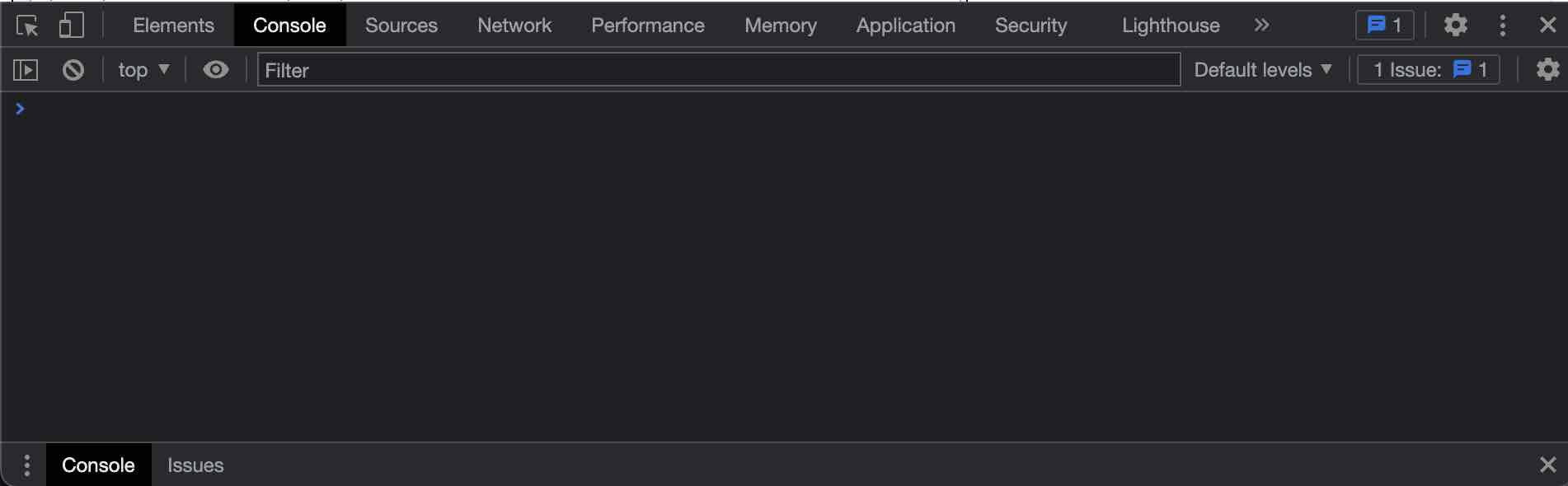
As a web developer, one has to spend a lot of time debugging a webpage on the web browser to get fix a issue while rendering a html/javaScript.
If you spend most time inspecting the page and viewing the console logs, its more efficient to know the shortcuts rather then navigation via the mouse or menu instructions.
macOS Shortcut to Open Chrome Console
Step 1: Press Command, Shift and I key to first open the Developer Tools Window.
Command ⌘ + Shift ⌥ + I
Step 2: Now press the keys Control and ` key to move to console tab,
Control + `
How to clear Chrome Console Logs Shortcut
The clear console screen is also a shortcut that you should know to quickly clear the logs,
Control + K
or,
Command ⌘ + K
Provide Feedback For This Article
We take your feedback seriously and use it to improve our content. Thank you for helping us serve you better!
😊 Thanks for your time, your feedback has been registered!
Comments & Discussion
Facing issues? Have questions? Post them here! We're happy to help!