
The .bash_profile is a hidden configuration file for Bash Shell that you will find under the logged-in user's home directory.
The easiest way to get there is by opening the Terminal and typing cd ~
Next, you can make use of the nano editor, which is a very easy-to-use built-in editor in macOS.
To open the .bash_profile simply type nano ~/.bash_profile
Example:
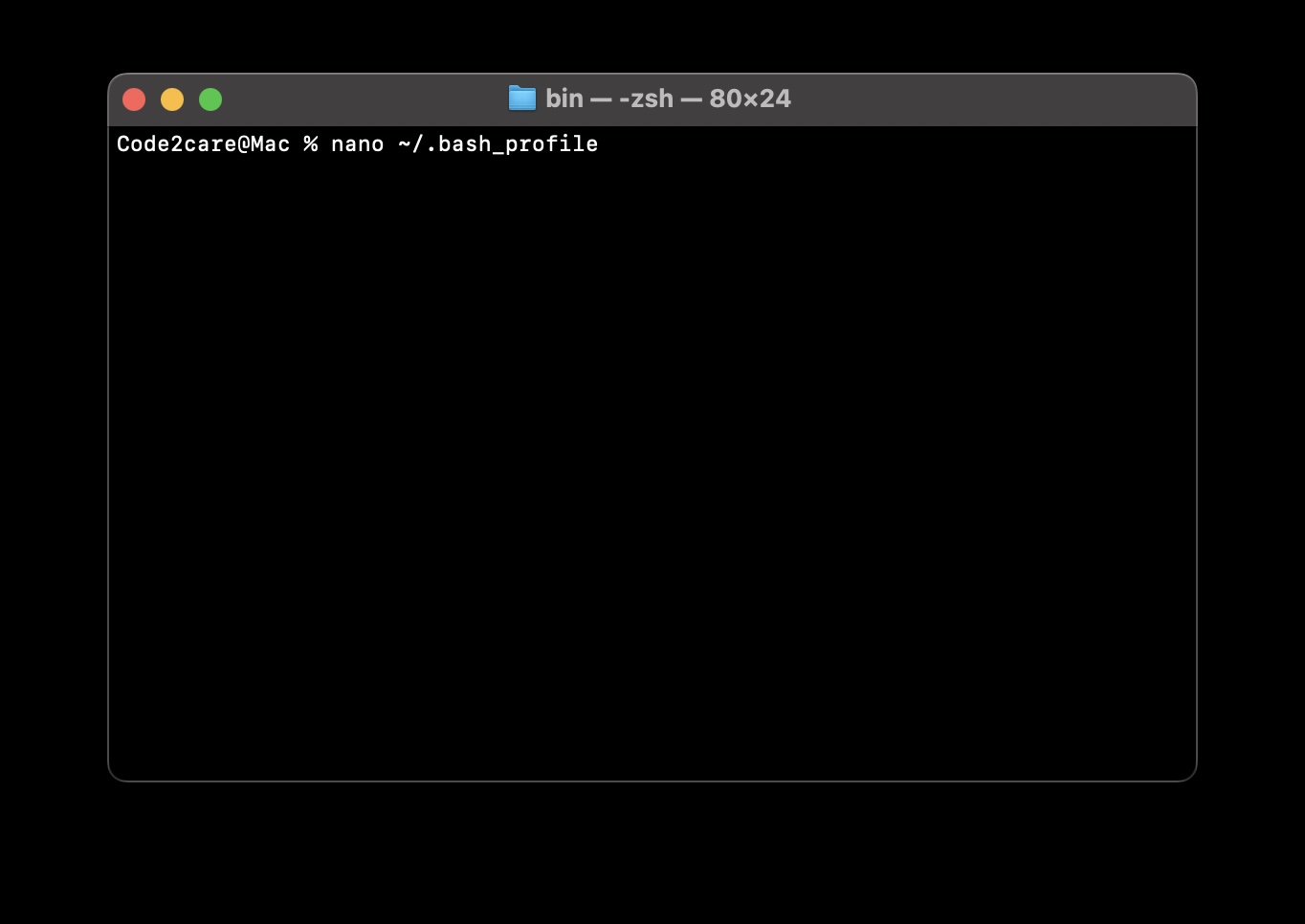

Note: It is common that this file may not be present, if not created.
Once you make changes to this file, press Control + X followed by Y to save and Quit.
Finally, to apply the changes run the command source ~/.bash_profile in Terminal.
Provide Feedback For This Article
We take your feedback seriously and use it to improve our content. Thank you for helping us serve you better!
😊 Thanks for your time, your feedback has been registered!
Comments & Discussion
Facing issues? Have questions? Post them here! We're happy to help!