
In order to find the version of macOS running on your Mac device, you can make use of the command called Software versions sw_vers,
Step 1: Open Terminal
Step 2: Type - sw_vers
% sw_vers

Example:
ProductName:	macOS
ProductVersion:	12.2
BuildVersion:	21D49
ProductName is the name of your OS i.e macOS, Product version is the version of your macOS 12.2 => Monterey!
Know more about versions: https://code2care.org/howto/find-your-macos-version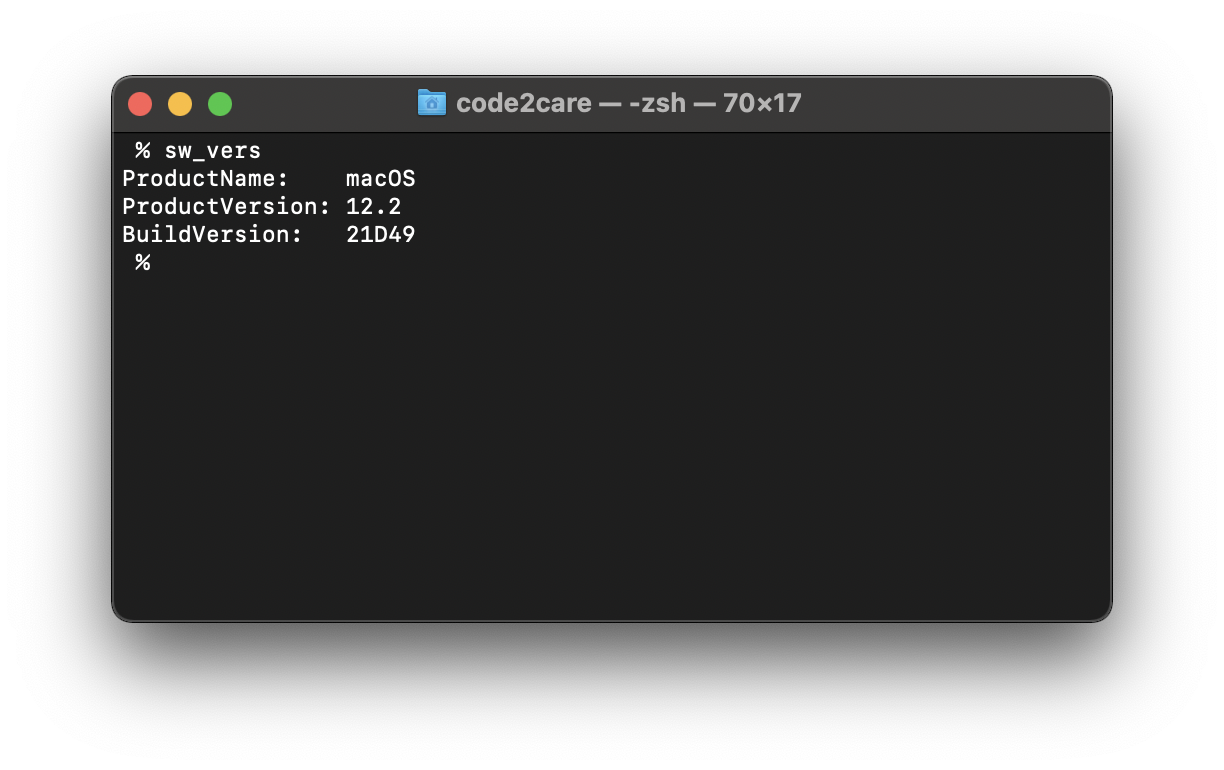
Provide Feedback For This Article
We take your feedback seriously and use it to improve our content. Thank you for helping us serve you better!
😊 Thanks for your time, your feedback has been registered!
Comments & Discussion
Facing issues? Have questions? Post them here! We're happy to help!