
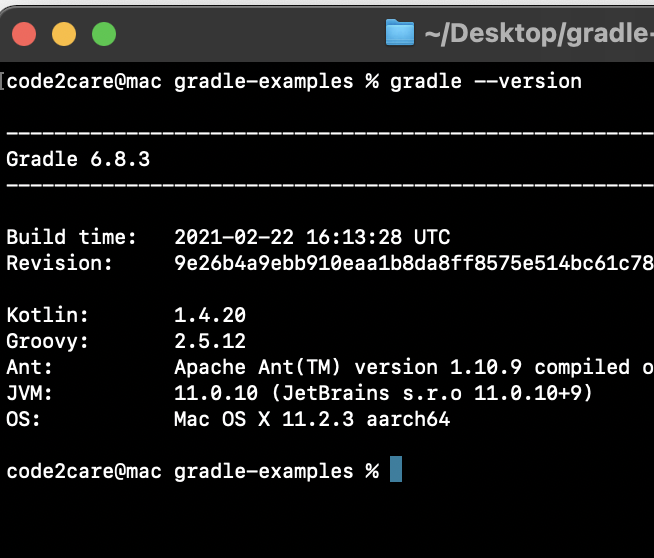
To know the installed version of Gradle on your computer you can run command gradle --version in Terminal or Command Line.
# gradle --version------------------------------------------------------------
Gradle 6.8.3
------------------------------------------------------------
Build time: 2021-02-22 16:13:28 UTC
Revision: 9e26b4a9ebb910eaa1b8da8ff8575e514bc61c78
Kotlin: 1.4.20
Groovy: 2.5.12
Ant: Apache Ant(TM) version 1.10.9 compiled on September 27 2020
JVM: 11.0.10 (JetBrains s.r.o 11.0.10+9)
OS: Mac OS X 11.2.3 aarch64If you get command not found: gradle, then you might have one of the below issues,
- Make sure Gradle is set in PATH variable: export PATH=$PATH:/opt/gradle/gradle-6.8.3/bin, check this article for more details: https://code2care.org/tutorial/installing-gradle-on-macos-gradle-tutorial
- Make sure JAVA_HOME variable is set: https://code2care.org/pages/setting-java_home-environment-variable-on-windows-operating-system
Provide Feedback For This Article
We take your feedback seriously and use it to improve our content. Thank you for helping us serve you better!
😊 Thanks for your time, your feedback has been registered!
Comments & Discussion
Facing issues? Have questions? Post them here! We're happy to help!