
3:06:20 PM: Executing ':MyApp.main()'...

> Task :compileJava UP-TO-DATE
> Task :processResources UP-TO-DATE
> Task :classes UP-TO-DATE
> Task :MyApp.main()

Deprecated Gradle features were used in this build, making it incompatible with Gradle 8.0.

You can use '--warning-mode all' to show the individual deprecation warnings
and determine if they come from your own scripts or plugins.

See https://docs.gradle.org/7.2/userguide/command_line_interface.html#sec:command_line_warnings

BUILD SUCCESSFUL in 190ms
3 actionable tasks: 1 executed, 2 up-to-date
3:06:20 PM: Execution finished ':MyApp.main()'.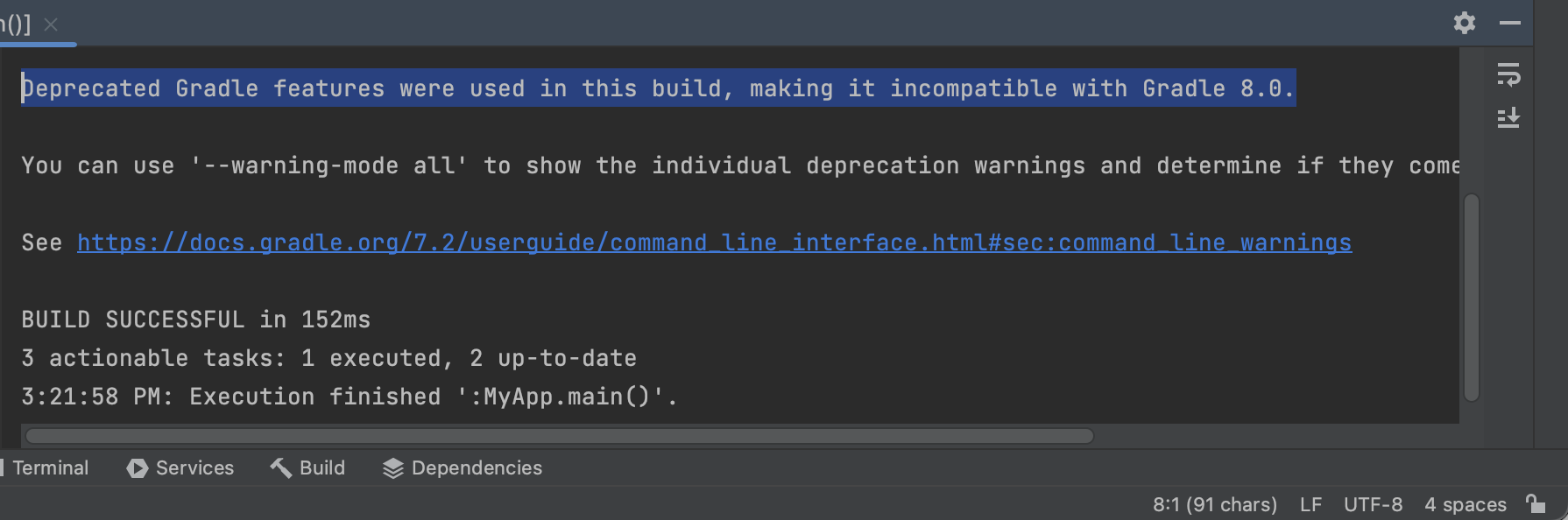
Solution 1: Suppress the warning
In order to hide this warning, just add the below lines in your projects build.gradle files.
allprojects {
    tasks.withType(JavaCompile) {
        options.deprecation = true
    }
}
Solution 2: Identify the incompatible features and replace them
Run the below command in Terminal to know the list of all incompatible features used,
./gradlew build --warning-mode allSolution 3: Downgrade Gradle
If you want to use the older features of Gradle, just downgrade from version, or simply ignore the warnings!
Provide Feedback For This Article
We take your feedback seriously and use it to improve our content. Thank you for helping us serve you better!
😊 Thanks for your time, your feedback has been registered!
Comments & Discussion
Facing issues? Have questions? Post them here! We're happy to help!