
In order to clear the cache of Gradle on the Mac running on macOS follow the below steps.
- Open Terminal App,
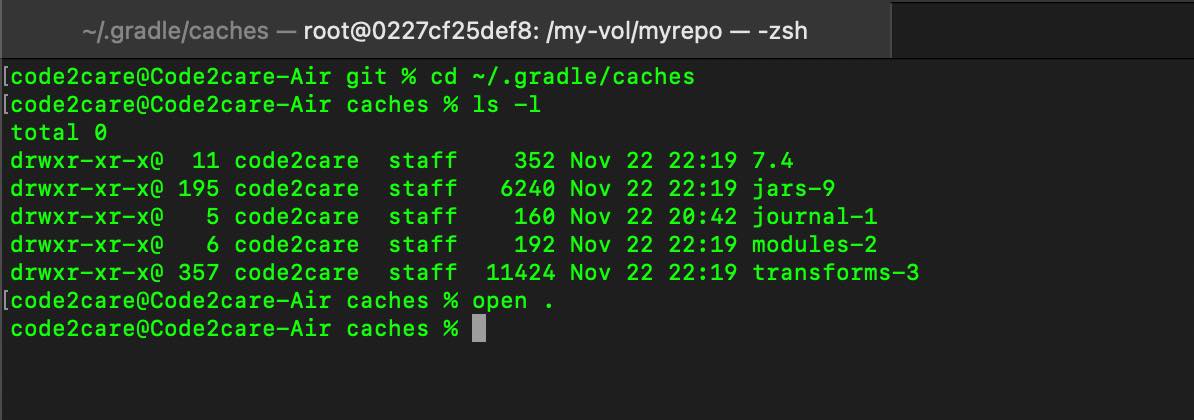
- Now run the command: ~/.gradle/caches/ to navigate to the Gradle caches under your home directory.
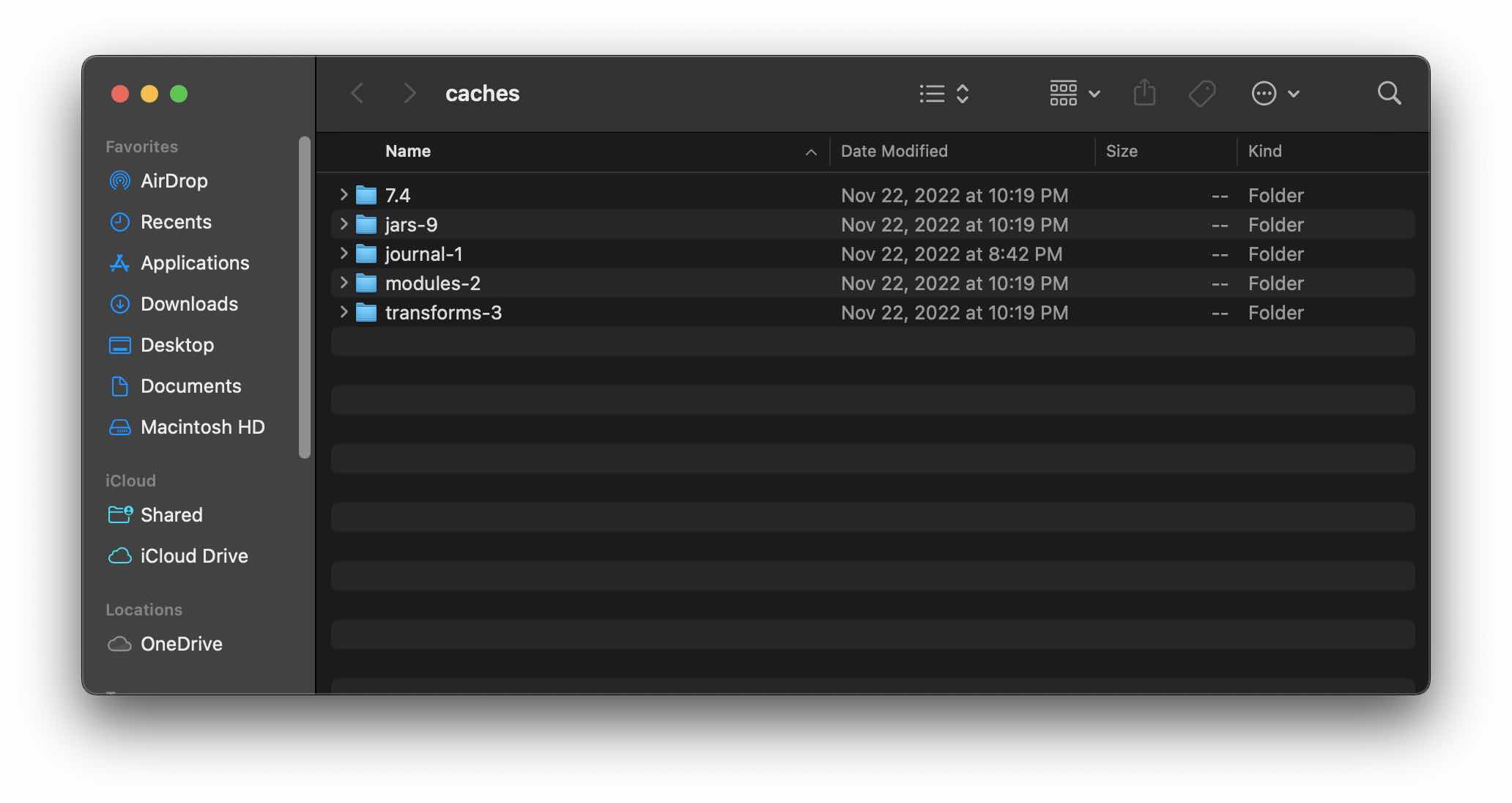
- Now run command open . to open the current Caches directory in Finder.
- Delete all the Cache you want to.
Delete Gradle Cache using gradle command
- Open Terminal App,
- Run the command: gradle cleanBuildCache (or can even use ./gradlew cleanBuildCache)
Delete Gradle Cache using Android Studio IDE
- Open Android Studio App,
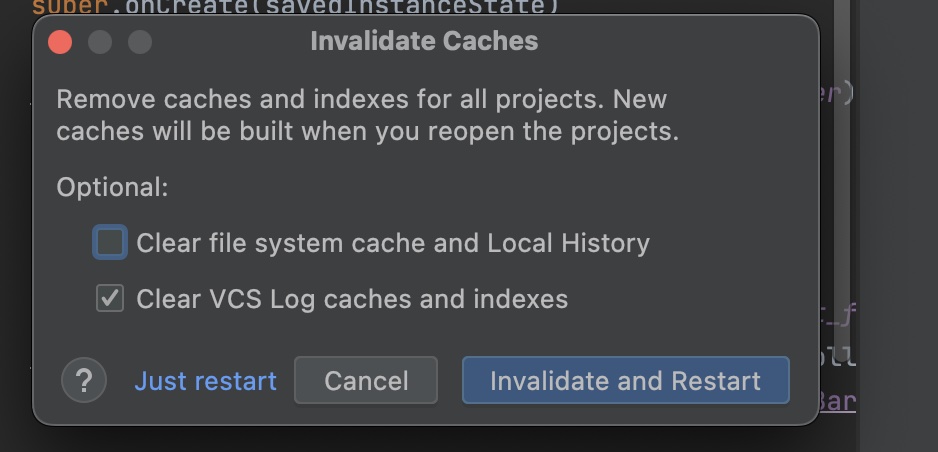
- Go to File -> Invalidate Caches... -> Invalidate Caches and Restart
Provide Feedback For This Article
We take your feedback seriously and use it to improve our content. Thank you for helping us serve you better!
😊 Thanks for your time, your feedback has been registered!
Comments & Discussion
Facing issues? Have questions? Post them here! We're happy to help!