
If you want to know the list of all files that were added/modified/updated or deleted for each commit in a branch, you can make use of the git log command with --name-status flag.
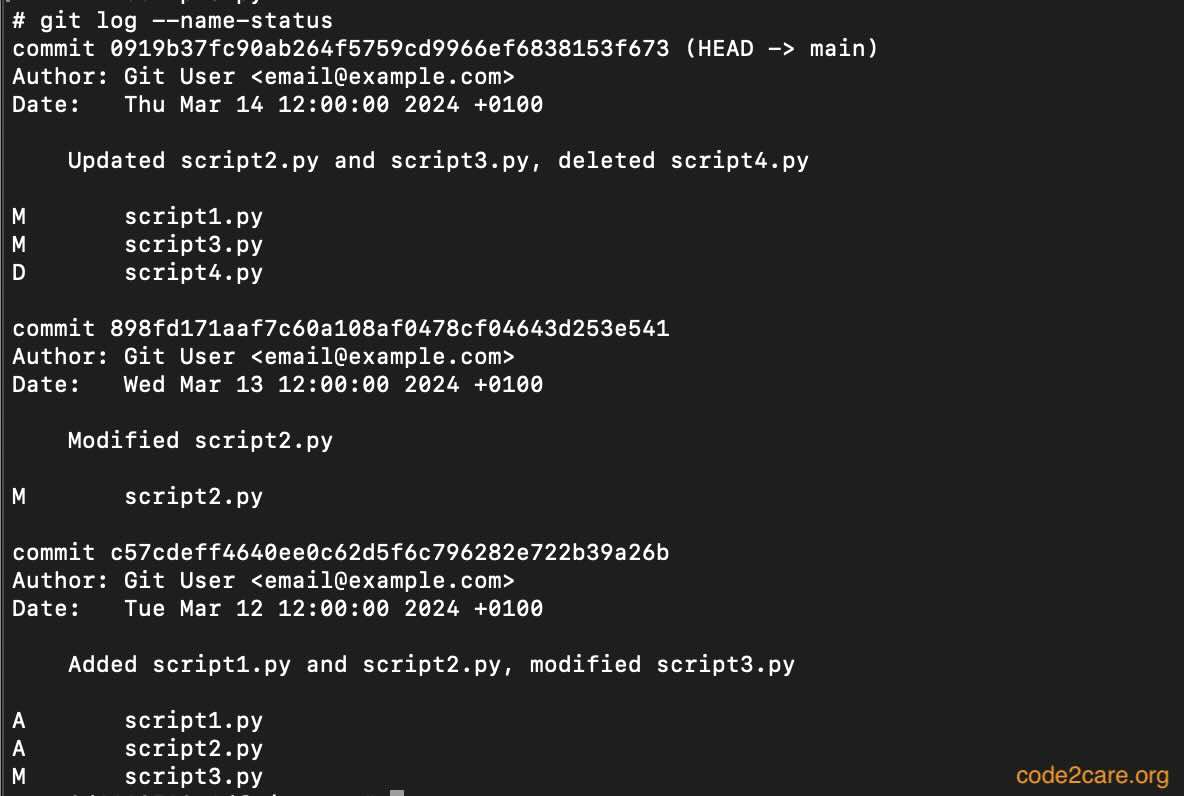
Example:# git log --name-status
commit 0919b37fc90ab264f5759cd9966ef6838153f673 (HEAD -> main)
Author: Git User <email@example.com>
Date: Thu Mar 14 12:00:00 2024 +0100
Updated script2.py and script3.py, deleted script4.py
M script1.py
M script3.py
D script4.py
commit 898fd171aaf7c60a108af0478cf04643d253e541
Author: Git User <email@example.com>
Date: Wed Mar 13 12:00:00 2024 +0100
Modified script2.py
M script2.py
commit c57cdeff4640ee0c62d5f6c796282e722b39a26b
Author: Git User <email@example.com>
Date: Tue Mar 12 12:00:00 2024 +0100
Added script1.py and script2.py, modified script3.py
A script1.py
A script2.py
M script3.pyAs you may see in the above example, we have 3 commits details shown using the git log command with names and details of files that were committed in each step.
Provide Feedback For This Article
We take your feedback seriously and use it to improve our content. Thank you for helping us serve you better!
😊 Thanks for your time, your feedback has been registered!
Comments & Discussion
Facing issues? Have questions? Post them here! We're happy to help!