
The most cleanest way to shutdown MongoDB is by executing the below commands,
> use admin
> db.shutdownServer();> use admin
switched to db admin
> db.shutdownServer();
server should be down...You can also stop MongoDB mongod service running on Ubuntu, run the command sudo service mongod stop
# sudo service mongod stopor,
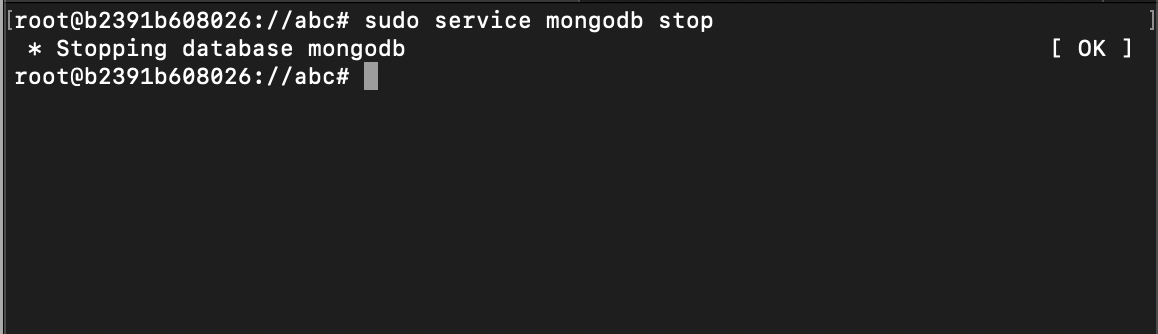
# sudo service mongodb stop

 * Stopping database mongodb   [OK]
You can also check the status of the server using the command,
# sudo service mongodb statusProvide Feedback For This Article
We take your feedback seriously and use it to improve our content. Thank you for helping us serve you better!
😊 Thanks for your time, your feedback has been registered!
Comments & Discussion
Facing issues? Have questions? Post them here! We're happy to help!