
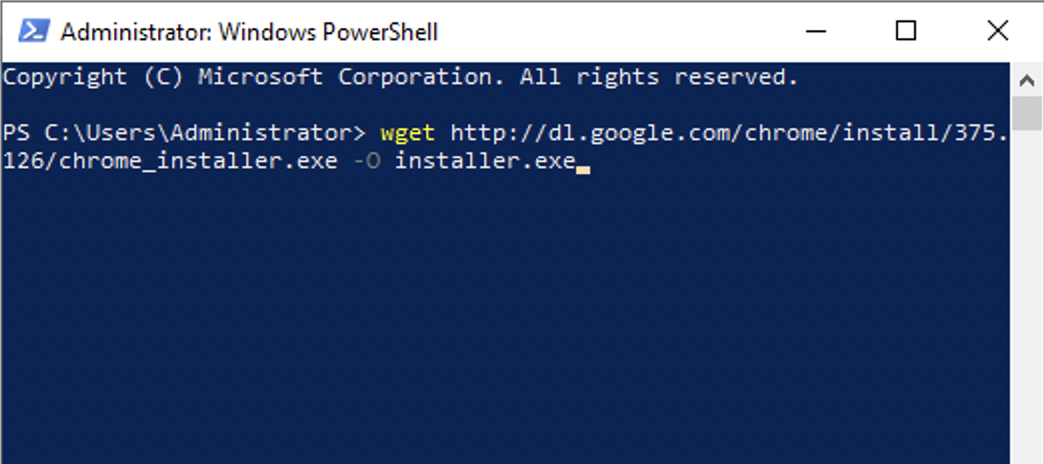
You may come across a case where you have a very sluggish or old computer that has Internet Explorer does not let you download any exe files and you desperately want to download the Google Chrome Web Browser, well you can make use of wget command on Powershell,
> wget http://dl.google.com/chrome/install/375.126/chrome_installer.exe -O chrome_installer.exeThis command will the chrome installer.exe file at the location where you run this command. Once the file is downloaded you can double-click and get Chrome installed.
Hope this was helpful!
Provide Feedback For This Article
We take your feedback seriously and use it to improve our content. Thank you for helping us serve you better!
😊 Thanks for your time, your feedback has been registered!
Comments & Discussion
Facing issues? Have questions? Post them here! We're happy to help!