
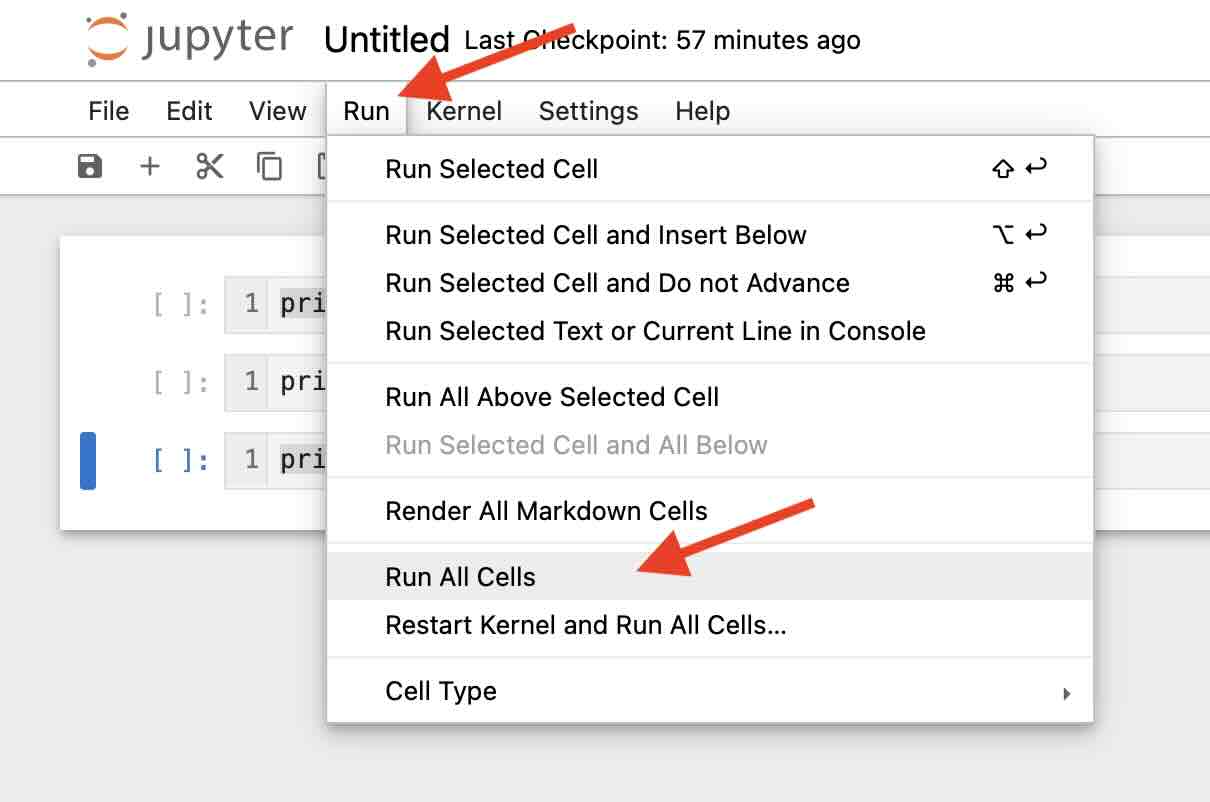
If you want to run all the Cells you have in your Python Jupyter Notebook an once, then you can do that by going to the Menu: Run -> Run All Cells
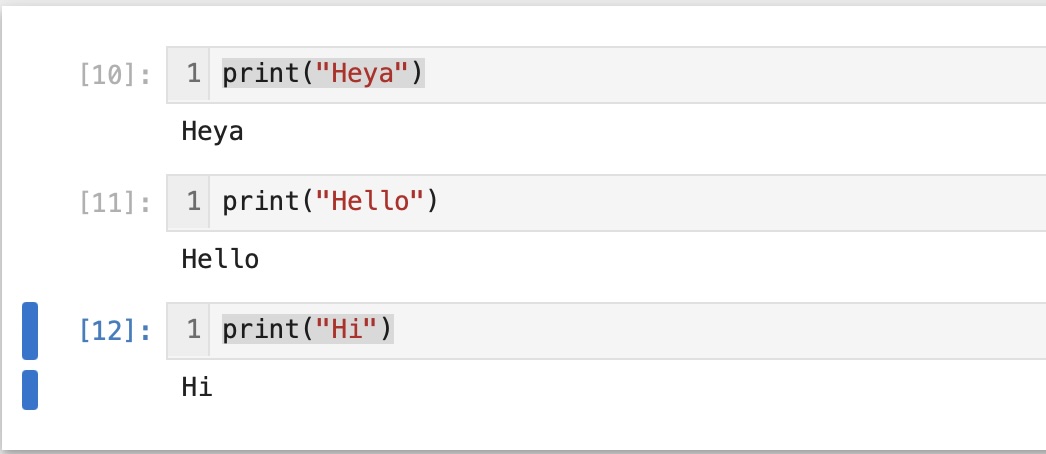
Once this was done, you can see that all the cells ran at once!
Run All Cells using Keyboard
- Select All Cells using Command + A key.
- Run the cells using Command + Enter.
- Select All Cells using Control + A key.
- Run the cells using Shift + Enter.
You can do this using keyboard as well,
For Mac
For Windows/Linux
Provide Feedback For This Article
We take your feedback seriously and use it to improve our content. Thank you for helping us serve you better!
😊 Thanks for your time, your feedback has been registered!
Comments & Discussion
Facing issues? Have questions? Post them here! We're happy to help!