If you are using the latest version of Microsoft 365 Word on Mac (Version 16.66, Build 22100201) and looking for ways to fix spelling errors in your document, follow the below steps,
Steps to fix Spelling Errors:
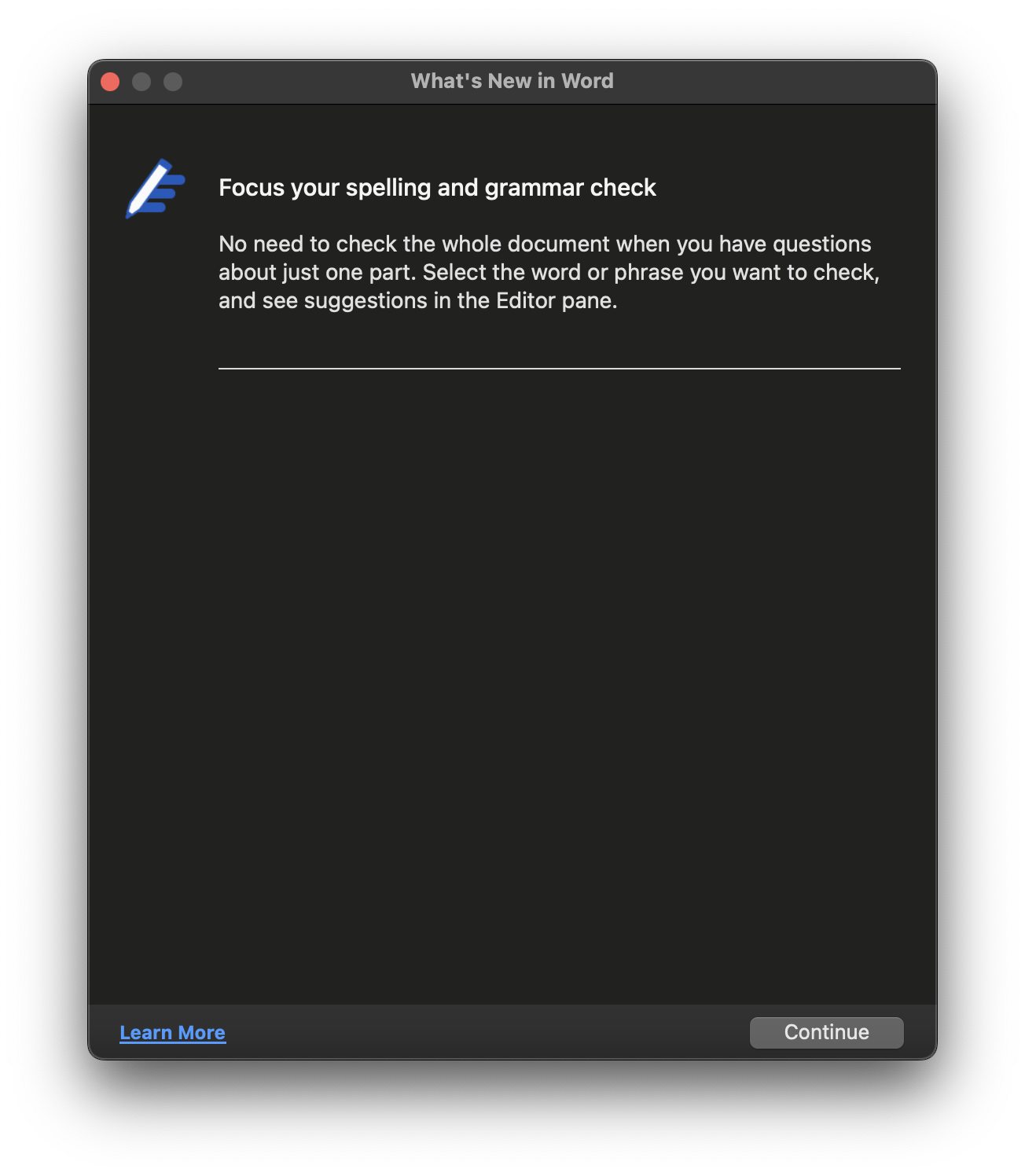
- Select a word, phrase, or sentence you want to do spell check on and do control-click (right-click),
- Now select "Review in Editor"
- In the Editor pane, you should get details about errors related to - Grammar, Spellings, Clarity, Consciousness, Punctuations, and Vocabulary that need corrections.

This is not an AI-generated article but is demonstrated by a human on an M1 Mac running macOS Sonoma 14.0.
Please support independent contributors like Code2care by donating a coffee.
Buy me a coffee!
Comments & Discussion
Facing issues? Have questions? Post them here! We're happy to help!