
If you have a use case where you want to hide what is outputted on the Terminal when you run a cURL request, then you would have to do a combination of steps.
Example 1: Hide the Progress Meter
If you do not want to see the progress details then make use of the option --no-progress-meter
Example: With Progress Meter% curl -o sample.html http://example.com
% Total % Received % Xferd Average Speed Time Time Time Current
Dload Upload Total Spent Left Speed
100 1256 100 1256 0 0 2868 0 --:--:-- --:--:-- --:--:-- 2907Example: Without Progress Meter
% curl -o sample.html --no-progress-meter http://example.com
%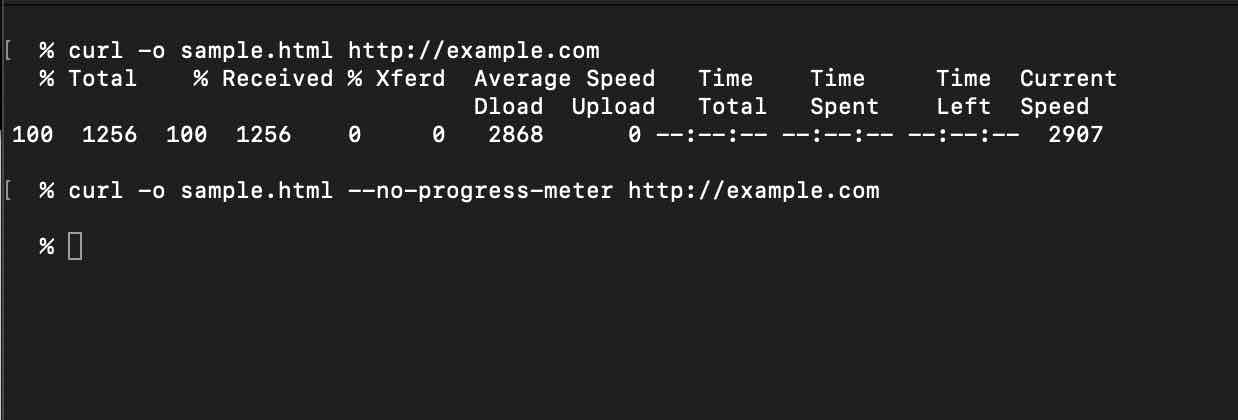
As you can see using --no-progress-meter you do not see the meter and the file is saved without any output on the console.
Example 2: Hide outputs using --silent or -s option
-s or --silent is a flag you can use with cURL to execute your request in quiet mode, it will not show the progress meter or any error messages on the console.
% curl -s -o sample.html http://example.com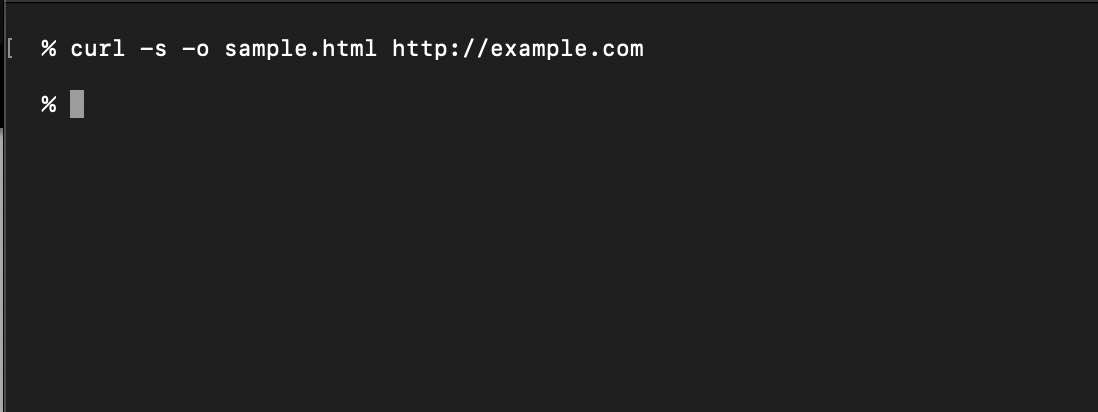
Note: Make use of --show-error with -s option to disable the progress meter but to display error messages.
Example 3: Hide all cURL Request Outputs
If you do not want to display any output text be it progress, output data, or error messages then you will need to make use of the combination of --silent and redirect the output to /dev/null
Example:% curl --silent http://example.com > /dev/null% curl -s -o /dev/null http://example.com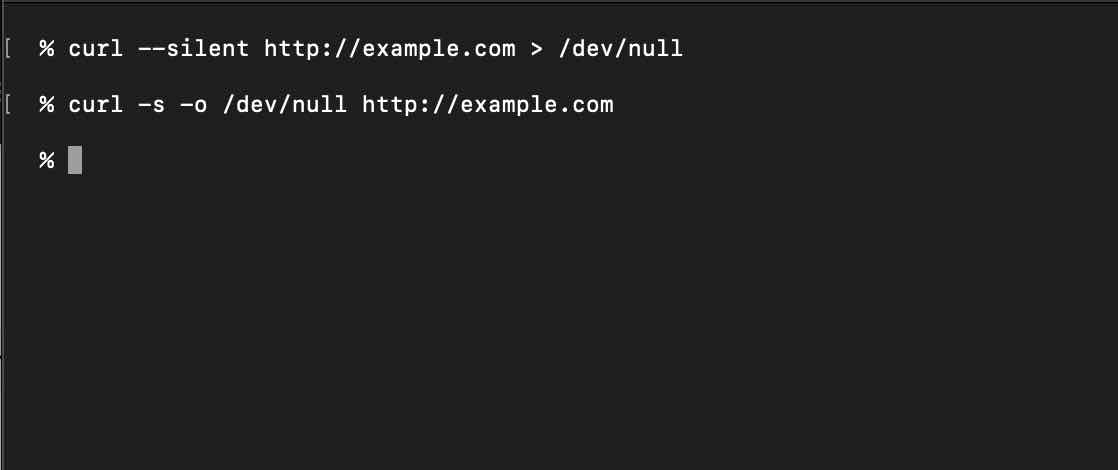
Provide Feedback For This Article
We take your feedback seriously and use it to improve our content. Thank you for helping us serve you better!
😊 Thanks for your time, your feedback has been registered!
Comments & Discussion
Facing issues? Have questions? Post them here! We're happy to help!