
There are two ways in which you can perform basic auth using cURL,
- Using the -u or --user option
- Using the Authorization header in the request
Using the -u or --user option
In other to perform Basic Authentication using cURL command make use of -u or the --user option followed by user:password along with the cURL command request.
Syntax:curl -u <user-name:password> the-url
Example:% curl -u newuser:mypassword https://example.orgNote: If your username or password contains special characters, make sure the wrap the 'user:password' within single quotes.
Example: Basic Auth cURL with special character is user or password% curl -u 'new_user:my$password' https://example.orgNote: As the colon is used as a separator to distinguish the username and password, you cannot have a colon as a character in the username, but you can have it in the password string.
If you do not provide the password with the -u option and just provide the user, cURL will prompt you to enter the password.
Example: cURL Basic Auth with password prompt% curl -u newuser https://example.org
Enter host password for user 'newuser':
Perform Basic Auth by passing Authorization Header in cURL Request
The username:password string needs to be Base64-Encoded and passed in as a Header to your cURL request as below,
Plan text user:passwordmyuser:my$passwordbXl1c2VyOm15JHBhc3N3b3JkcURL Example using Authorization Header
curl 'https://example.org' \
--header 'Authorization: Basic bXl1c2VyOm15JHBhc3N3b3Jk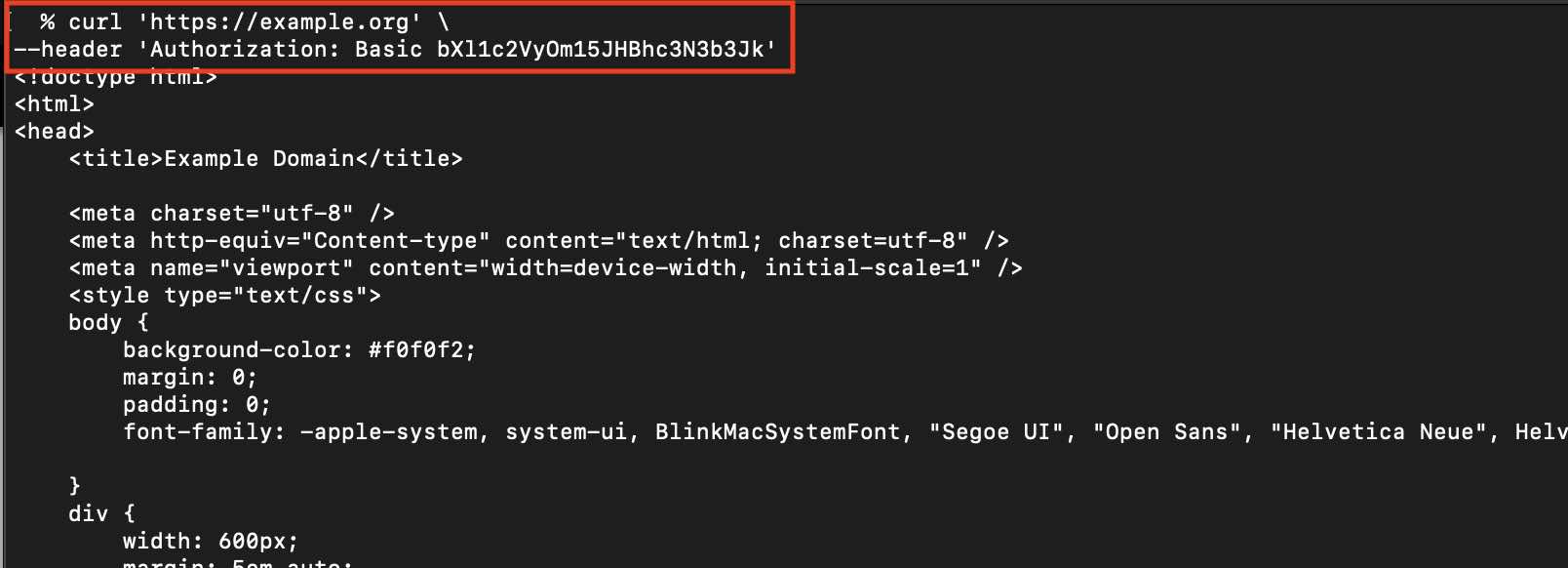
Provide Feedback For This Article
We take your feedback seriously and use it to improve our content. Thank you for helping us serve you better!
😊 Thanks for your time, your feedback has been registered!
Comments & Discussion
Facing issues? Have questions? Post them here! We're happy to help!