
Quick steps to install AWS CLI tool on macOS Terminal,
- Download macOS CLI Package (AWSCLIV2) file: https://awscli.amazonaws.com/AWSCLIV2.pkg
- Follow the instructions on the Install AWS Command Line Interface
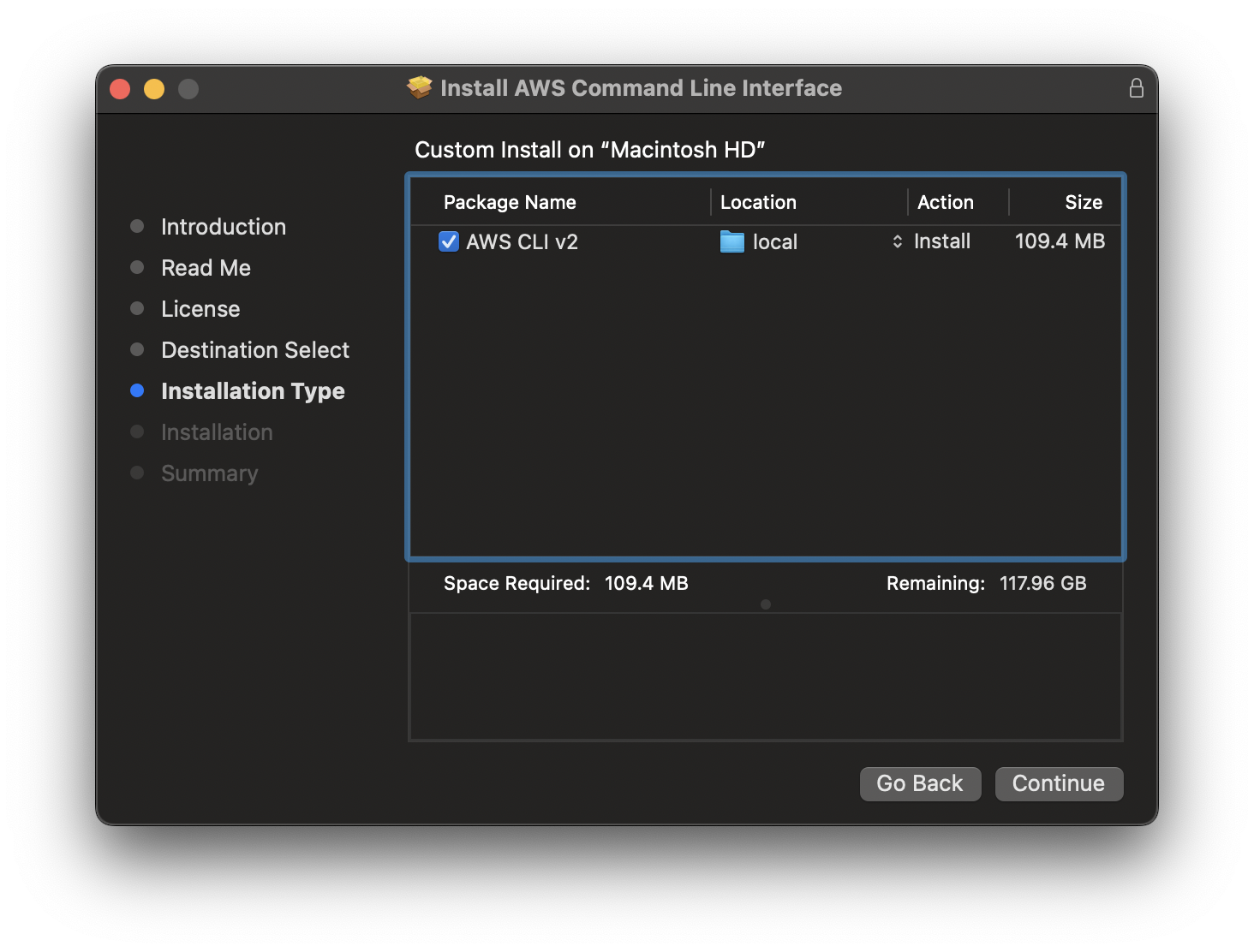
That's it!
% aws

usage: aws [options]   [ ...] [parameters]
To see help text, you can run:

  aws help
  aws <command> help
  aws <command>  help

aws: error: the following arguments are required: command
Make sure you set your config file.
Provide Feedback For This Article
We take your feedback seriously and use it to improve our content. Thank you for helping us serve you better!
😊 Thanks for your time, your feedback has been registered!
Comments & Discussion
Facing issues? Have questions? Post them here! We're happy to help!