
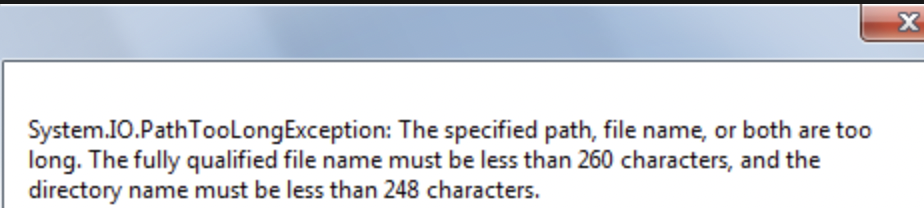
System.IO.PathTooLongException:
The specified path, file name, or both are too long.
The fully qualified file name must be less than 260 characters,
and the directory name must be less than 248 characters.If you are using Windows 10 this issue of "Maximum Path Length Limitation" can be resolved by setting LongPathsEnabled value to 1 by the below powershell command.
Powershell:New-ItemProperty -Path "HKLM:\SYSTEM\CurrentControlSet\Control\FileSystem" `
-Name "LongPathsEnabled" -Value 1 -PropertyType DWORD -Force⛏️Reference:
- https://docs.microsoft.com/en-us/windows/win32/fileio/naming-a-file?redirectedfrom=MSDN
- https://docs.microsoft.com/en-us/windows/win32/fileio/maximum-file-path-limitation?tabs=powershell
Hashtags:

#Sharepoint #cSharp #dotNet
Have Questions? Post them here!
Provide Feedback For This Article
We take your feedback seriously and use it to improve our content. Thank you for helping us serve you better!
😊 Thanks for your time, your feedback has been registered!
Comments & Discussion
Facing issues? Have questions? Post them here! We're happy to help!