
Python code requires strict indentation and if you are using a text editor such as Notepad++ instead of an IDE you may have difficult times dealing with code intent issues.
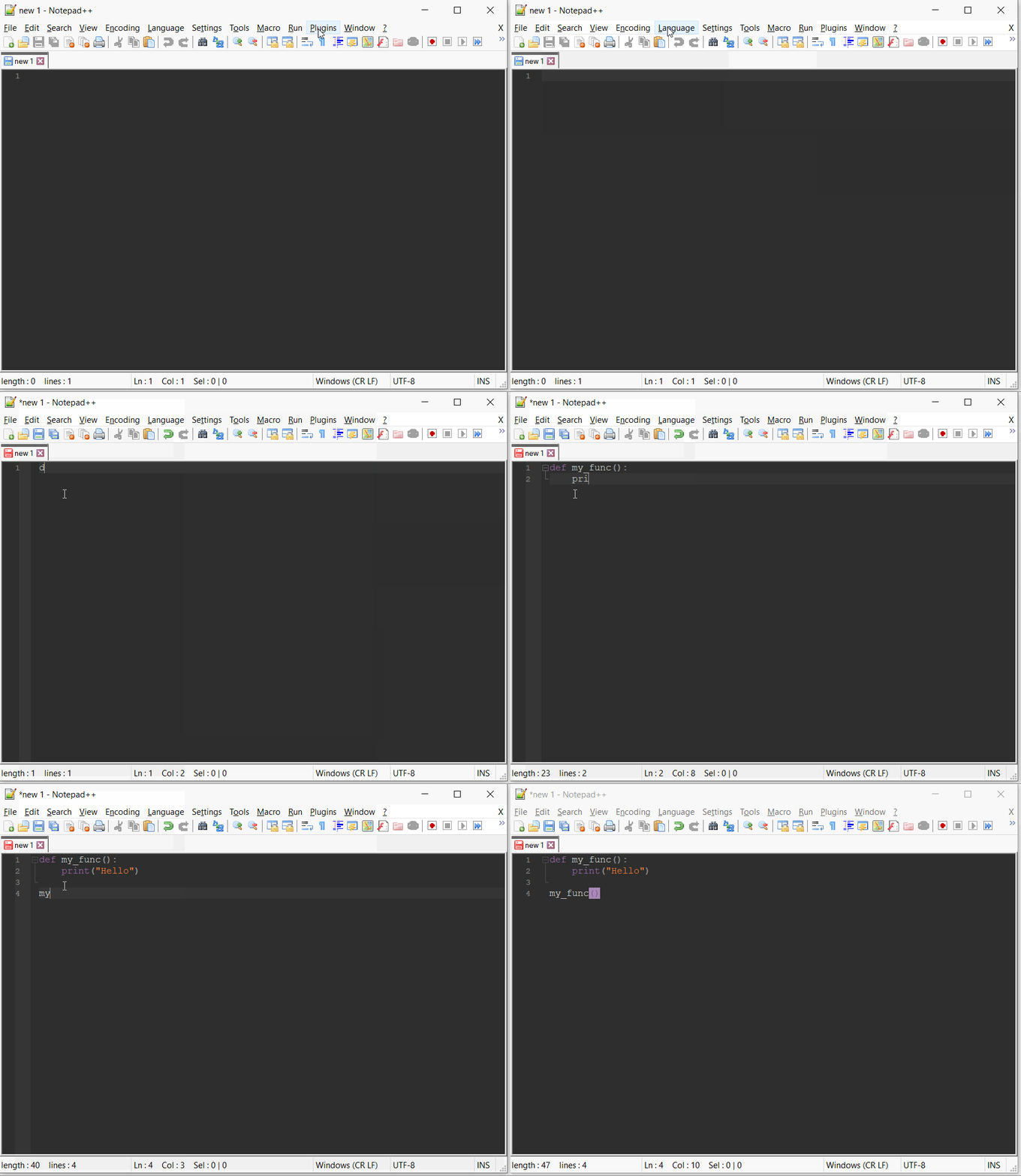
Python Indent is the plugin that you may need to install, here is how you can do that,
- Open Notepad++
- Go to Plugins -> Plugin Admins.
- Search for Python Indent.
- Tick the checkbox against it and click Install, Notepad++ will get restarted.
- Now to use it go to Plugins -> Python Indent -> Enable
- Make sure you have Python Language selected.
- Now anything you type will be auto-indented.
More about the Plugin:
Python auto-indent plugin.
Author: Derek Brown
Homepage: https://sourceforge.net/projects/kered13-notepad-plugins/
Provide Feedback For This Article
We take your feedback seriously and use it to improve our content. Thank you for helping us serve you better!
😊 Thanks for your time, your feedback has been registered!
Comments & Discussion
Facing issues? Have questions? Post them here! We're happy to help!