
If you want to add or remove users from the sudo group on Ubuntu, you can follow the below examples,
Add user to Sudo Group
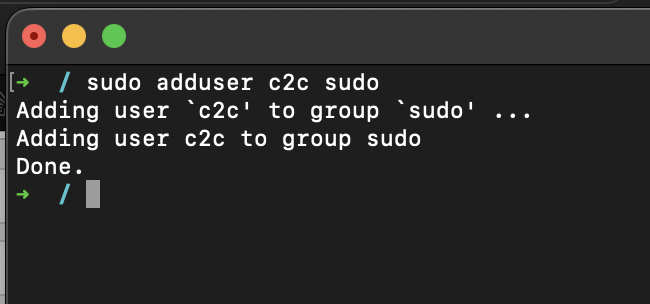
% sudo adduser c2c sudo

Adding user `c2c' to group `sudo' ...
Adding user c2c to group sudo

Done.
If the user already exists in the sudo group make use of sudo adduser command,
% sudo adduser c2c sudo

The user `c2c' is already a member of `sudo'.
Remove user to Sudo Group
In order to remove a user from sudo group you can make use of sudo deluser command,
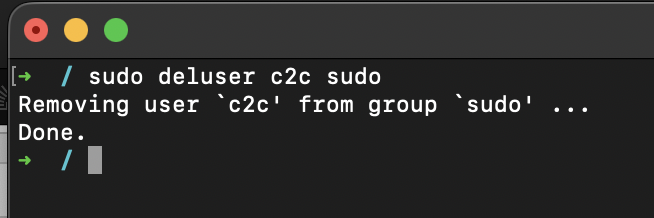
% sudo deluser c2c sudo

Removing user `c2c' from group `sudo' ...

Done.bash|/usr/sbin/deluser: The user `c2c' is not a member of group `sudo'.
Provide Feedback For This Article
We take your feedback seriously and use it to improve our content. Thank you for helping us serve you better!
😊 Thanks for your time, your feedback has been registered!
Comments & Discussion
Facing issues? Have questions? Post them here! We're happy to help!