
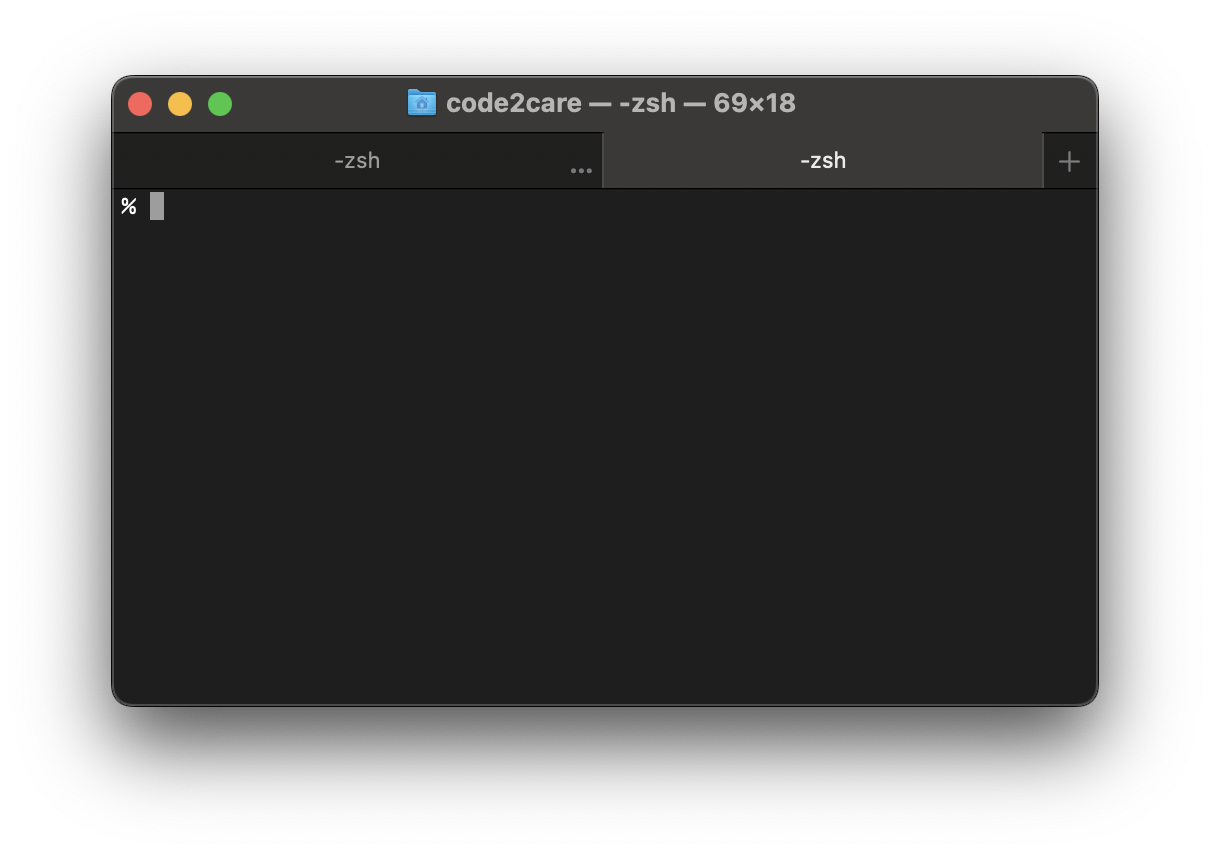
If you use Terminal a lot on your Mac device running macOS, then at times you may have to work with multiple windows at the same time, if you are wondering if there is a way to open tabs in Terminal just like web browsers like Chrome or Safari, yes you can!
In order to open a new tab on Mac Terminal just press Command + T on your keyboard while you are on the Terminal Application. This will open up a new tab on the right side.
Note, as you open up a couple of tabs, you will see a plus sign + at the right top side of the Terminal Window, by clicking on it you can also open a new tab.
The one other way you can open a new tab is by using the menu option: Shell -> New Tab -> New Tab in Profile
Provide Feedback For This Article
We take your feedback seriously and use it to improve our content. Thank you for helping us serve you better!
😊 Thanks for your time, your feedback has been registered!
Comments & Discussion
Facing issues? Have questions? Post them here! We're happy to help!